
Step 1
Upload the watermarked image
Add the photo containing the watermark, text overlay, or logo you need removed. Higher-resolution sources give the inpainting model more surrounding context for a seamless reconstruction.
Utility tools
Remove watermarks, logos, and text overlays from images with AI inpainting. Reconstructs the background naturally so the cleaned-up photo looks untouched.
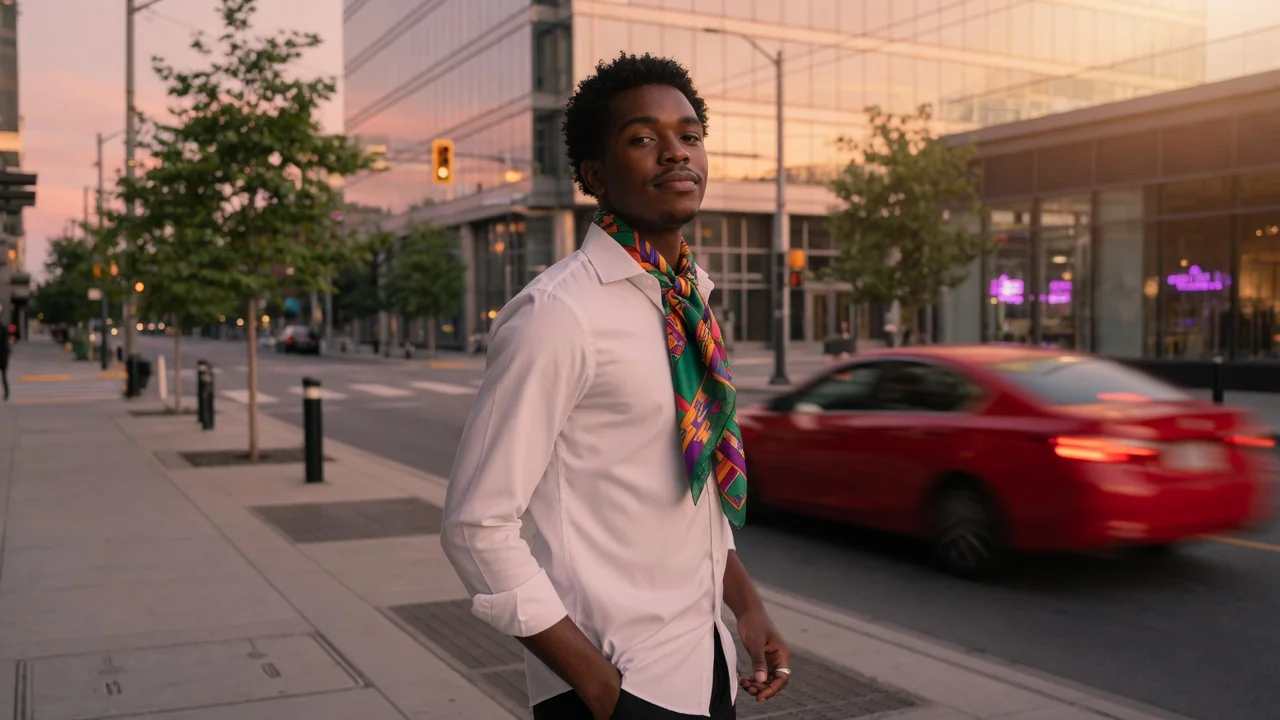
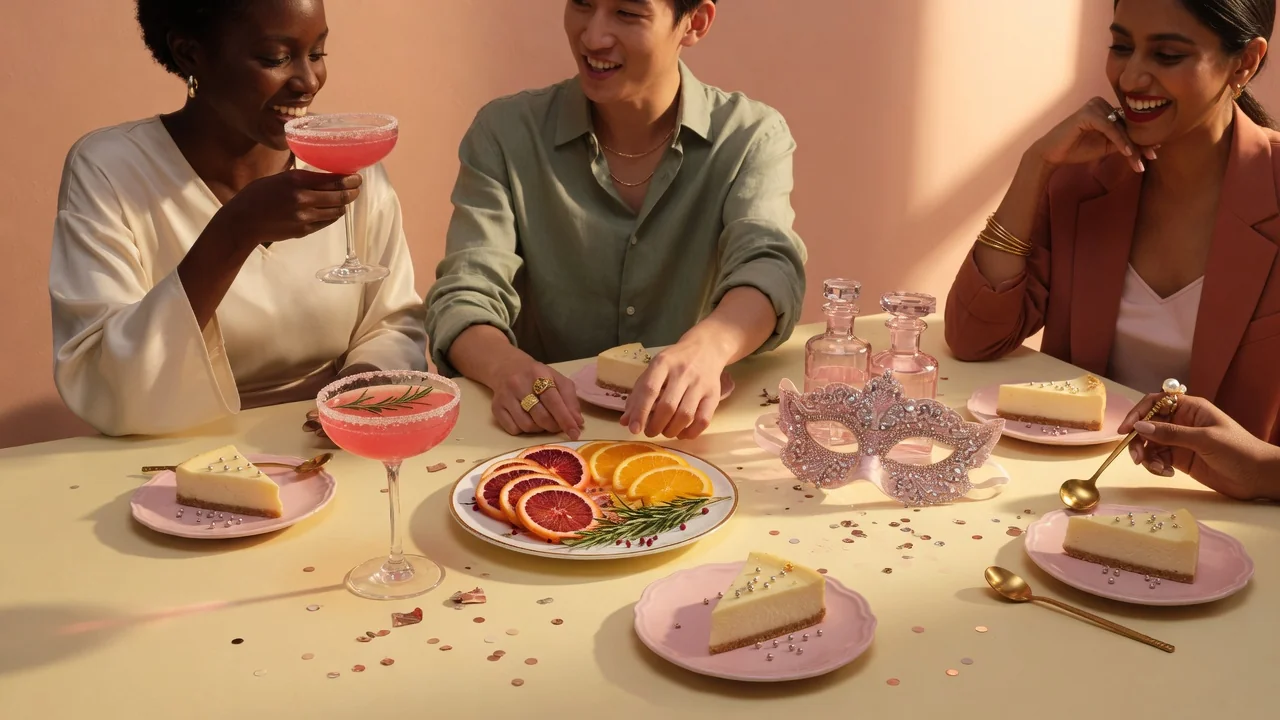
Input
1 image upload
Output
Image
Utility workflow
Upload photo
PNG, JPG, WebP up to 10MB
How it works
Step 1
Add the photo containing the watermark, text overlay, or logo you need removed. Higher-resolution sources give the inpainting model more surrounding context for a seamless reconstruction.
Step 2
The default prompt targets visible watermark regions and rebuilds what is behind them. If a stubborn overlay remains, describe its position — bottom-right logo, centered diagonal text — and run again.
Step 3
Inspect the reconstructed region at full zoom for texture continuity, then download the cleaned image. Complex marks over faces or patterns may need a second pass.
Why use it
Each tool uses a known model route instead of asking users to guess IDs.
Best default for photorealistic edits, instruction following, and structure preservation.
Ready tools connect directly to the AI Pin Maker generation workspace.
Related tools help continue from generation into cleanup, conversion, and publishing assets.
FAQ
GPT Image 2 performs inpainting: it identifies the overlay region and regenerates the pixels underneath using surrounding context — textures, edges, and lighting — so the reconstruction blends in rather than leaving a smudged patch.
Semi-transparent stock-style watermarks, date stamps, logo overlays, and text banners are all handled. Marks covering large or highly detailed areas — like dense text across a face — are harder and may need multiple passes.
Only remove marks from images you own or have explicit rights to edit — cleaning up your own drafts, licensed assets, or old exports. Stripping watermarks from copyrighted work you did not license is not an acceptable use.
Usually not — the strength of generative inpainting is matching grain, lighting, and texture. On repeating patterns like fabric or tiles, zoom in to verify continuity and rerun if a seam is visible.
Related tools

Enhance image quality with AI. Improve clarity, lighting, color, and perceived detail to make dull or low-quality photos look crisp and vibrant.
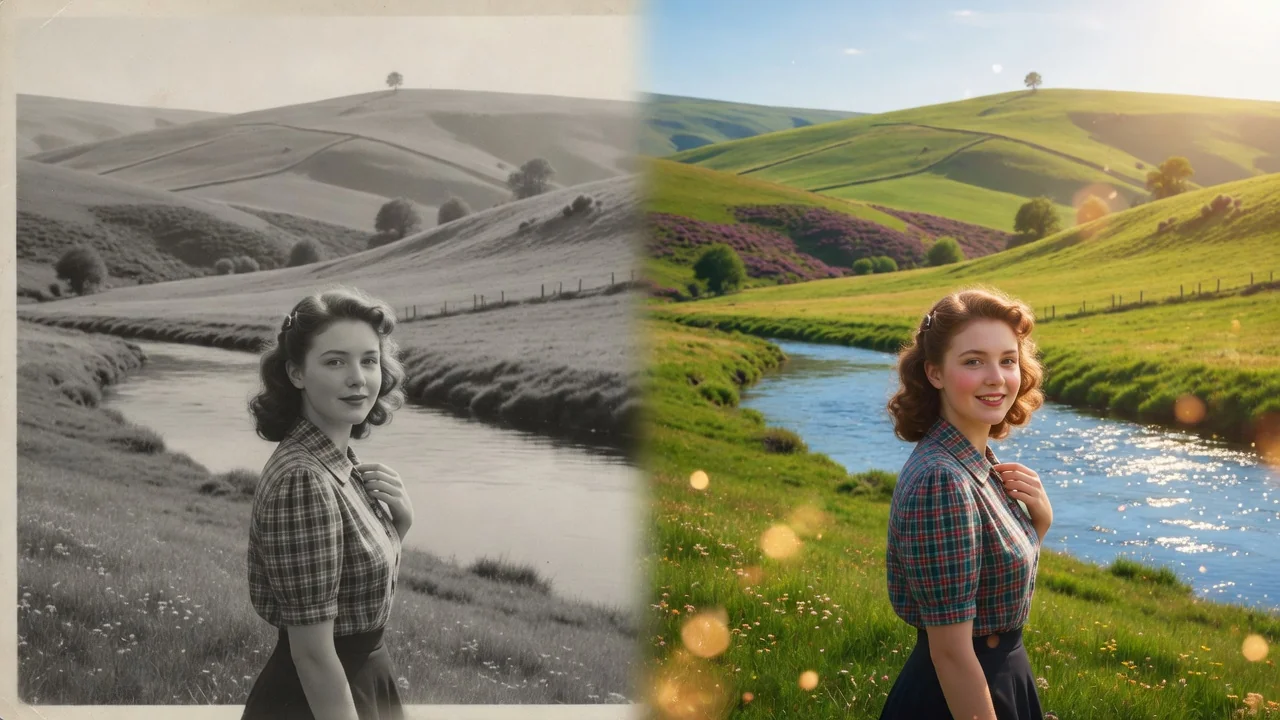
Restore old and damaged photos with AI. Repair scratches, fix fading, and rebuild color and detail to bring faded family memories back to life.

Improve photo quality with AI enhancement tuned for portraits and social images. Sharper detail, balanced light, and natural skin tone in one tap.