An all-in-one AI creation studio forimages, video, pins, and albums
Powered by Seedream 4.5, Nano Banana Pro, Wan 2.7, Seedance 2.0, and Kling. Generate AI images and videos, design enamel pins, and build baby, couple, and pet albums in one place.

Why creators trust the workshop
11+ AI models routed
One account picks the best engine per task
30 sec idea → first pin
Median first-output time on free tier
24-hour input cleanup
Source uploads auto-deleted after job
Native in 4 languages
English / 中文 / 日本語 / 한국어
Stripe-secured payments
No card stored on our servers
Explore every AI tool
Create a free account, unlock starter credits, and start making in seconds.
AI Image & Video Generation
- Free AI image generator (text to image)
- Text-to-video & image-to-video
- AI music & video editing
Image & Video Tools
- Face swap, enhance & restore photos
- 75+ AI effects & converters
- AI video effects & background changer
AI pin creation
- Custom enamel pin and sticker concepts
- AI pin templates and production ideas
- Pin design inspiration gallery
AI album creation
- Future baby prediction and portrait packs
- Pet and couple album workflows
- Sticker and emoji packs from your photos
Prompt Library
Browse popular AI prompts
Copy-ready image and video prompts trending across categories, models, scenes, and media types.
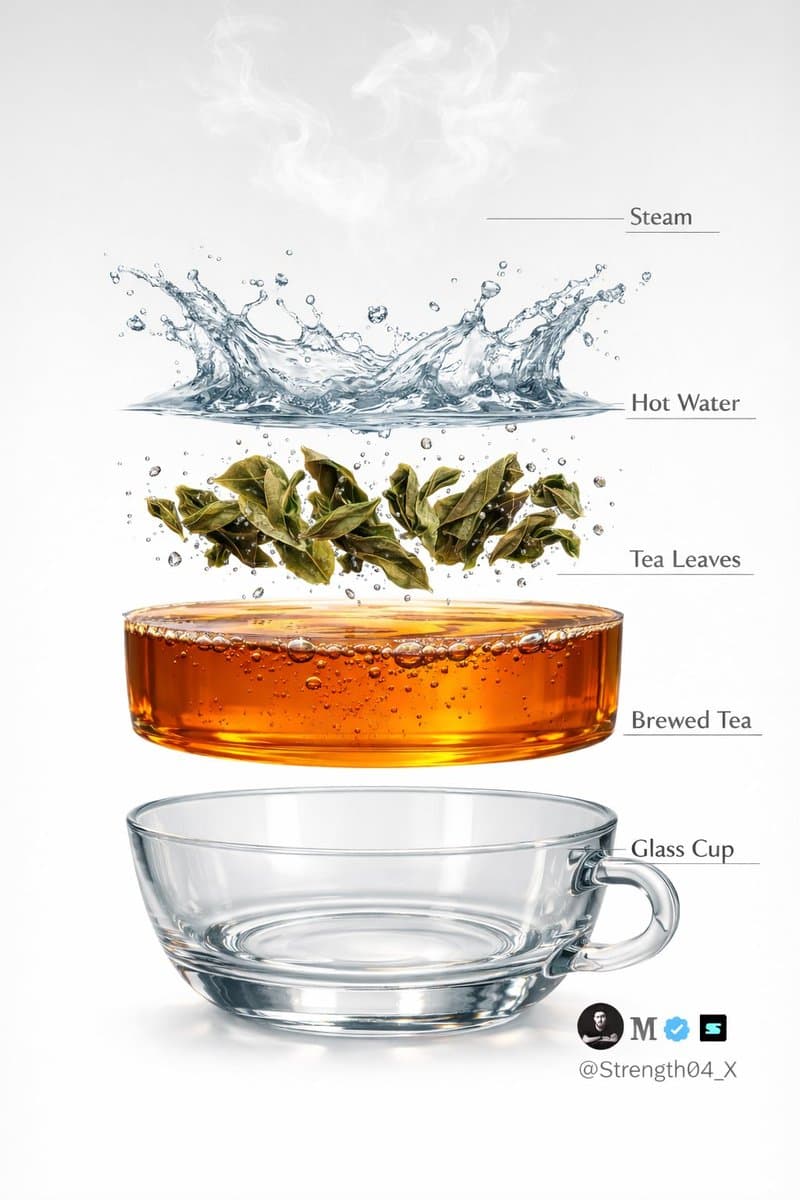
Hyper-realistic Tea Photography Prompts (Still Life and Exploded View) - Nano Banana Pro AI Prompt for Product Marketing
Text to Image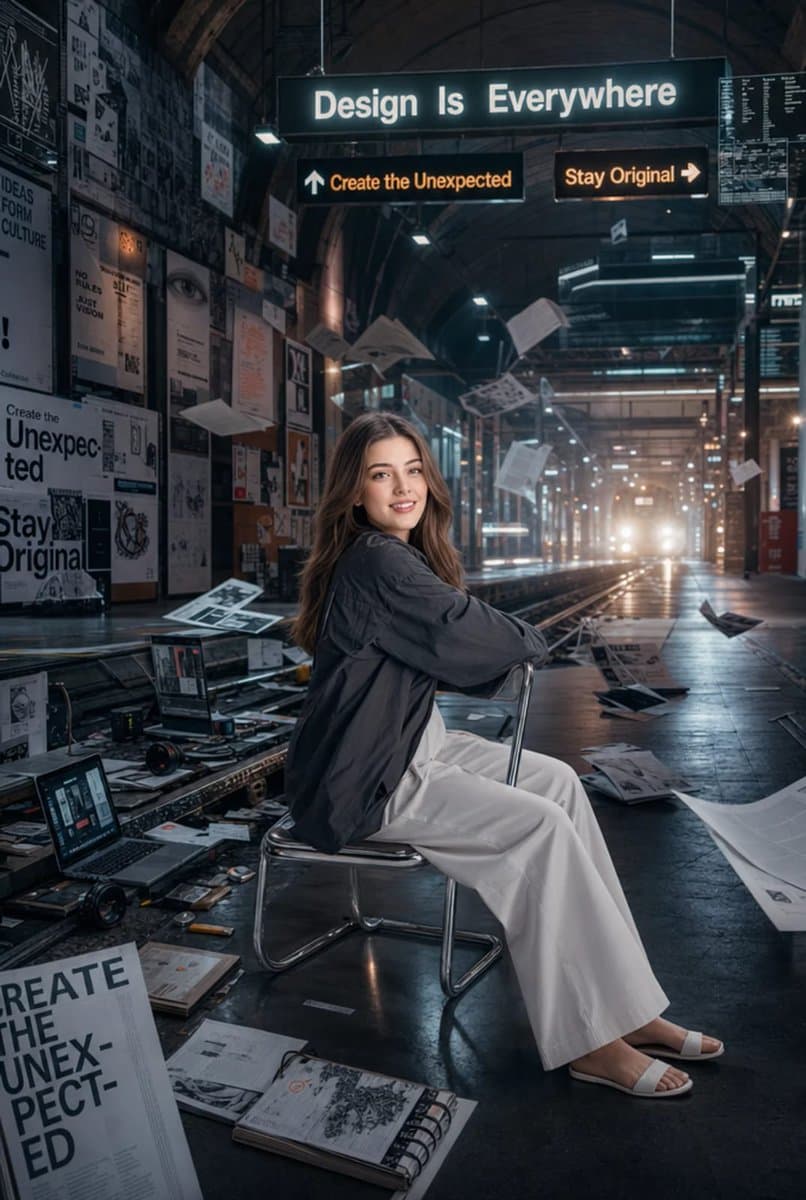
Surreal Cinematic Subway Studio
Text to Image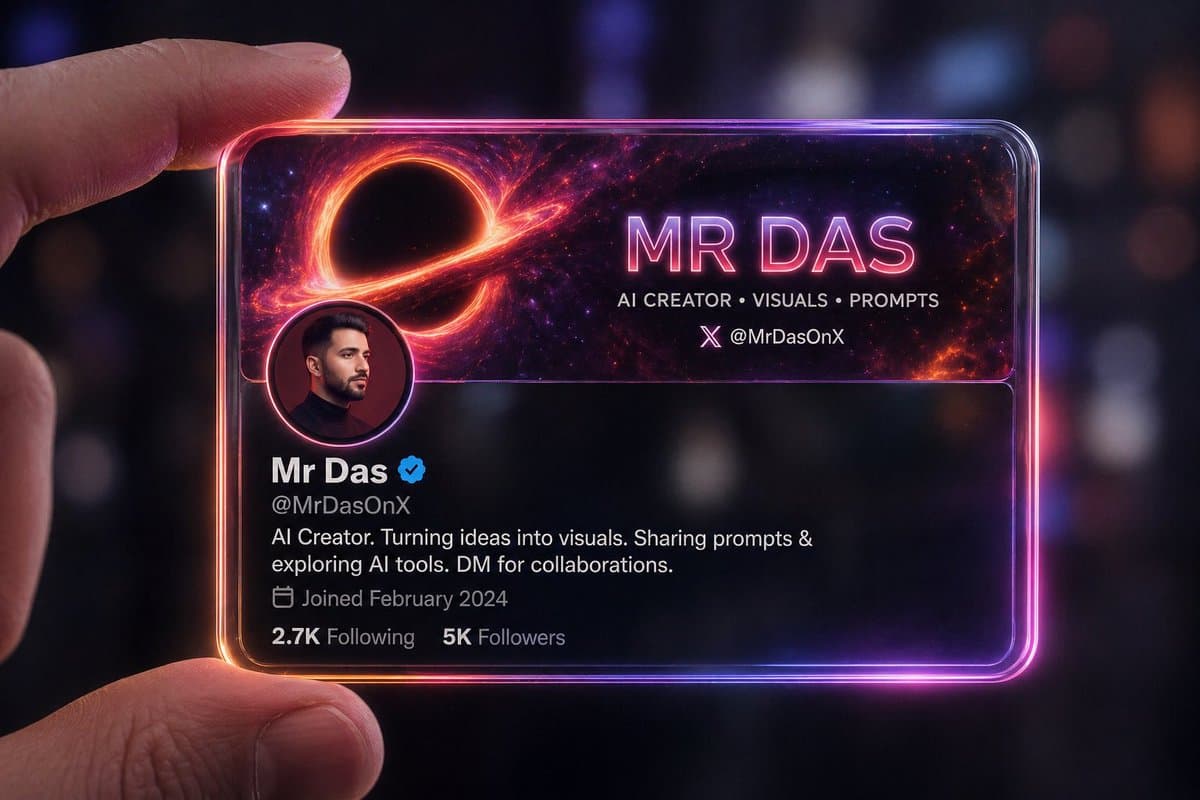
Futuristic Glass Profile ID Card
Text to Image
Confectionery Cat Tractor Scene
Text to Video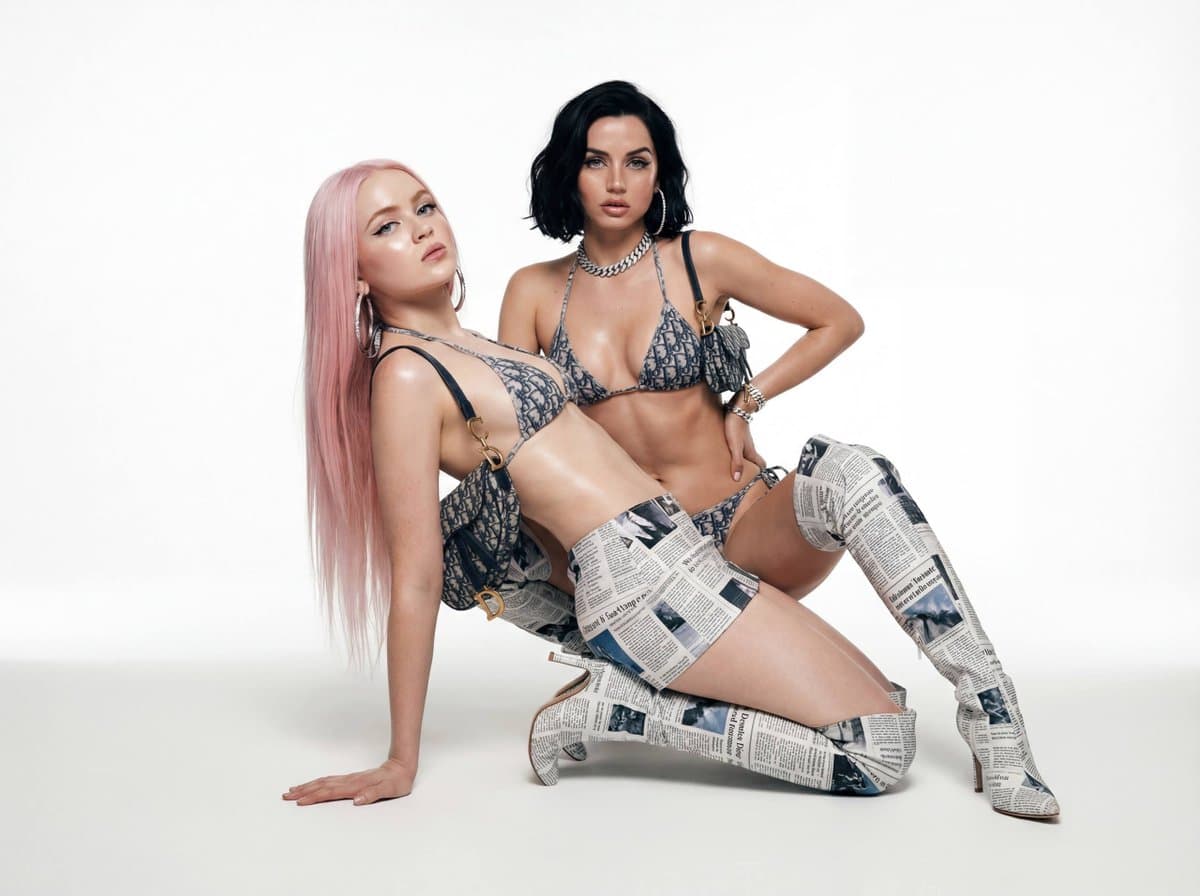
Early 2000s High Fashion Studio Shoot - Nano Banana Pro AI Prompt for Product Marketing
Text to Image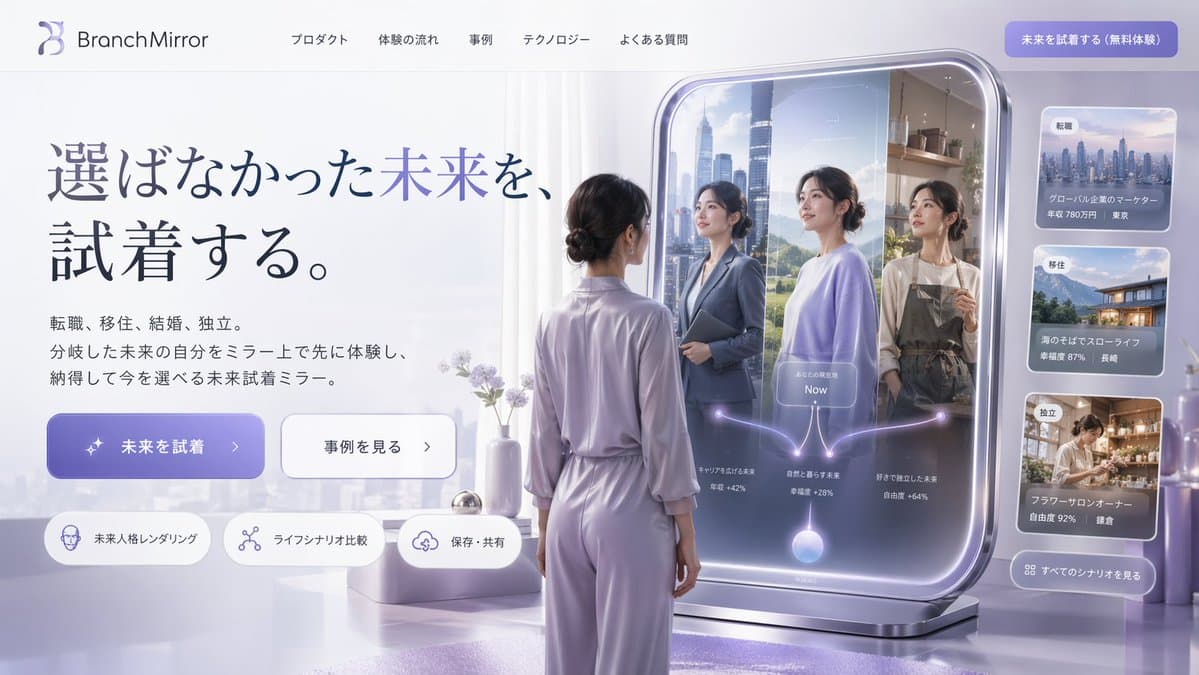
Futuristic Smart Mirror Website Mockup
Text to Image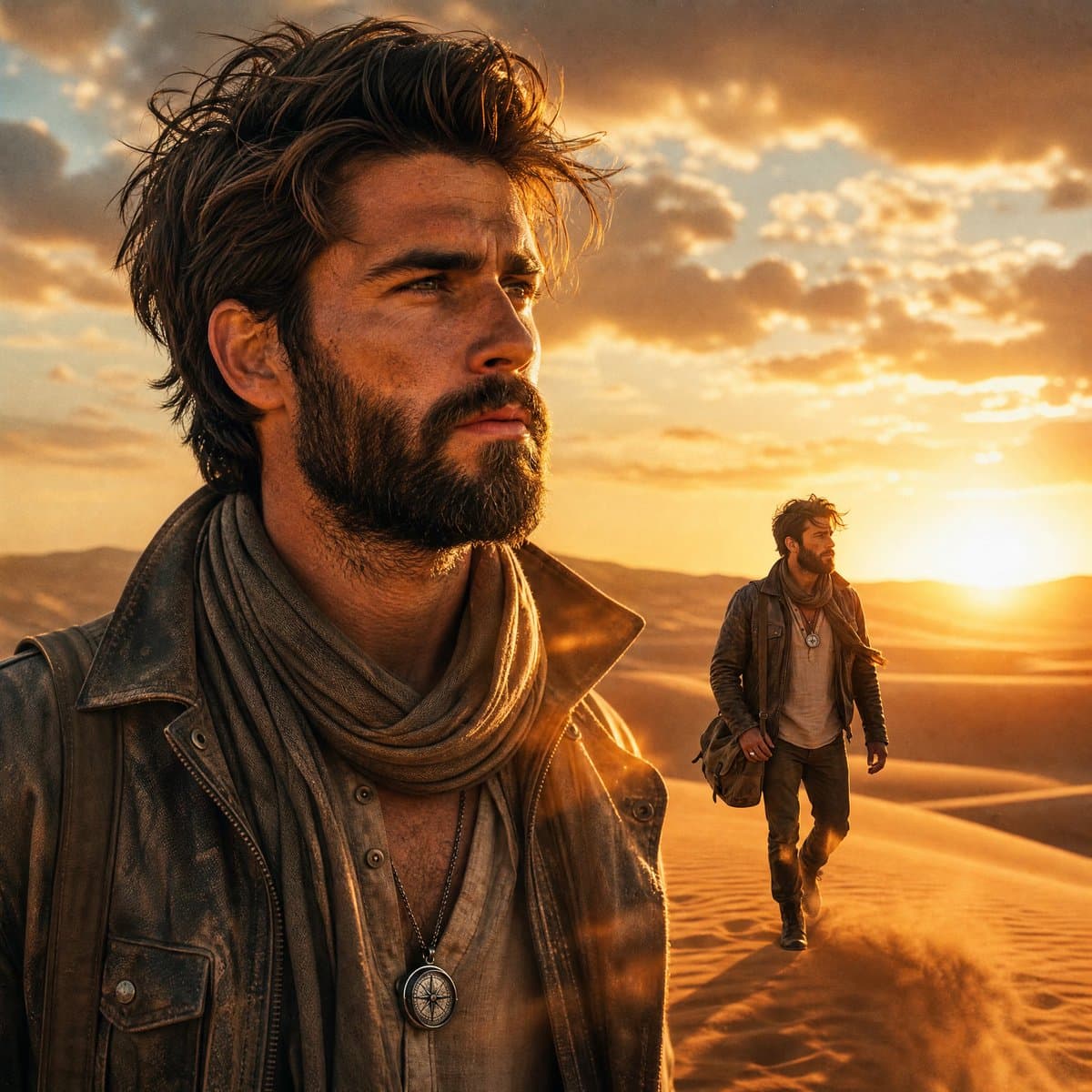
Desert Landscape Heroic Collage
Text to Image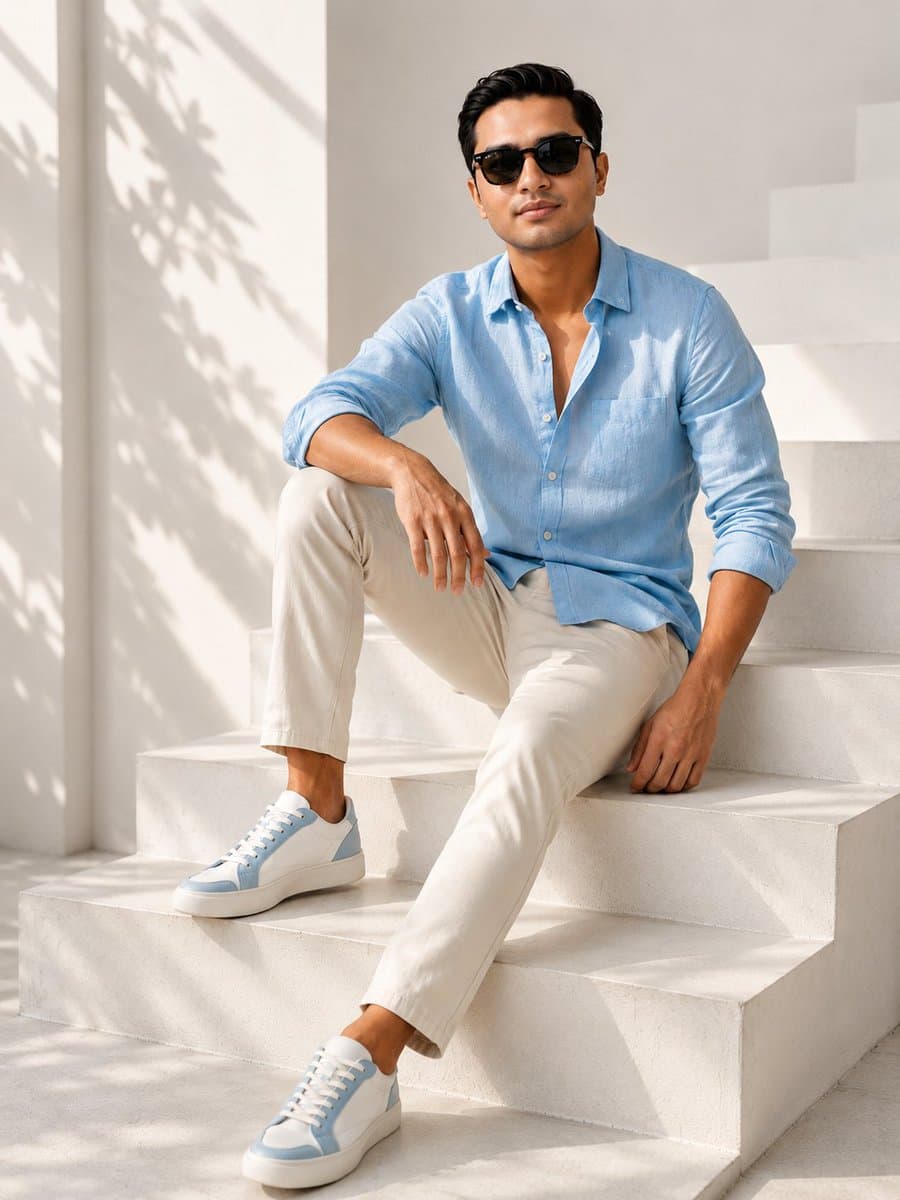
Editorial Fashion Portrait on Stone Stairs
Text to Image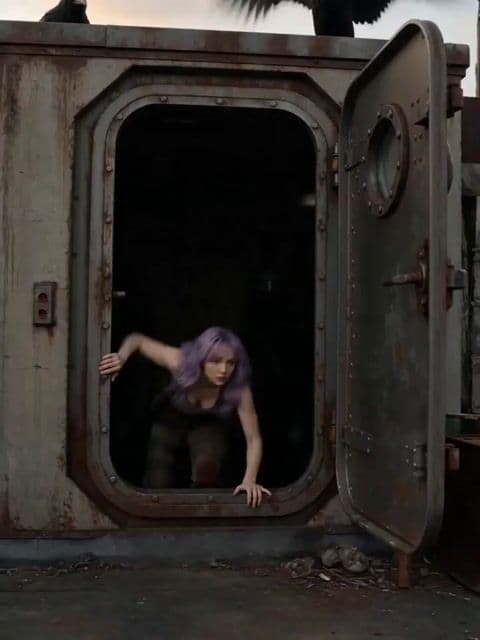
Soviet Hospital Rooftop Horror Sequence
Text to Video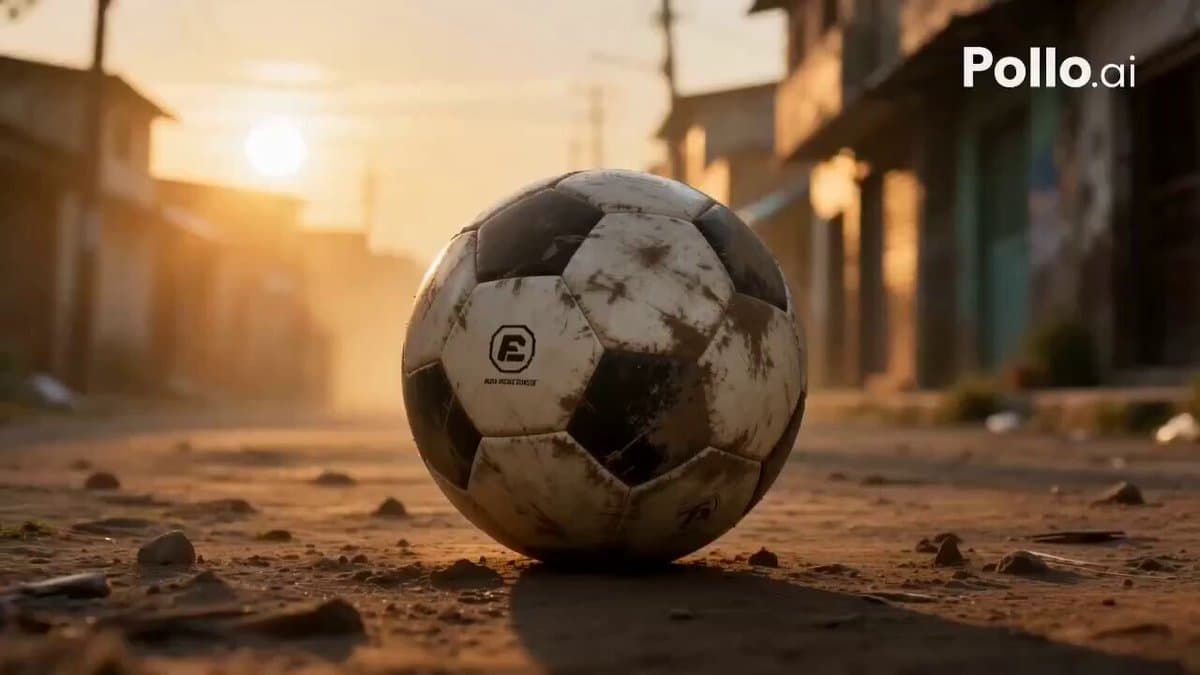
Global Football Dream Cinematic Story
Text to Video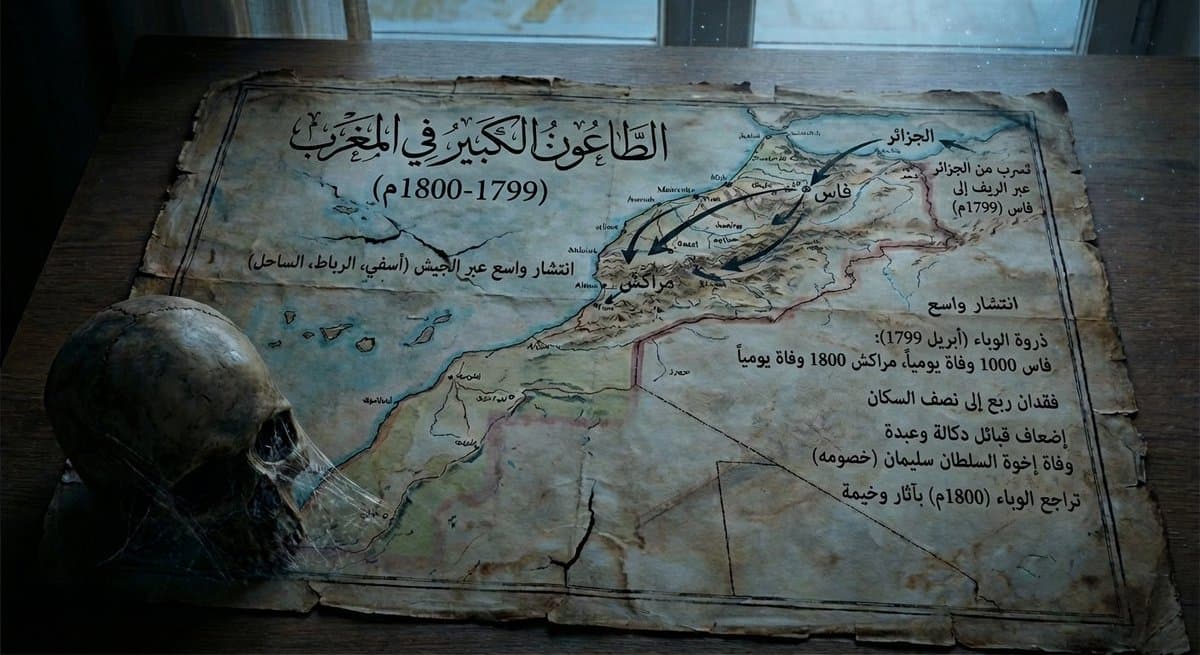
Map of Morocco in 1799–1800 with plague spread
Text to Image
Microsoft PowerWordEx Logo Mockup
Text to Image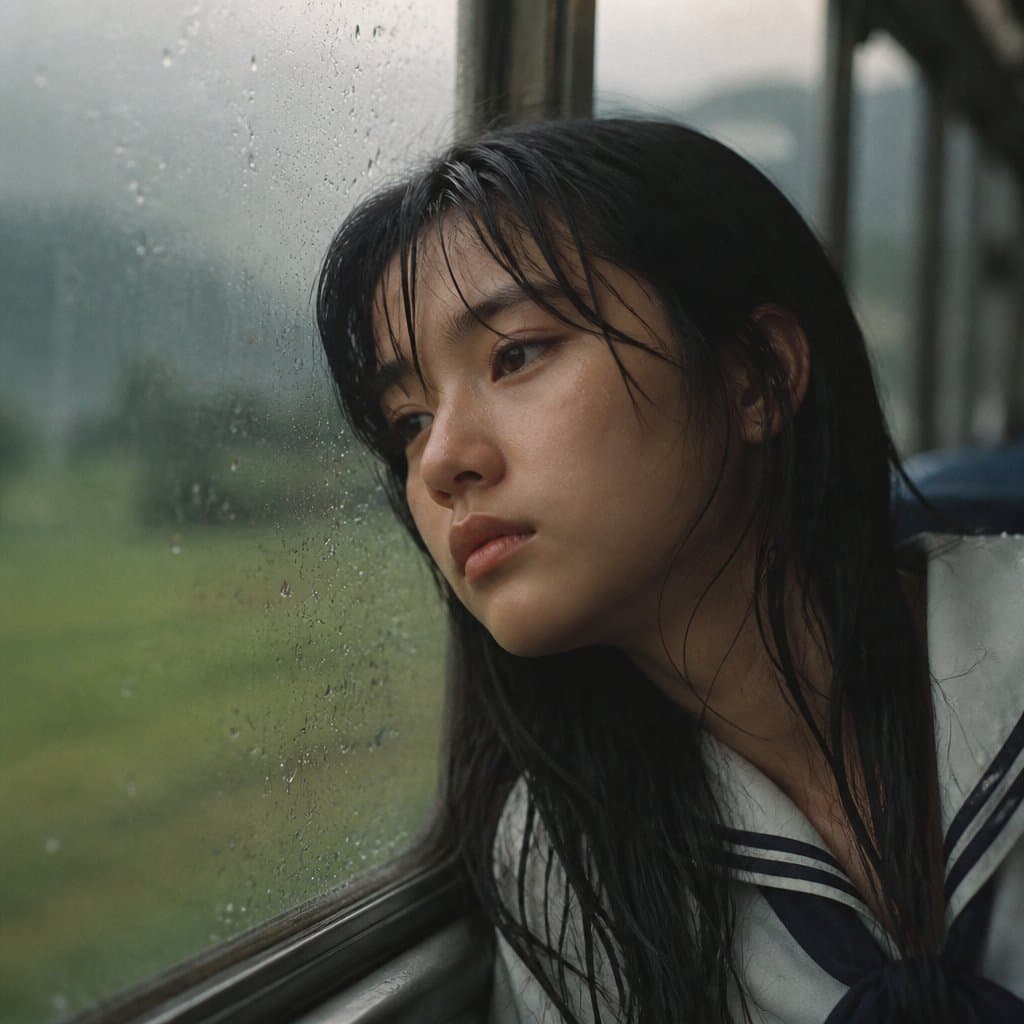
Rainy Train Schoolgirl Portrait
Text to Image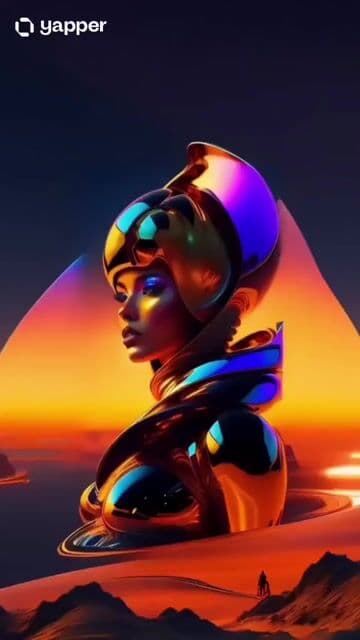
Luxury Lip Gloss Beauty Commercial
Text to Video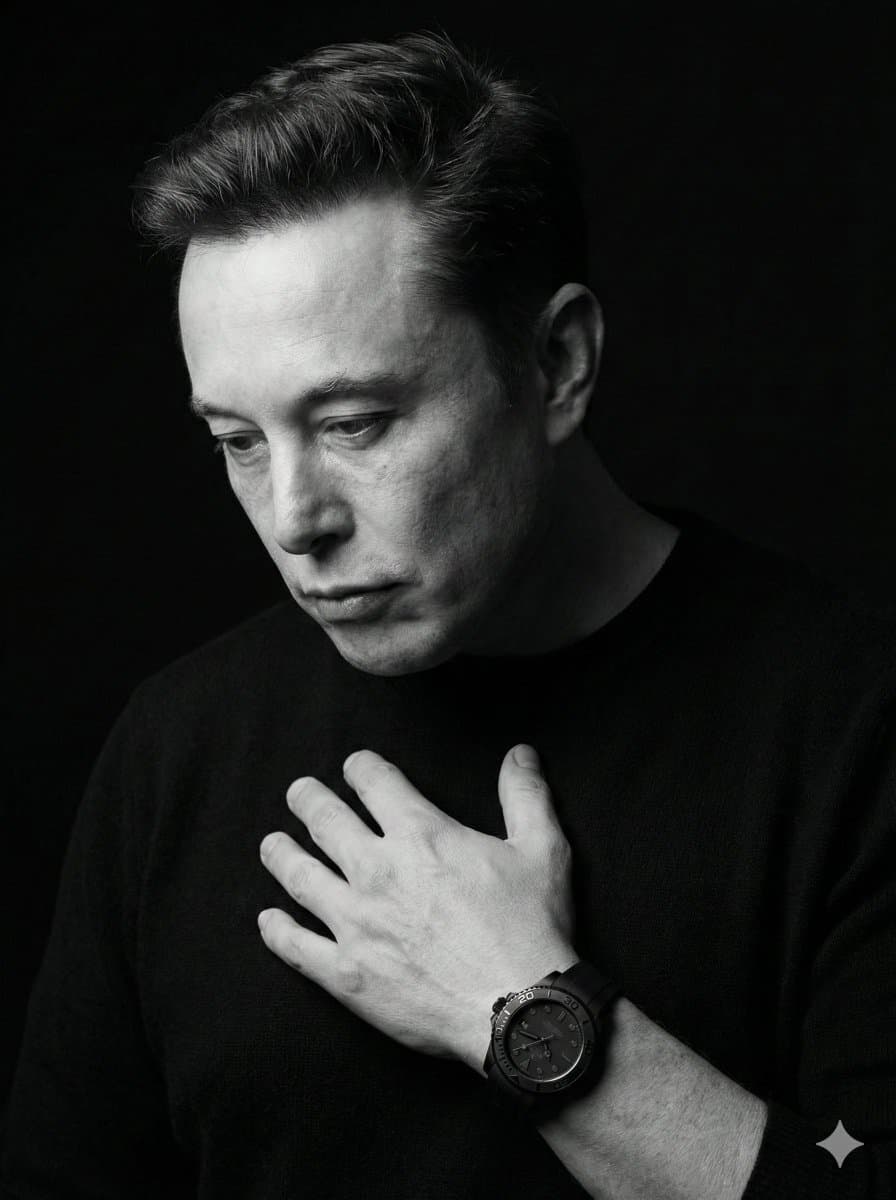
Dramatic Black & White Portrait
Text to Image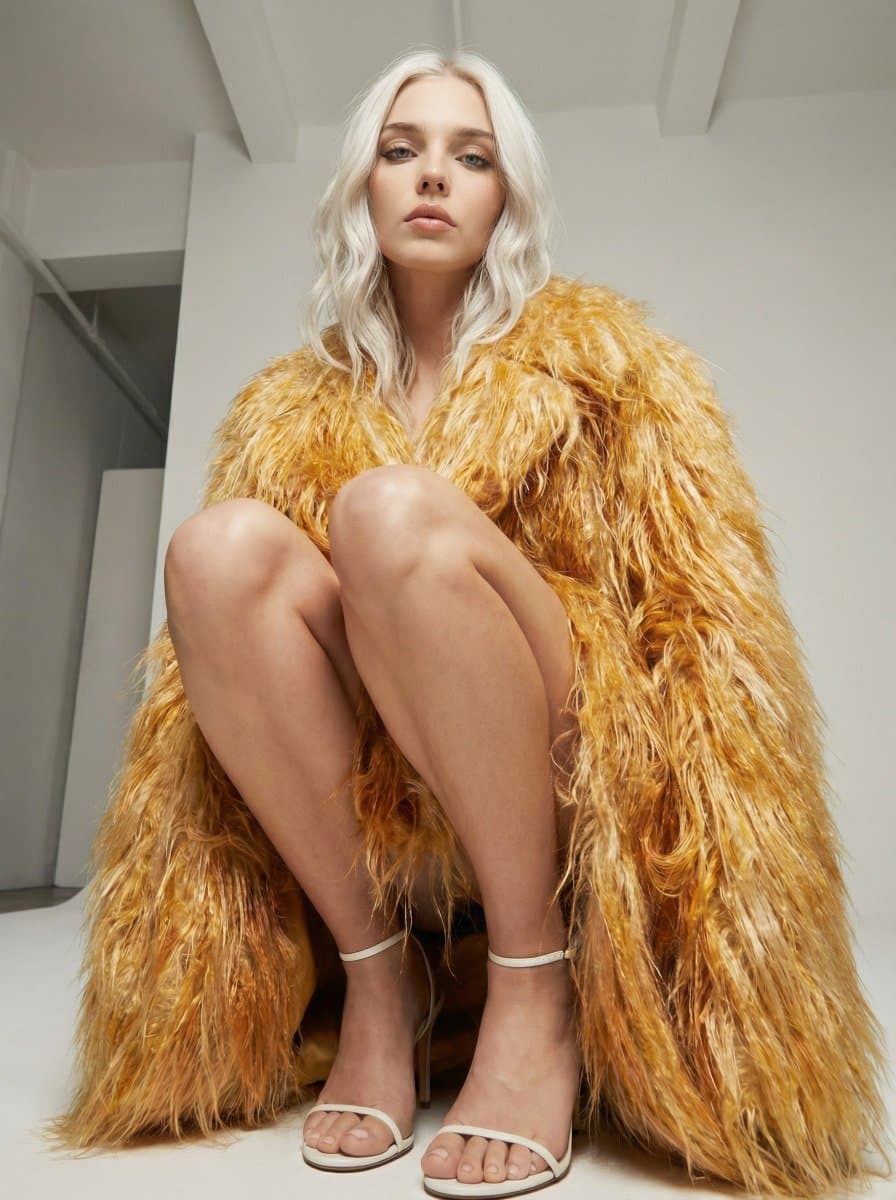
High Fashion Editorial Portrait Prompt
Text to Image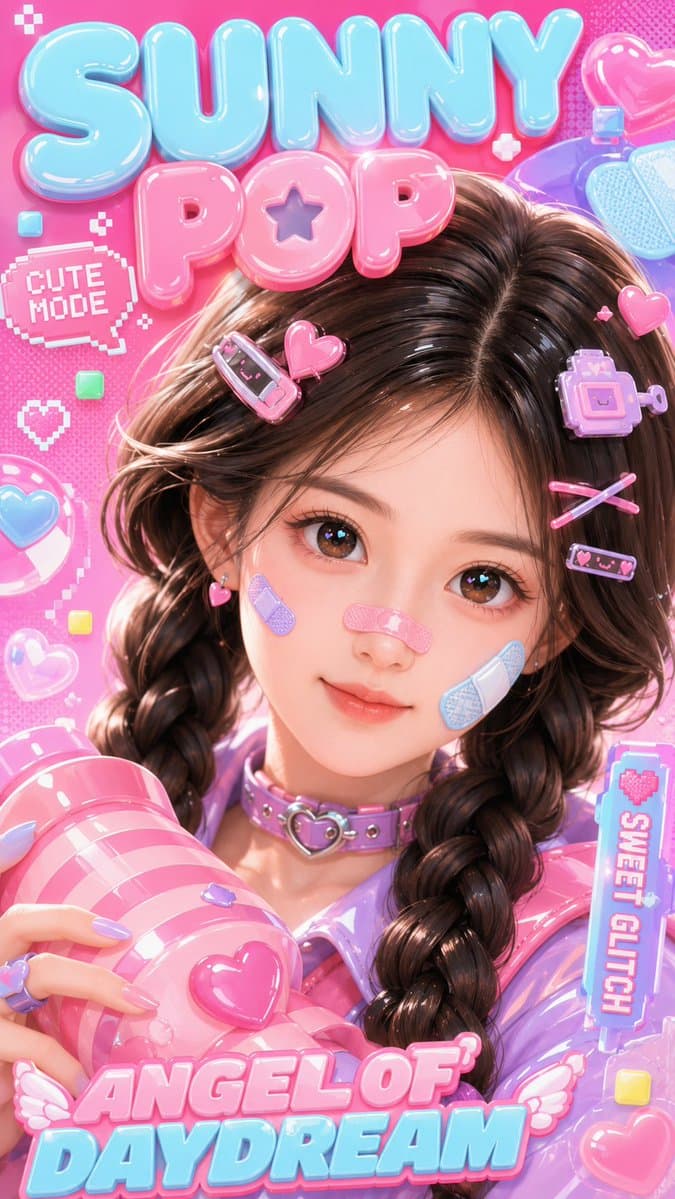
3D Kawaii Y2K Portrait Conversion
Text to Image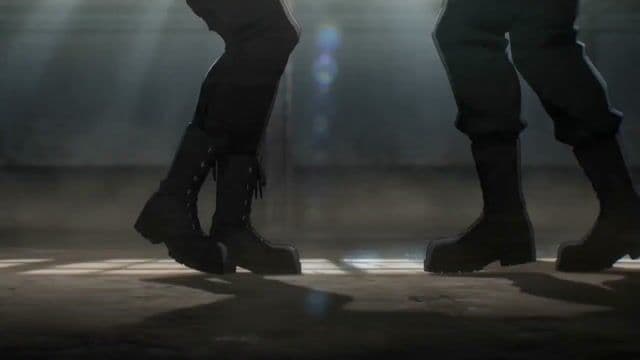
Wing Chun Anime Fight Choreography Prompt
Text to Video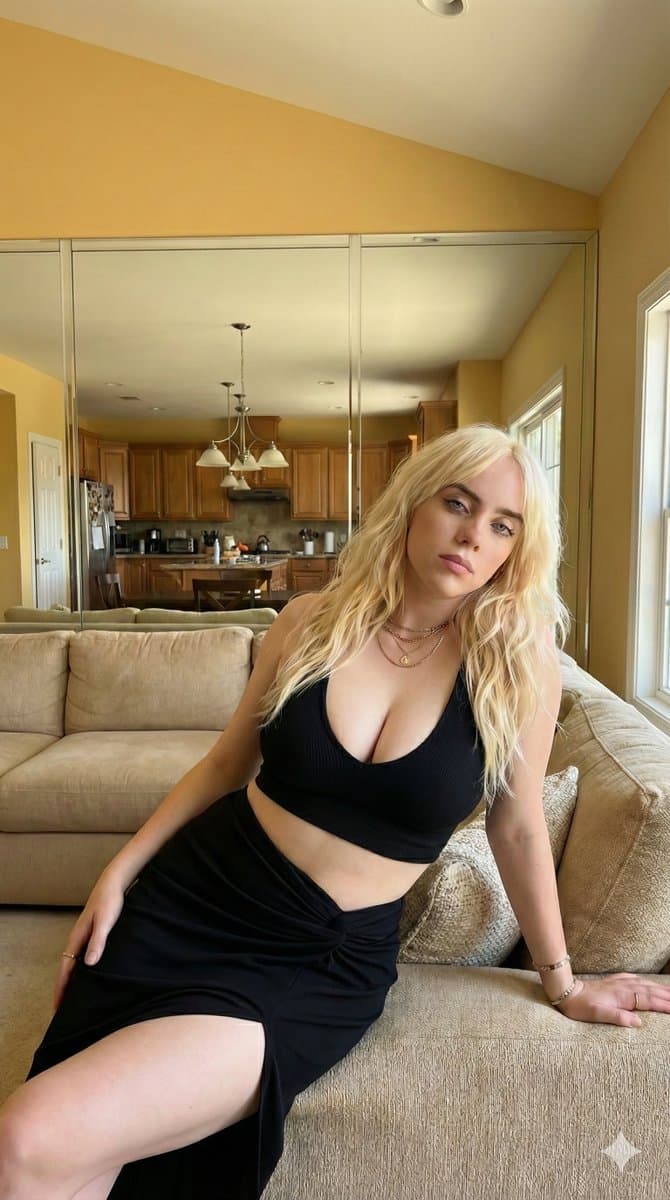
Detailed JSON prompt for celebrity indoor portrait - Nano Banana Pro AI Prompt for Social Media Post
Text to Image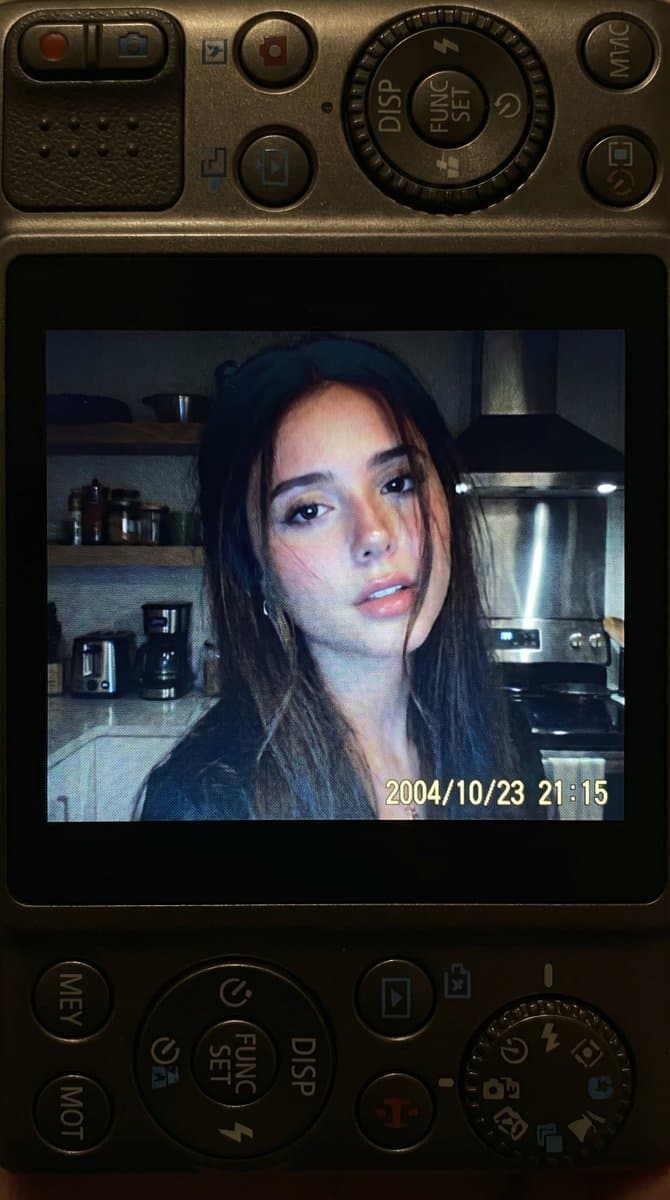
Nostalgic 2000s Digital Camera Snapshot - Nano Banana Pro AI Prompt for Social Media Post
Text to Image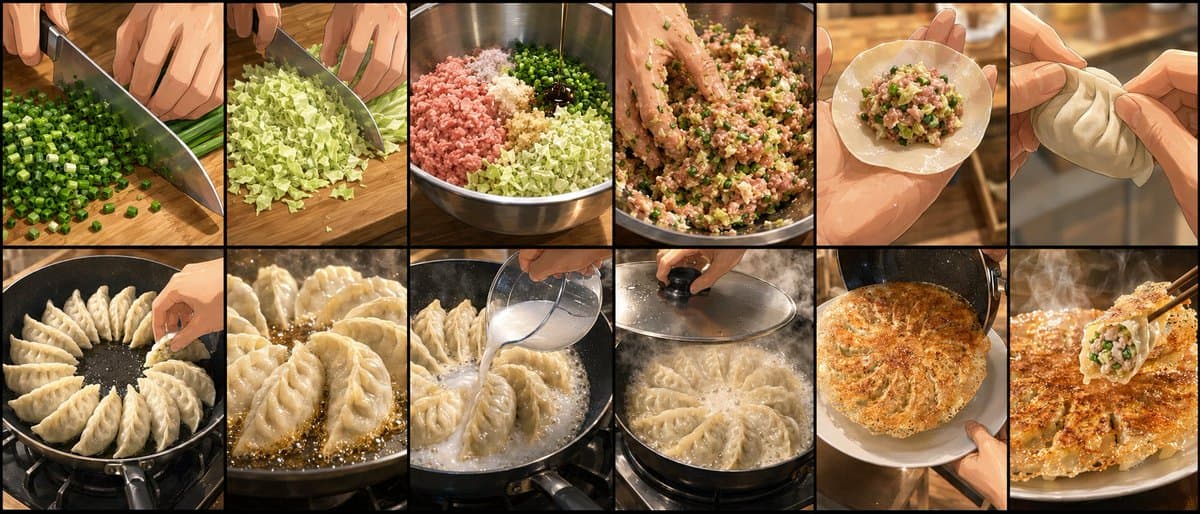
Gyoza Cooking Storyboard
Text to Image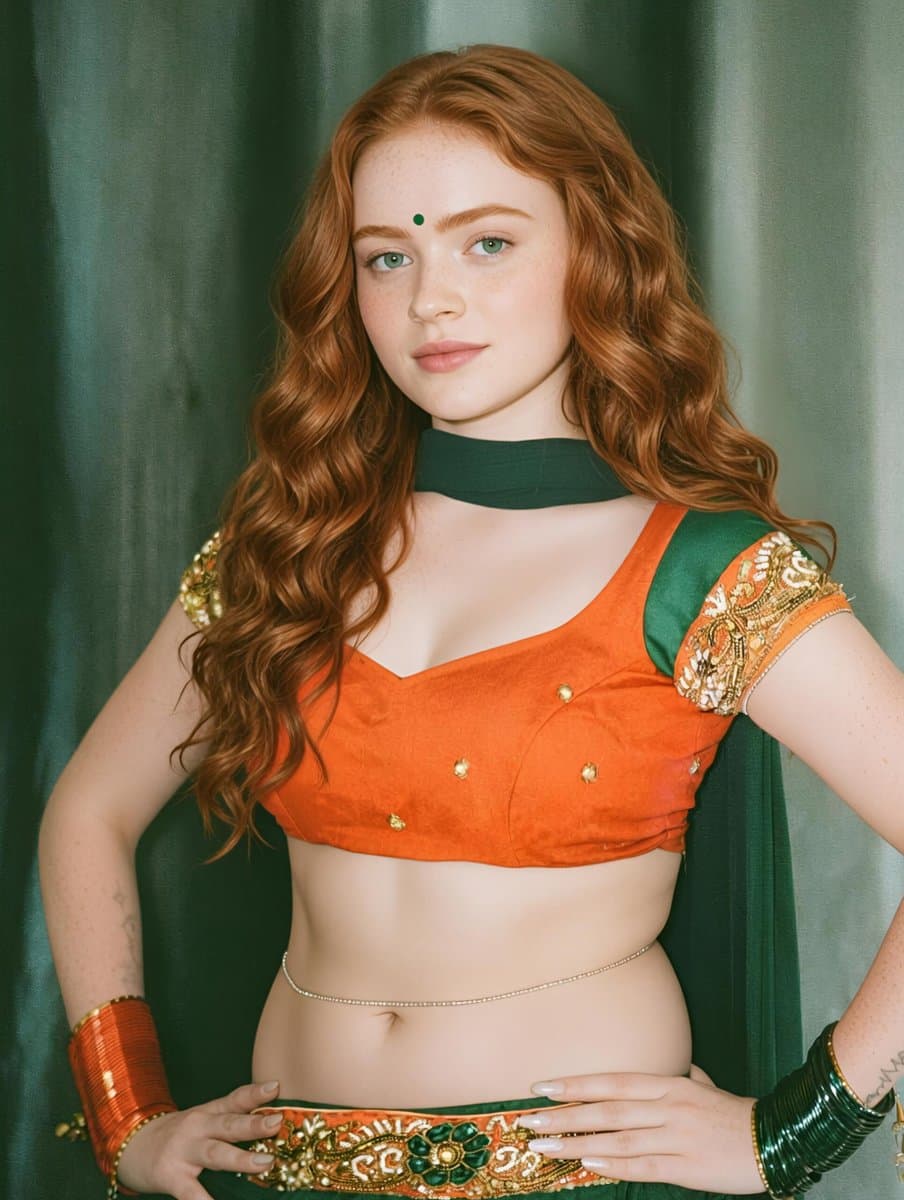
Traditional Indian Outfit Portrait - Nano Banana Pro AI Prompt for Product Marketing
Text to Image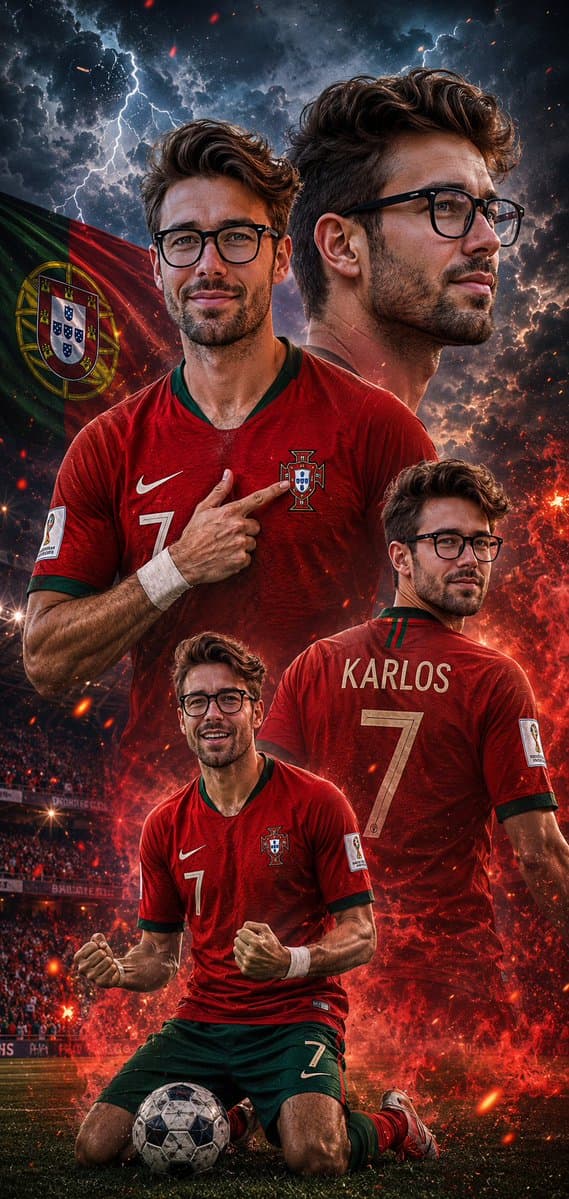
Cinematic Football Poster Portrait
Text to Image
1995 Independent Wrestling Event Prompt
Text to Video
Multi-Angle, Face-Obscured Shot Generation Prompt for Nano Banana Pro
Text to Image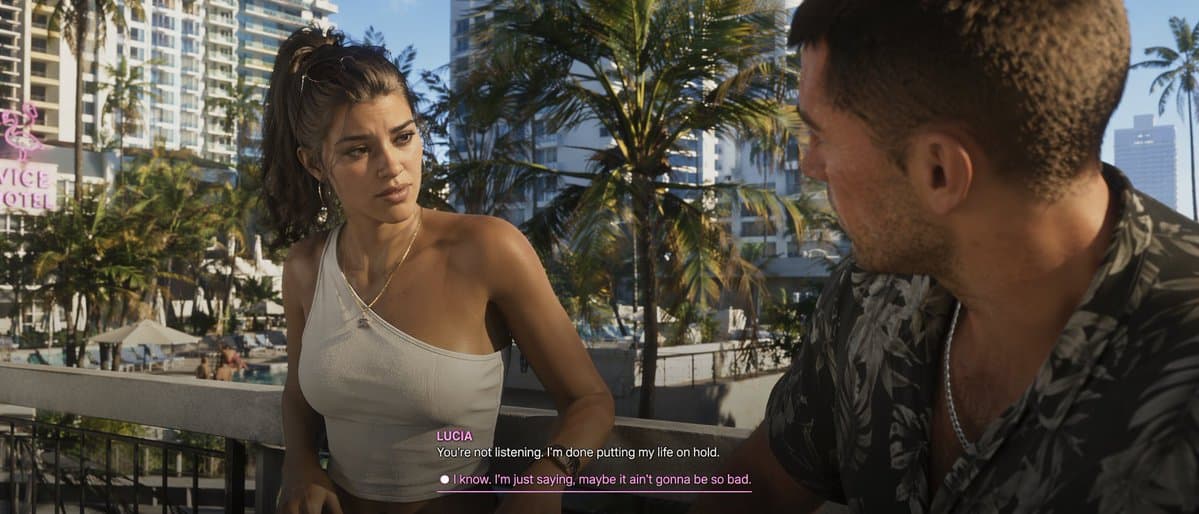
Cinematic Video Game Cutscene with Subtitles
Text to Image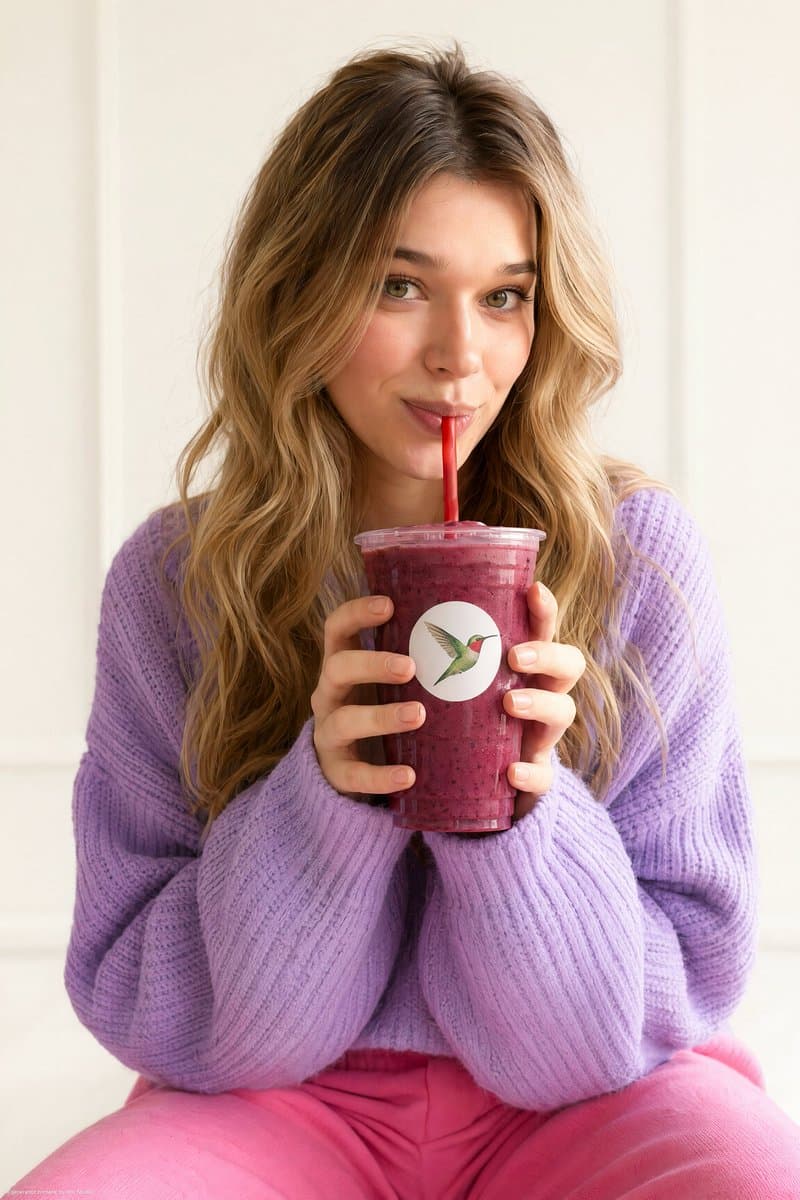
Commercial Lifestyle Beverage Photography
Text to Image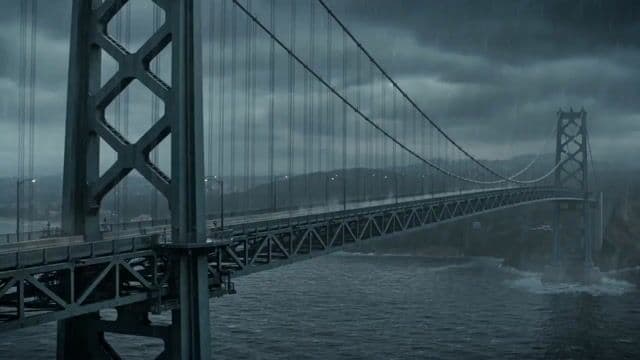
Stormy Bridge Motorcycle Stunt
Text to Video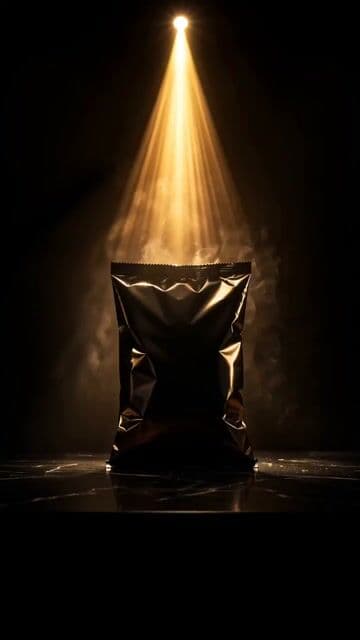
Premium Golden Chip Commercial Sequence
Text to Video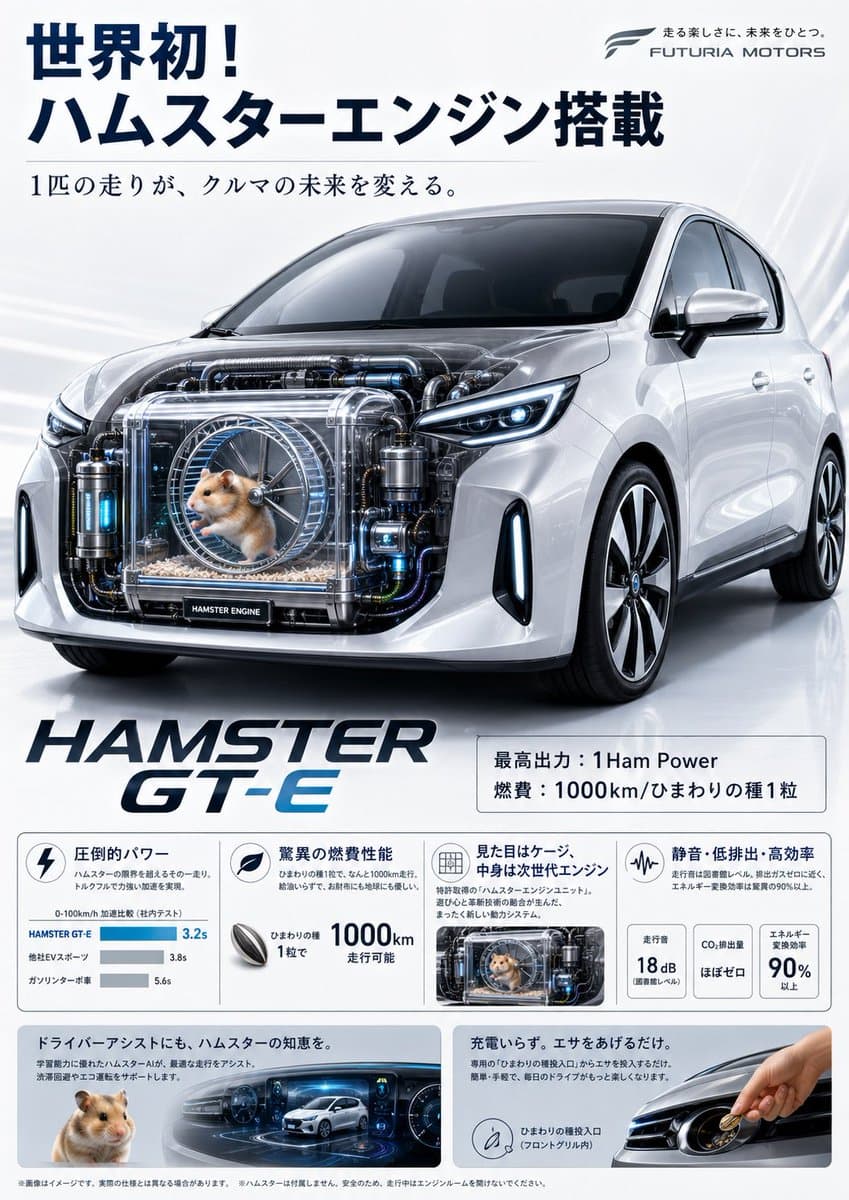
Fictional Hamster Engine Car Catalog
Text to Image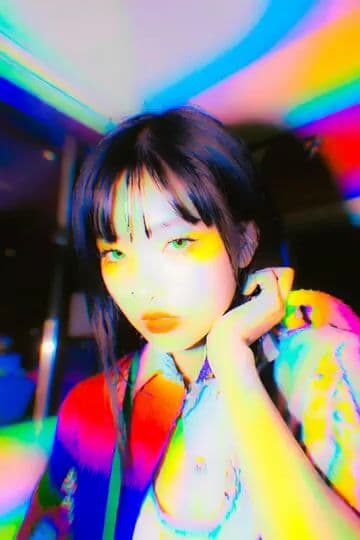
Dynamic Hair and Lip Color Transition
Text to Image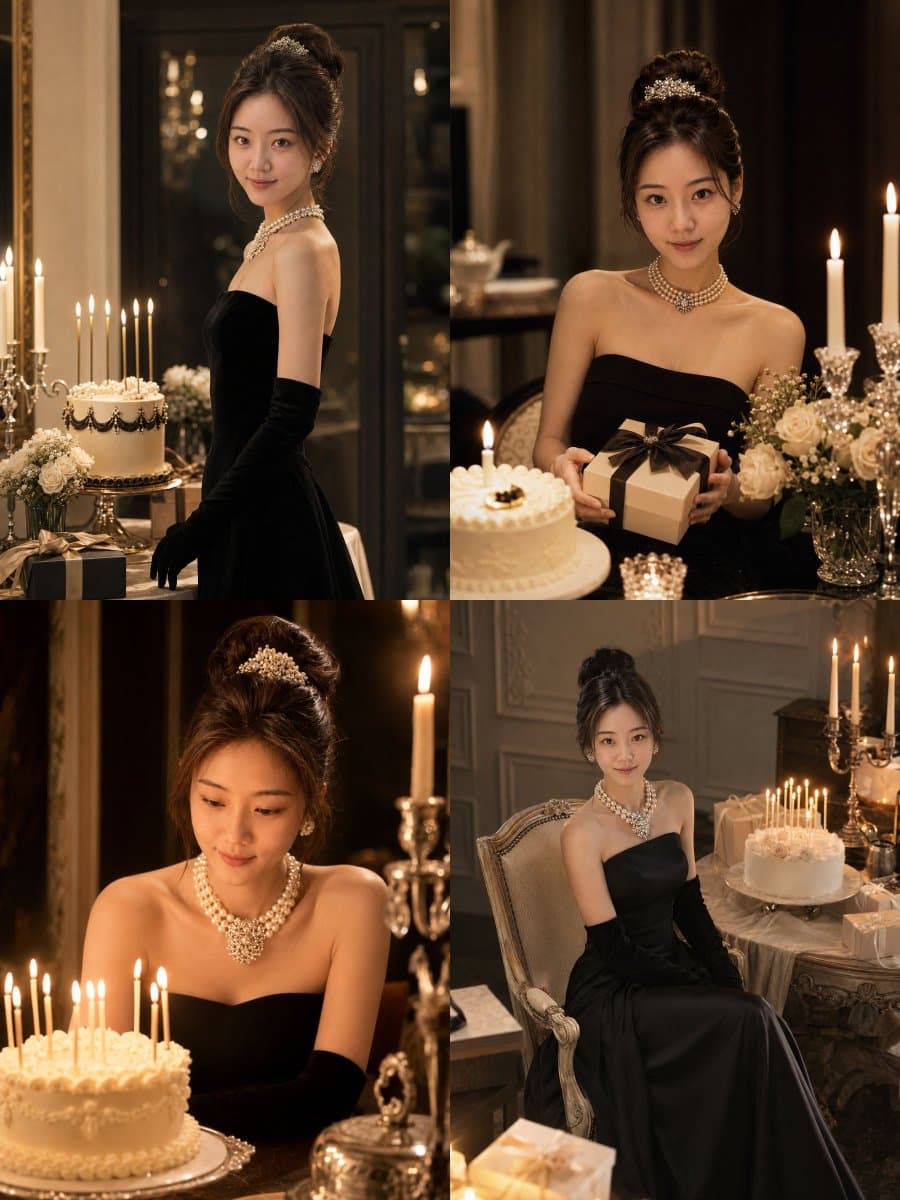
Audrey Hepburn Style Birthday Photoshoot
Text to Image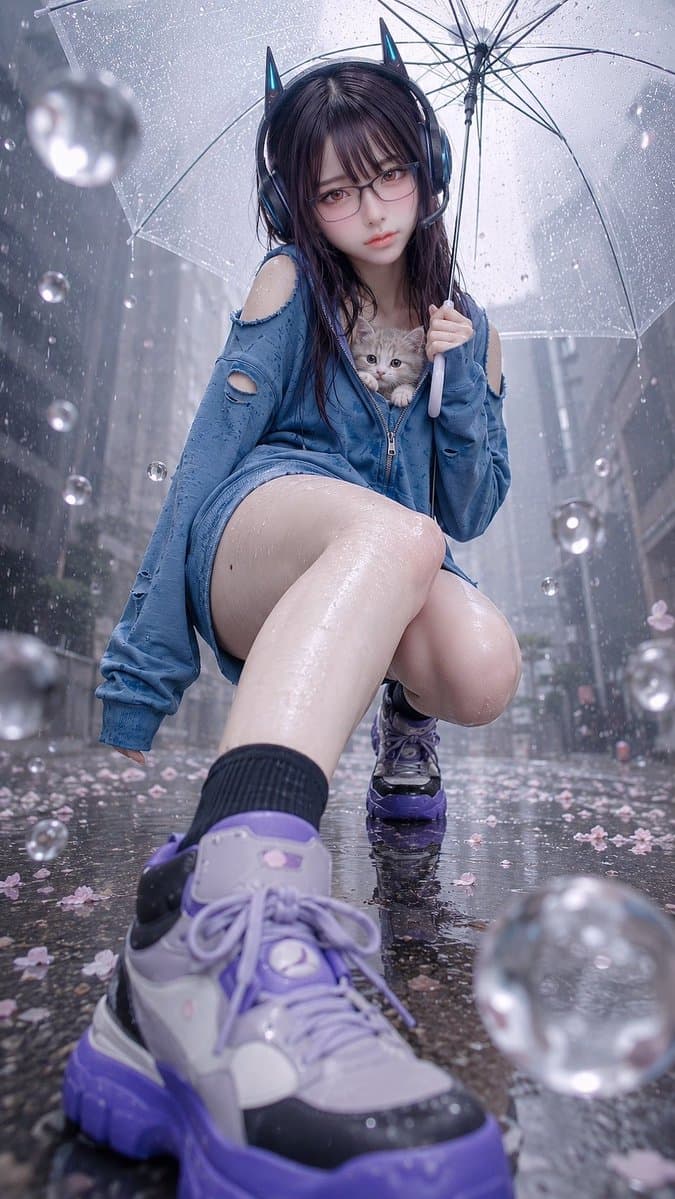
Rainy Cat-Ear Girl with Kitten
Text to Image
Zibo City Promotional Video Prompt
Text to Video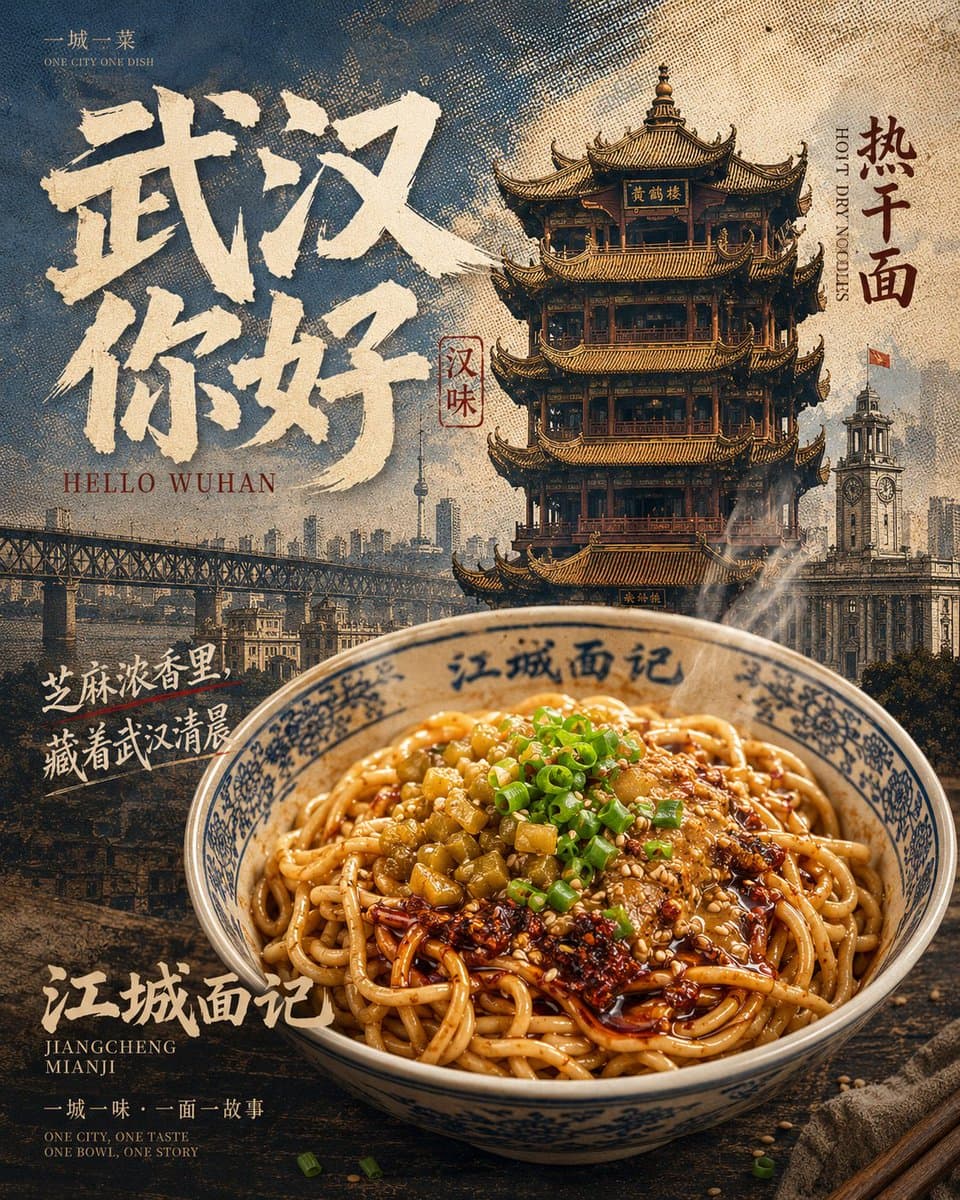
Vintage Wuhan Hot Dry Noodles Poster
Text to Image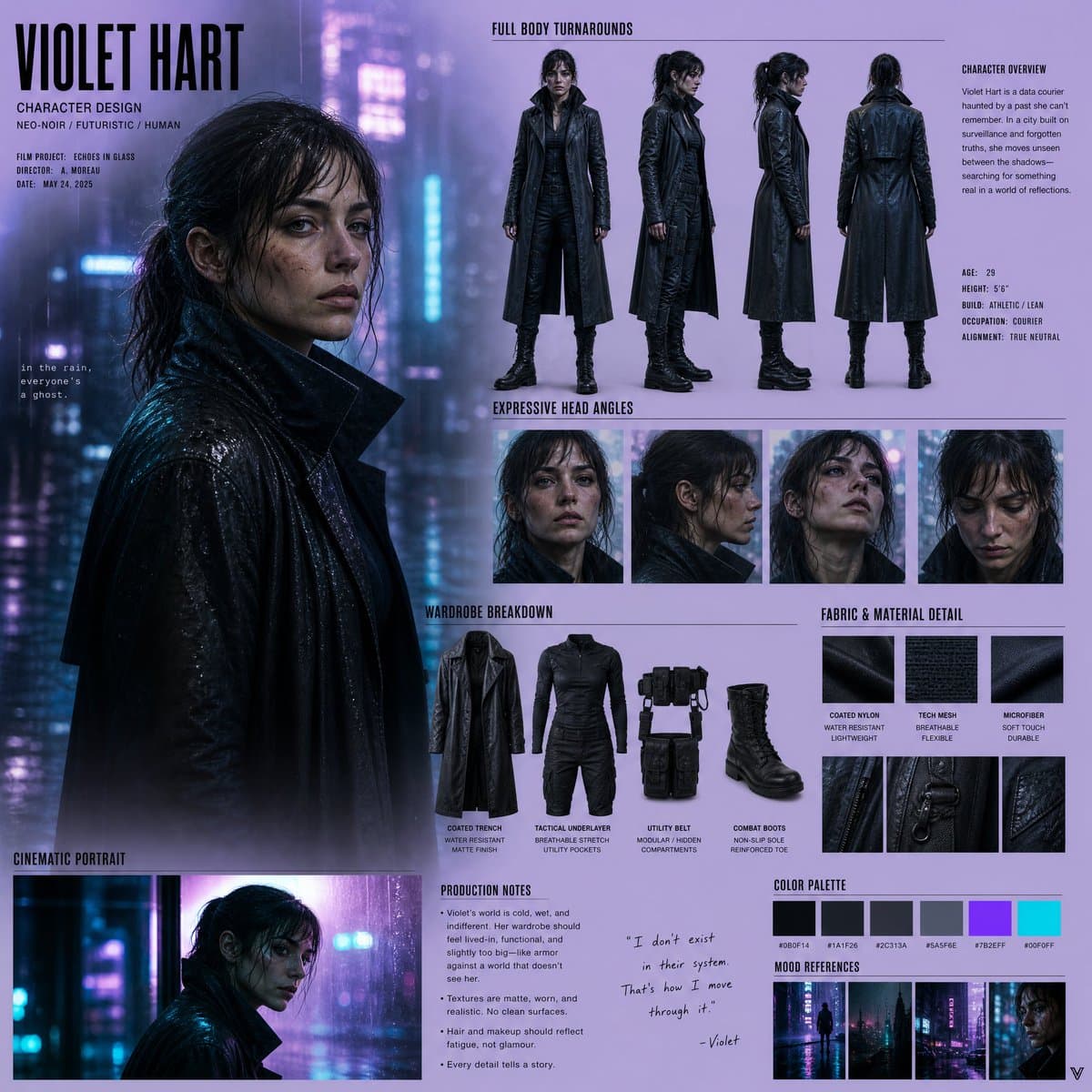
Neo-Noir Character Design Board
Text to Image
Monterey Bay Aquarium Neon Fish Video
Text to Image
Japanese Urban Parkour Commercial
Text to Video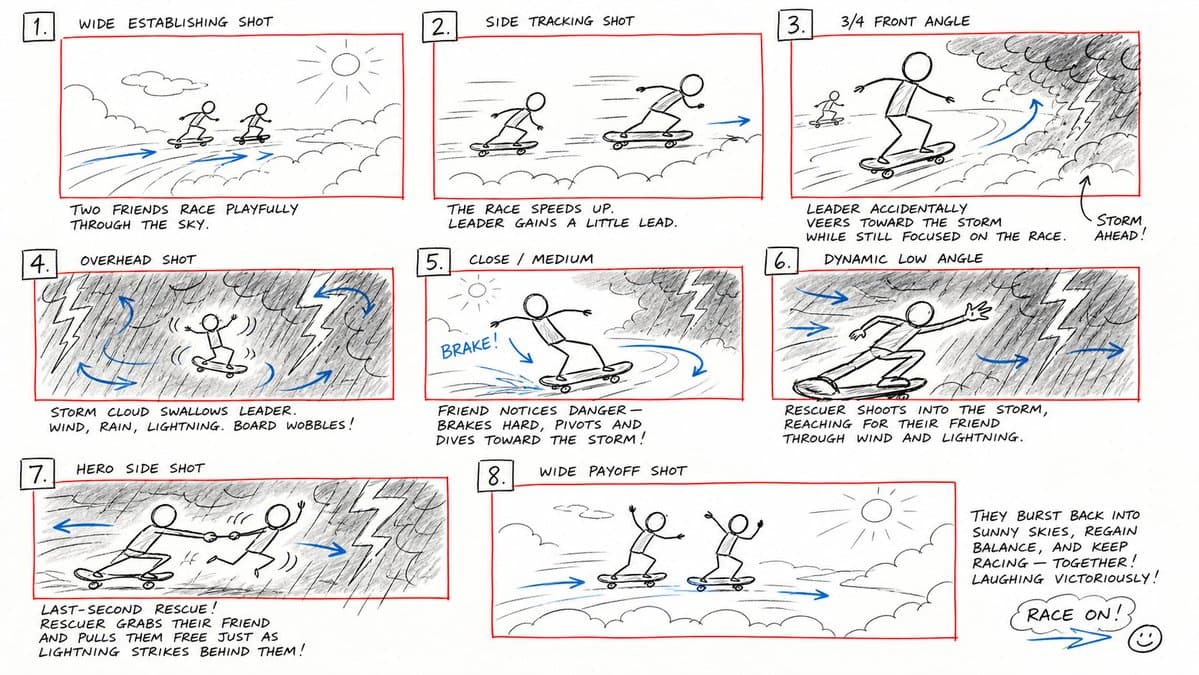
Hand-Drawn Storyboard Previs Sketch
Text to Image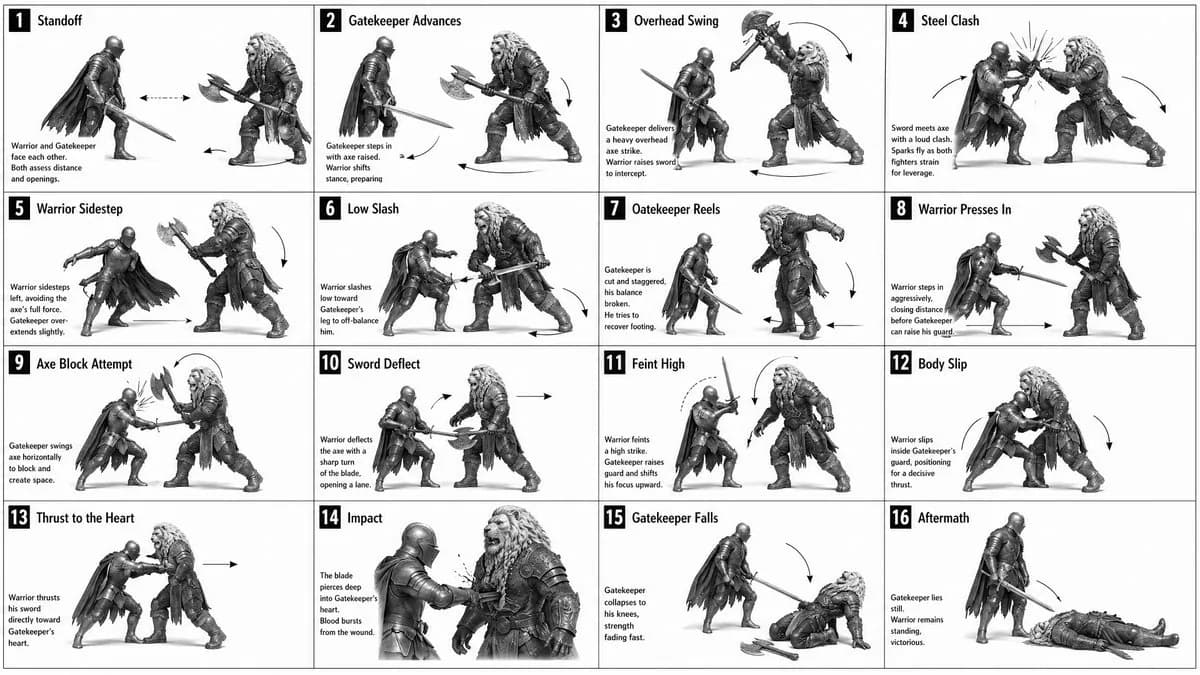
16-Panel Medieval Duel Storyboard
Text to Image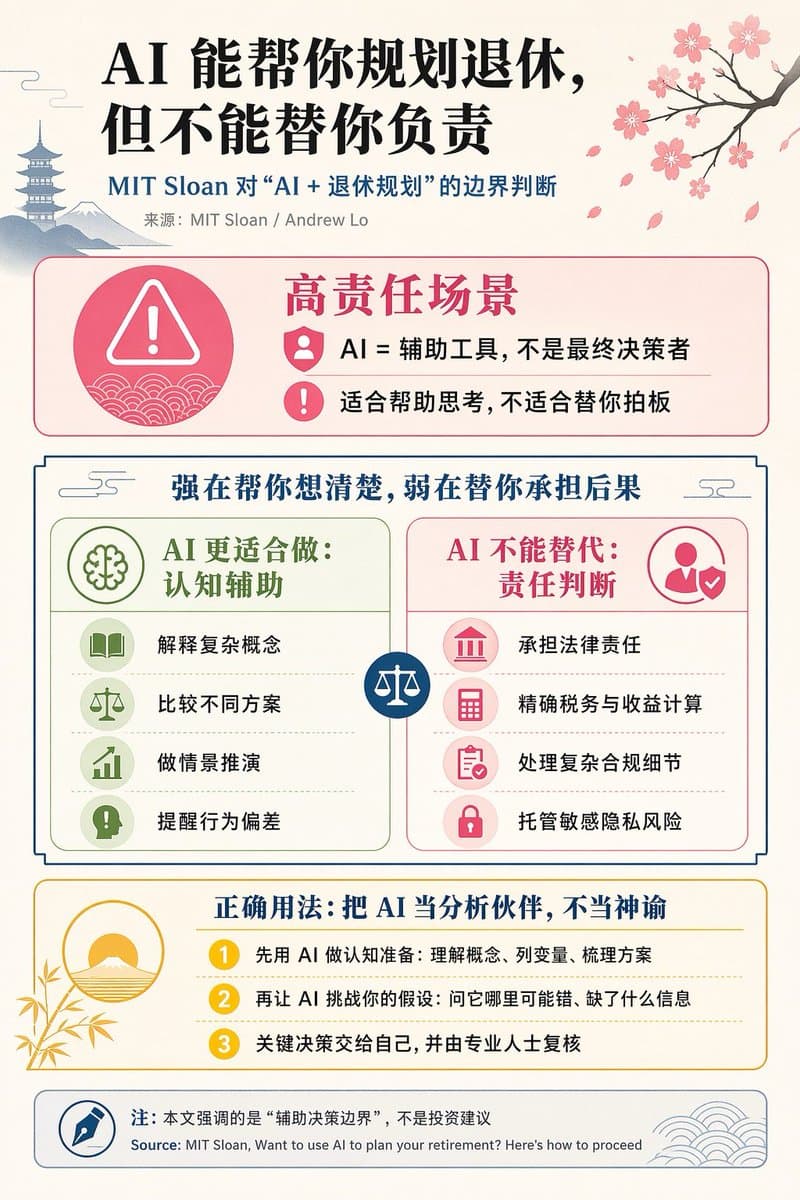
Chinese AI Retirement Planning Infographic
Text to Image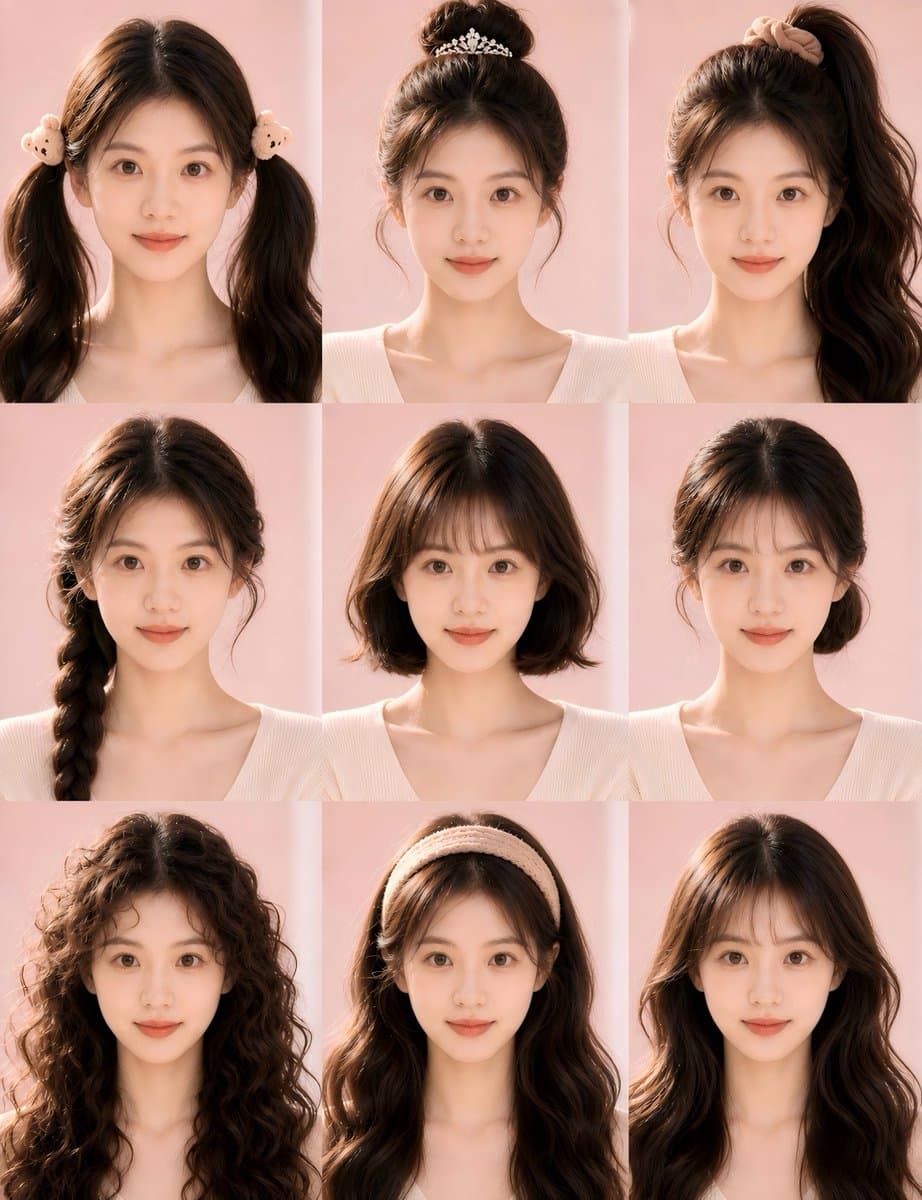
Nine-Style Hairstyle Try-On Collage
Text to Image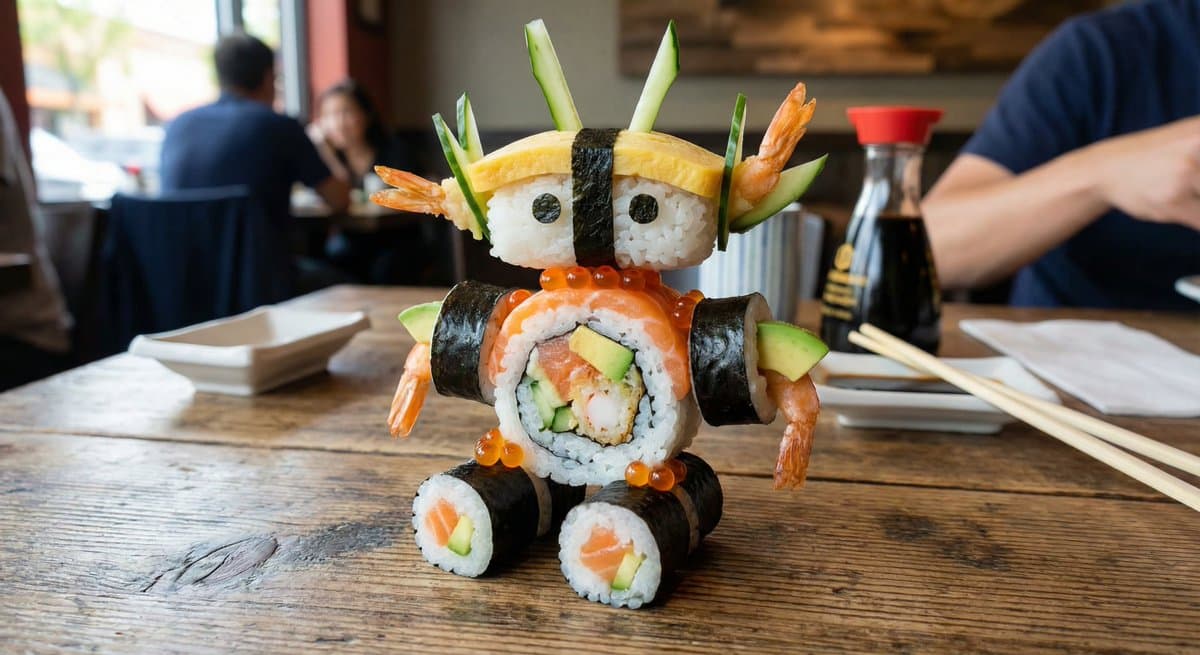
2x2 Grid Scene Progression
Text to Image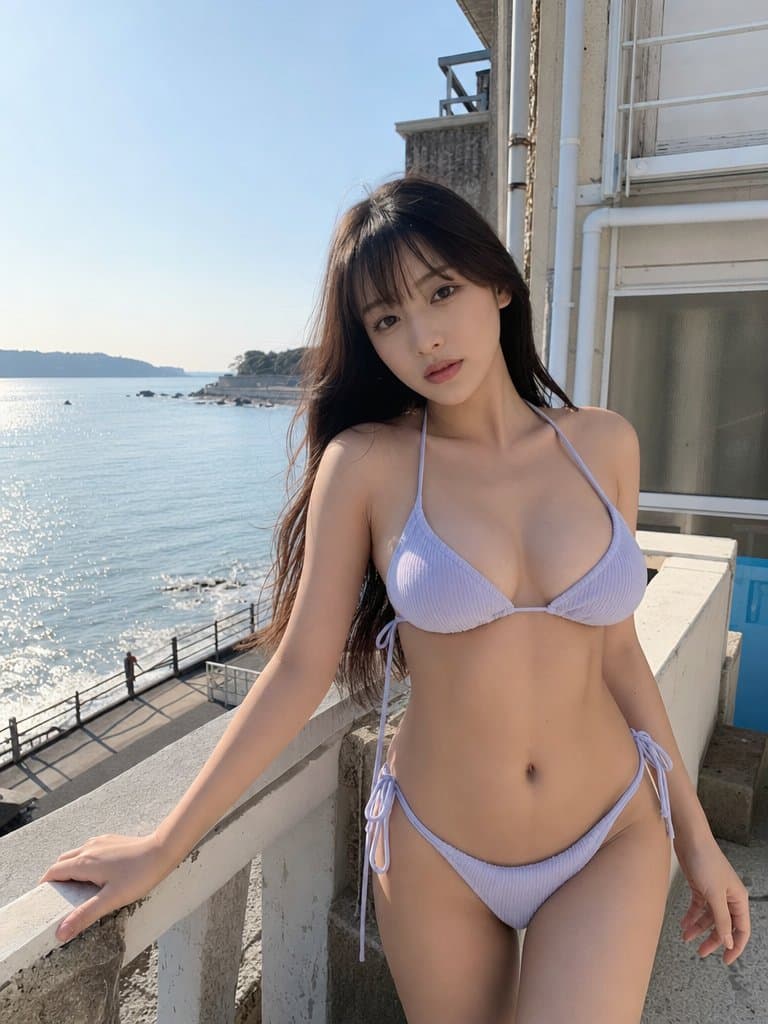
Realistic Bikini Model Photography
Text to Image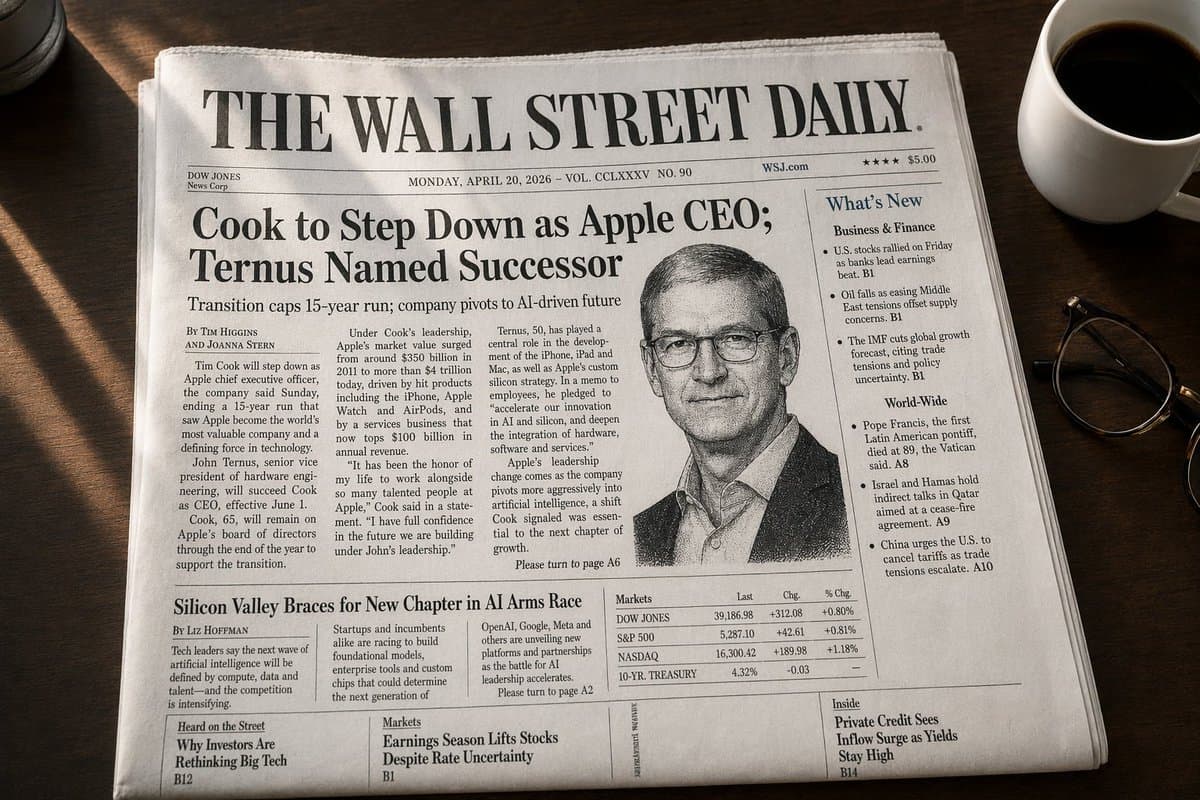
WSJ-Style Business Newspaper Front Page
Text to Image
Market Kidnapping Action Drama Script
Text to Video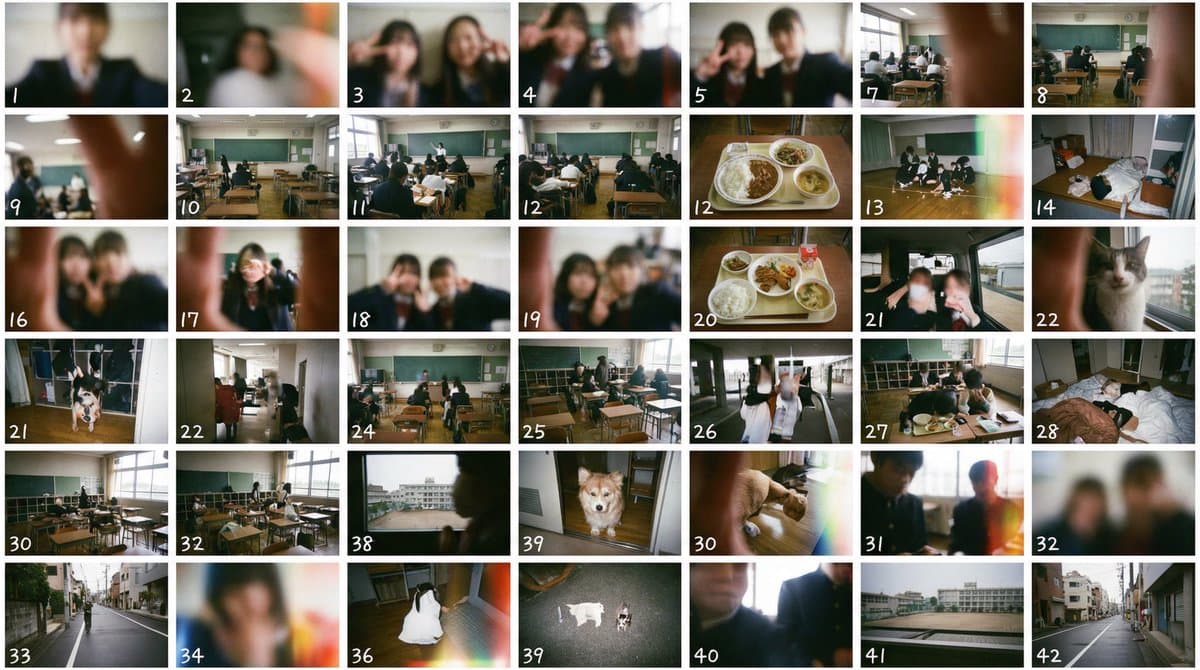
Film Negative and Thumbnail Sheet Generation Prompt
Text to Image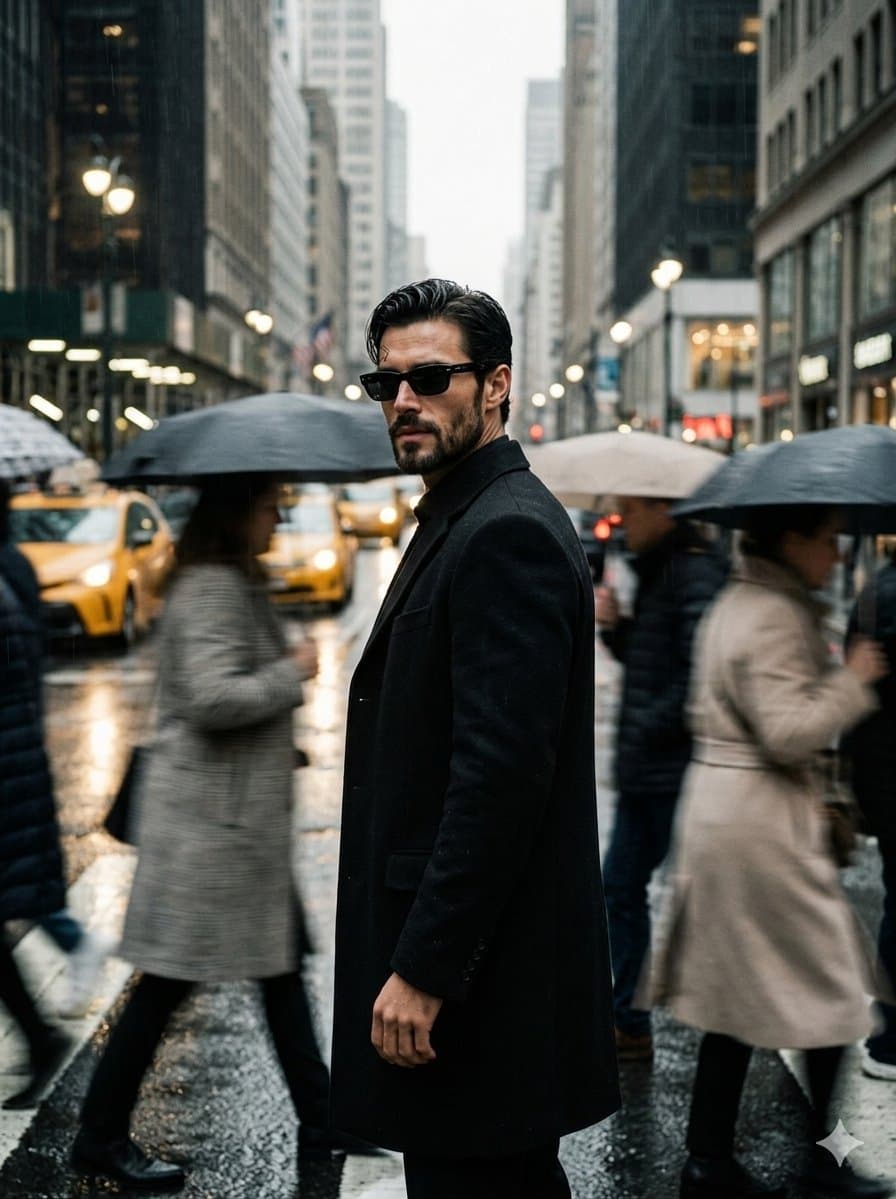
Urban Isolation Portrait
Text to Image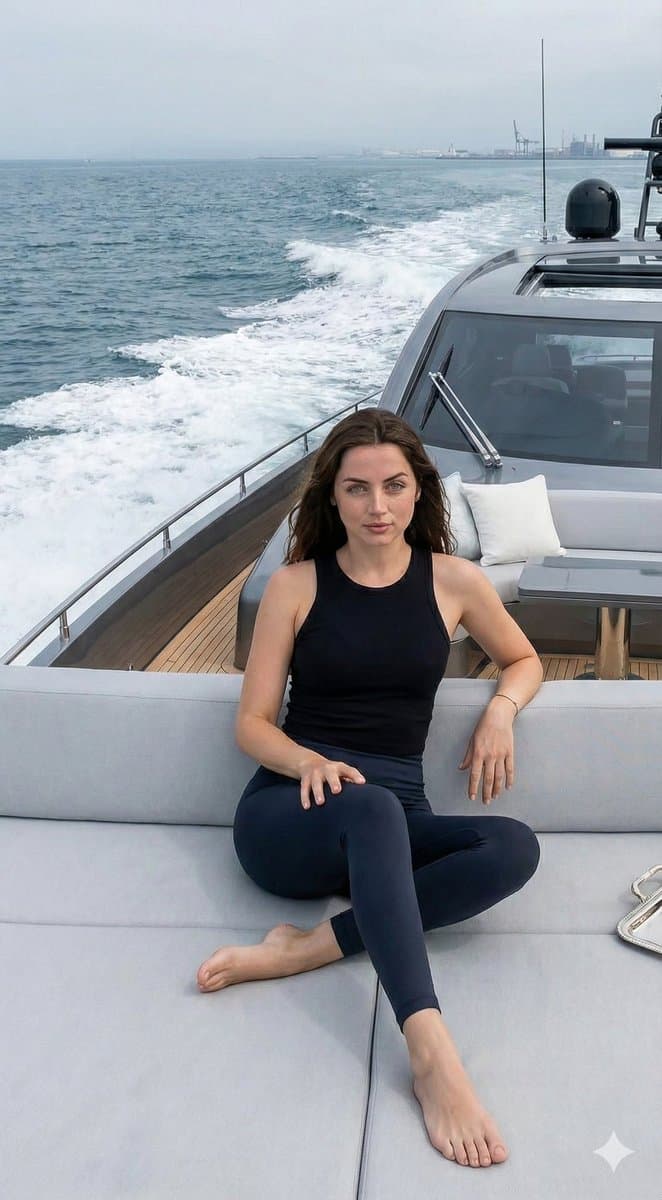
Luxury Yacht Lifestyle Photography with Ana de Armas - Nano Banana Pro AI Prompt for Product Marketing
Text to Image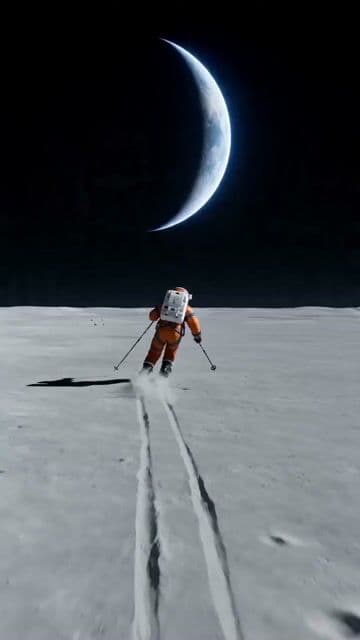
Wide shot of an astronaut skiing on a lunar plain
Text to VideoFrequently asked questions
Is AI Pin Maker free?
Yes. AI Pin Maker provides a free entry path rather than locking every workflow behind payment. After signing up, new users receive starter credits that can be used to test image generation, video generation, pin design, album creation, and template-based workflows. The product shows the required credit cost before a generation starts, so you can decide whether to run it. Paid plans add subscription credits and optional top-up credits for heavier use, but the starter credits are intended to let creators evaluate model quality, downloads, saved history, and the workspace before committing.
Is AI Pin Maker free?
Yes. AI Pin Maker provides a free entry path rather than locking every workflow behind payment. After signing up, new users receive starter credits that can be used to test image generation, video generation, pin design, album creation, and template-based workflows. The product shows the required credit cost before a generation starts, so you can decide whether to run it. Paid plans add subscription credits and optional top-up credits for heavier use, but the starter credits are intended to let creators evaluate model quality, downloads, saved history, and the workspace before committing.
Which AI models does it use?
AI Pin Maker routes requests by workflow instead of making users manage separate model pages. Image generation and visual concept work can use Seedream 4.5, Nano Banana 2, Nano Banana Pro, and Nano Banana Pro, stylized art workflows can use Wan 2.7, and video tasks can use Seedance 2.0, Kling, and Veo 3 when the selected tool supports motion generation. That routing is useful for creators who move from a still image to an animated clip, from a pin concept to a product visual, or from a template to a finished marketing asset.
Which AI models does it use?
AI Pin Maker routes requests by workflow instead of making users manage separate model pages. Image generation and visual concept work can use Seedream 4.5, Nano Banana 2, Nano Banana Pro, and Nano Banana Pro, stylized art workflows can use Wan 2.7, and video tasks can use Seedance 2.0, Kling, and Veo 3 when the selected tool supports motion generation. That routing is useful for creators who move from a still image to an animated clip, from a pin concept to a product visual, or from a template to a finished marketing asset.
What can I create with AI Pin Maker?
You can create AI images from text or photos, short AI videos, image-to-video animations, custom enamel pin and badge concepts, product visuals, posters, social media assets, baby or future-baby portraits, pet albums, couple albums, growth-memory albums, and sticker or emoji packs. The same account also exposes template workflows, saved creation history, and multilingual pages in English, Chinese, Japanese, and Korean. The goal is to keep practical creator outputs in one workspace, so a marketer, family user, maker, or shop owner can move between images, videos, pins, and albums without switching services.
What can I create with AI Pin Maker?
You can create AI images from text or photos, short AI videos, image-to-video animations, custom enamel pin and badge concepts, product visuals, posters, social media assets, baby or future-baby portraits, pet albums, couple albums, growth-memory albums, and sticker or emoji packs. The same account also exposes template workflows, saved creation history, and multilingual pages in English, Chinese, Japanese, and Korean. The goal is to keep practical creator outputs in one workspace, so a marketer, family user, maker, or shop owner can move between images, videos, pins, and albums without switching services.
Do my images have watermarks?
Watermark behavior depends on the plan and feature prompts shown in the product. Paid plans list no watermark, commercial license, and HD downloads as benefits. Free generations let you evaluate quality with starter credits and may remain limited to personal use under the Terms of Service unless a paid plan or download option grants broader rights. Before relying on an output for a public campaign, check the generation page and pricing details shown at checkout. AI Pin Maker focuses on clear licensing, visible credit costs, and saved history rather than claiming every free result has the same commercial download rights.
Do my images have watermarks?
Watermark behavior depends on the plan and feature prompts shown in the product. Paid plans list no watermark, commercial license, and HD downloads as benefits. Free generations let you evaluate quality with starter credits and may remain limited to personal use under the Terms of Service unless a paid plan or download option grants broader rights. Before relying on an output for a public campaign, check the generation page and pricing details shown at checkout. AI Pin Maker focuses on clear licensing, visible credit costs, and saved history rather than claiming every free result has the same commercial download rights.