
Step 1
Upload the image to improve
Dull, soft, or poorly lit photos benefit most. The enhancer works on the whole frame, improving clarity, lighting, and texture, so upload the best-resolution version you have.
Utility tools
Enhance image quality with AI. Improve clarity, lighting, color, and perceived detail to make dull or low-quality photos look crisp and vibrant.
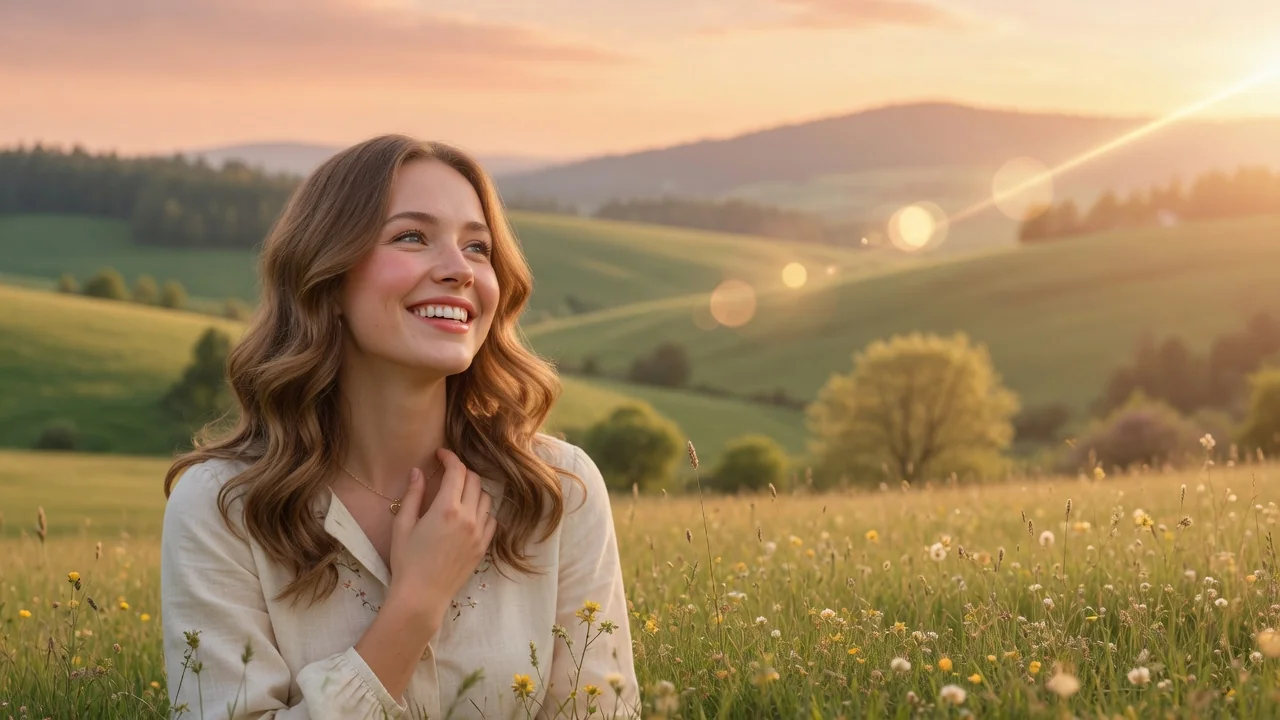
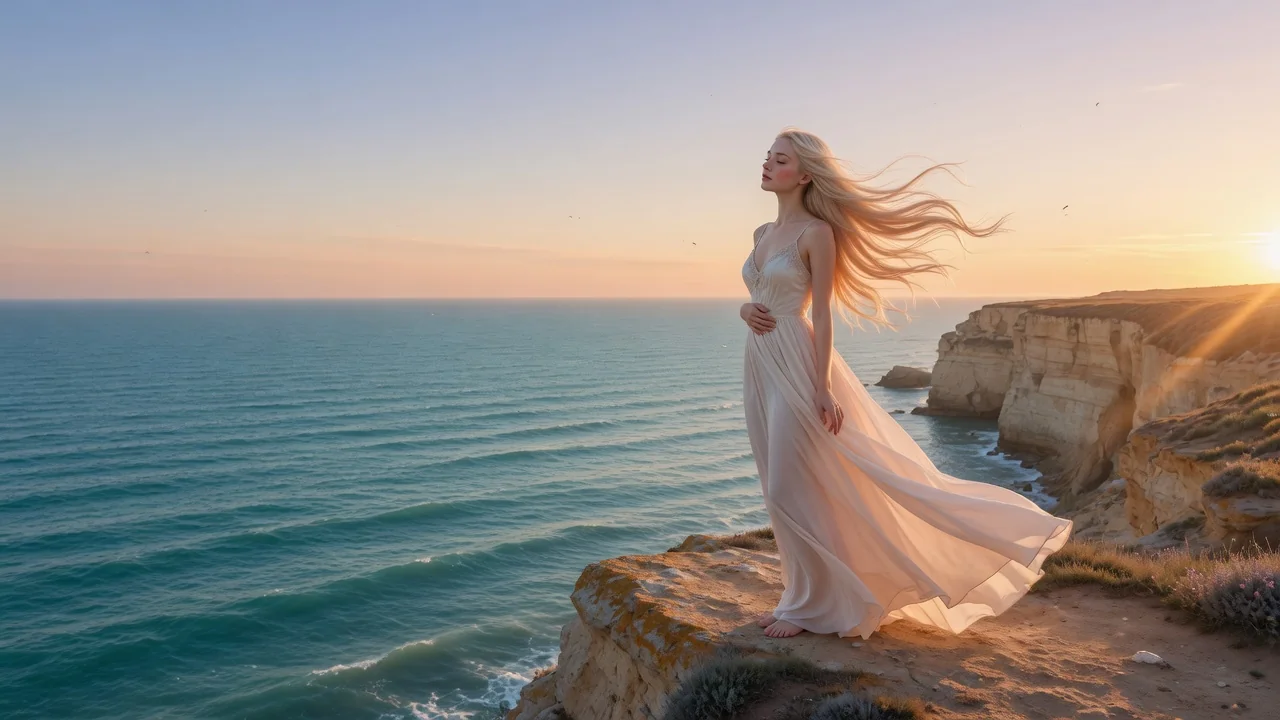
Input
1 image upload
Output
Image
Utility workflow
Upload photo
PNG, JPG, WebP up to 10MB
How it works
Step 1
Dull, soft, or poorly lit photos benefit most. The enhancer works on the whole frame, improving clarity, lighting, and texture, so upload the best-resolution version you have.
Step 2
The default asks GPT Image 2 for sharper details, cleaner lighting, and natural texture without overprocessing. Mention specific goals — brighten shadows, reduce haze, crisp up product edges — to focus the pass.
Step 3
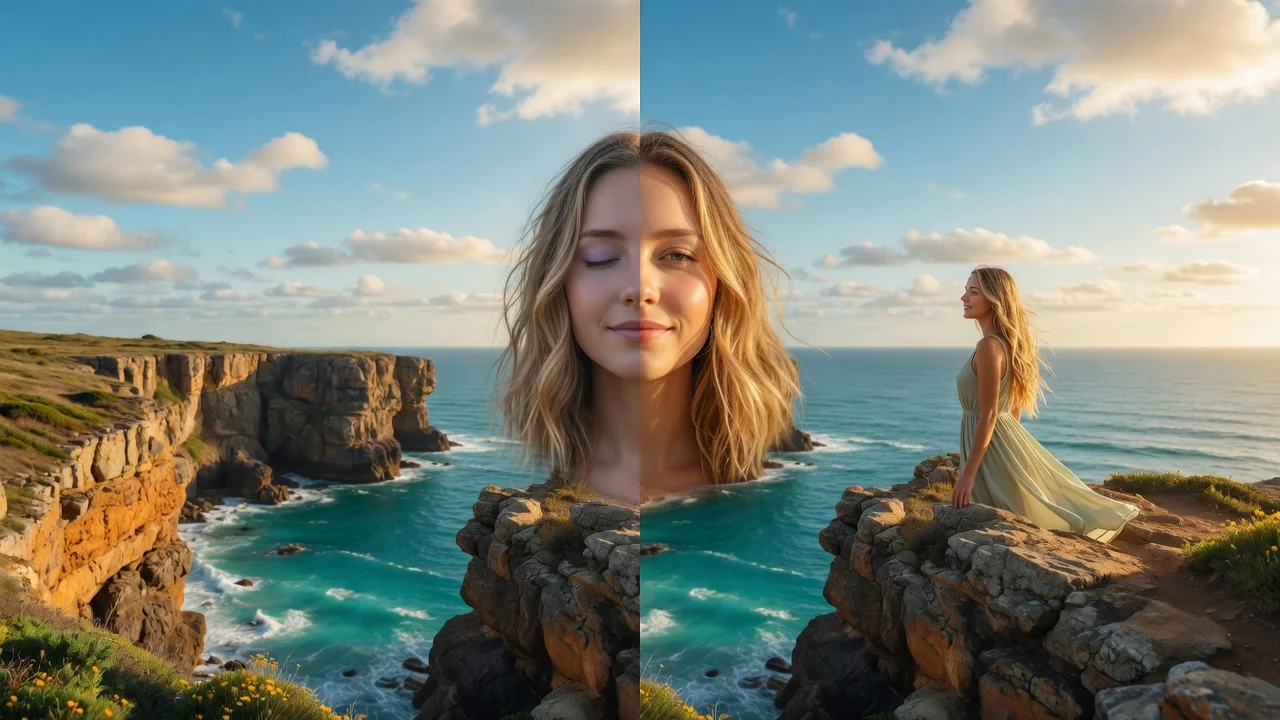
Check the result side by side with your original, paying attention to texture realism, then export. If anything looks over-smoothed, rerun with a note to keep more natural grain.
Why use it
Each tool uses a known model route instead of asking users to guess IDs.
Best default for photorealistic edits, instruction following, and structure preservation.
Ready tools connect directly to the AI Pin Maker generation workspace.
Related tools help continue from generation into cleanup, conversion, and publishing assets.
FAQ
Not exactly. It uses GPT Image 2 for generative enhancement — improving clarity, lighting, and perceived detail — rather than promising pixel-perfect super resolution. Fine detail is intelligently reconstructed, which suits sharing and presentation more than forensic enlargement.
Slightly soft phone shots, dim indoor photos, hazy landscapes, and compressed images pulled from chats or old posts show the biggest gains. Already-sharp professional photos see subtler changes.
The pass targets quality, not content — composition and subjects stay put. Because detail is generatively reconstructed, very fine elements like tiny text may be redrawn, so double-check documents or labels after enhancing.
This enhancer is general purpose for any image, including products and scenery. The Photo Enhancer is specifically tuned for portraits and social shots, prioritizing realistic skin texture and flattering light on faces.
Related tools
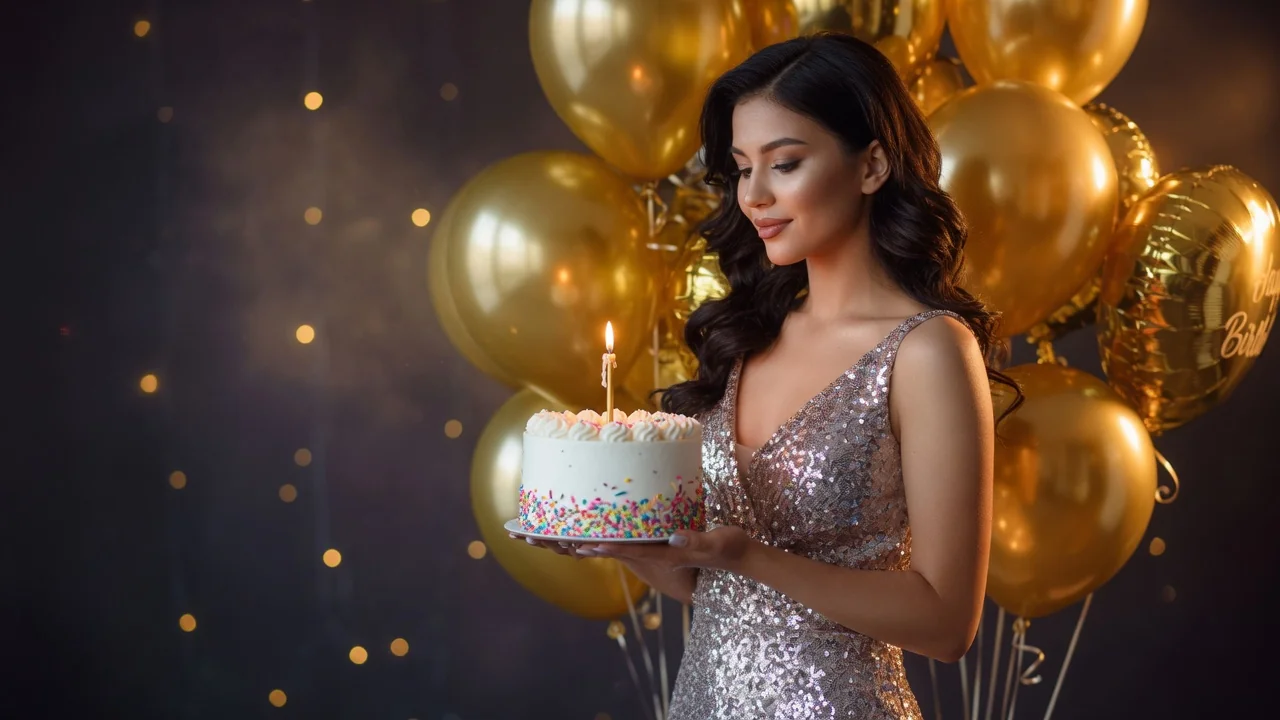
Improve photo quality with AI enhancement tuned for portraits and social images. Sharper detail, balanced light, and natural skin tone in one tap.
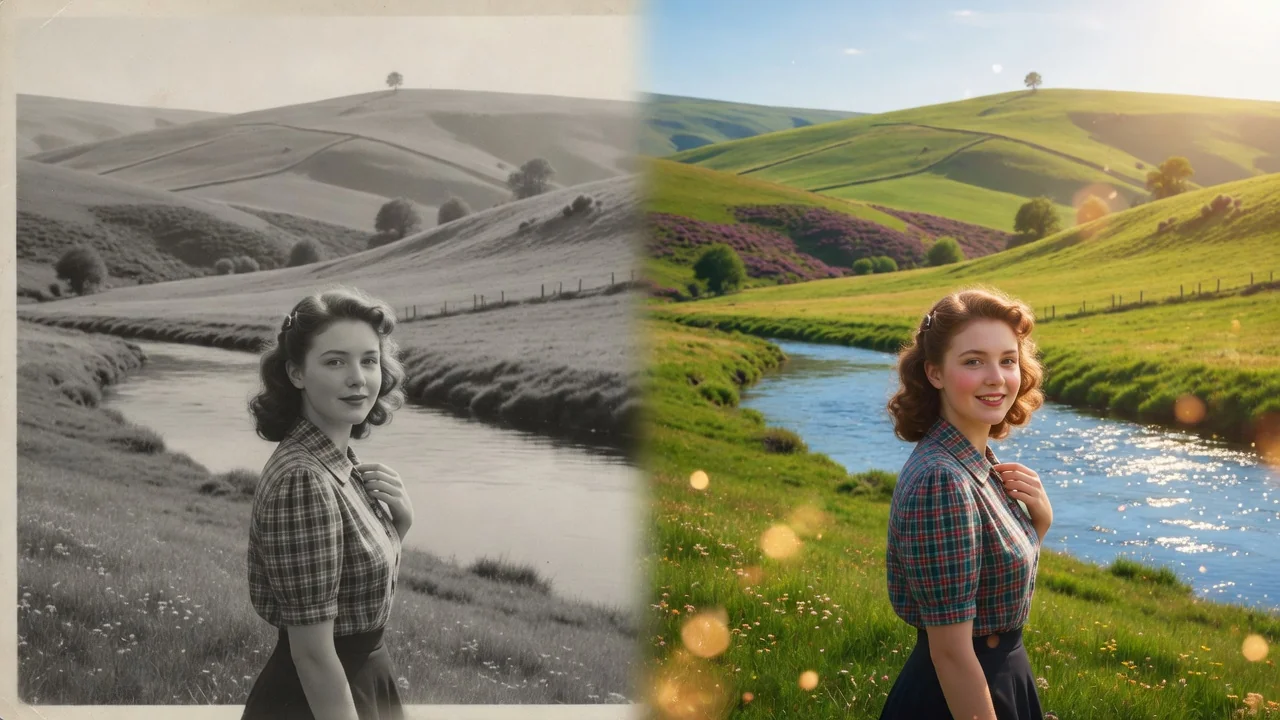
Restore old and damaged photos with AI. Repair scratches, fix fading, and rebuild color and detail to bring faded family memories back to life.
Edit portraits naturally with AI. Subtle retouching, expression polish, and face-safe adjustments that refine skin and features without looking artificial.