
Step 1
Upload the Portrait to Refine
One photo — this tool is for polishing a picture you already like, not transforming it. Higher-resolution inputs preserve more skin texture through the edit.
AI effects
Edit portraits naturally with AI. Subtle retouching, expression polish, and face-safe adjustments that refine skin and features without looking artificial.
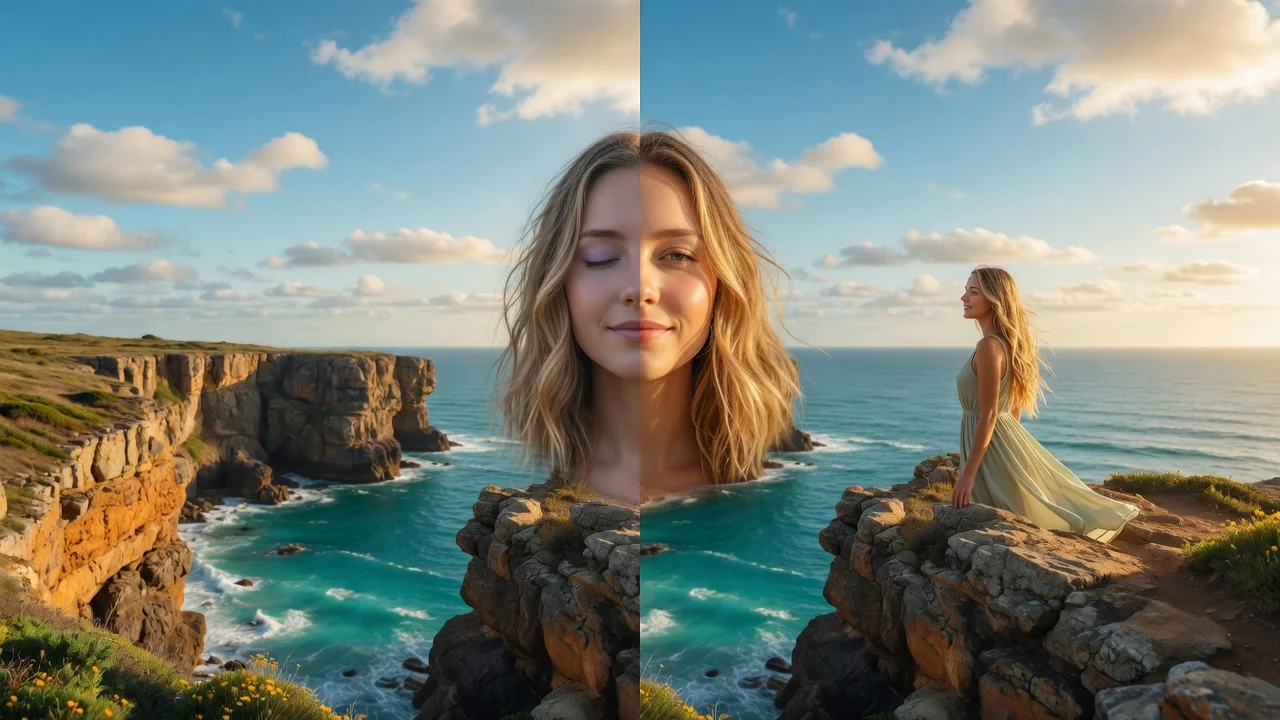
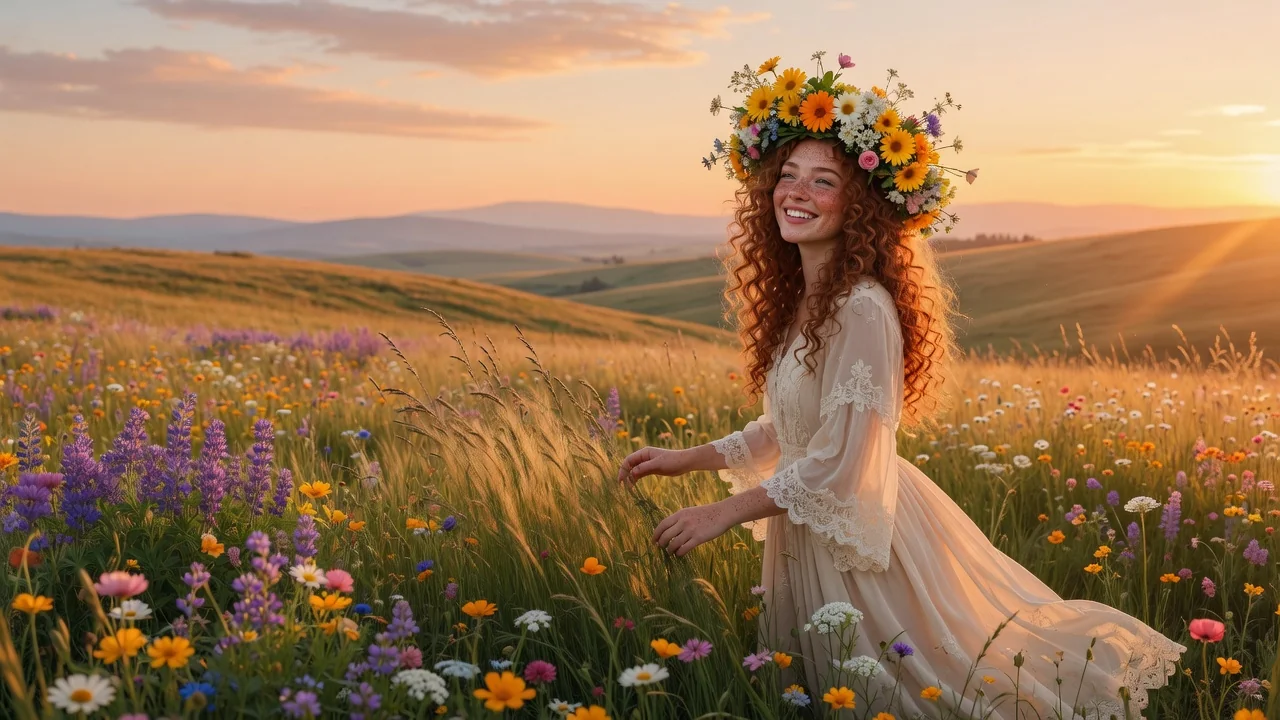
Input
1 image upload
Output
Image
Utility workflow
Upload photo
PNG, JPG, WebP up to 10MB
How it works
Step 1
One photo — this tool is for polishing a picture you already like, not transforming it. Higher-resolution inputs preserve more skin texture through the edit.
Step 2
Name the adjustment: remove the blemish on the chin, brighten the under-eye shadows, soften the frown slightly. Targeted requests keep the rest of the face untouched.
Step 3
Compare against the original at full size. Good output keeps pores and natural texture; if anything looks smoothed-over, rerun with a gentler instruction.
Why use it
Each tool uses a known model route instead of asking users to guess IDs.
Best default for photorealistic edits, instruction following, and structure preservation.
Ready tools connect directly to the AI Pin Maker generation workspace.
Related tools help continue from generation into cleanup, conversion, and publishing assets.
FAQ
Beauty filters apply one uniform smoothing preset; this tool makes targeted, described edits via GPT Image 2 — chosen for structure preservation — so skin texture, identity, and everything you didn't mention stay untouched.
Blemish and stray-hair cleanup, under-eye brightening, subtle expression polish like relaxing a squint, and lighting balance across the face. Anything you can describe precisely gets applied conservatively.
Yes — identity preservation is the design constraint here. The default instruction explicitly retains facial structure and natural skin texture, so edits read as a good photo day, not a different person.
That's the ideal use case — a great shot with one blemish, a squint, or a harsh shadow. Describe the single flaw and keep everything else exactly as photographed.
Related tools
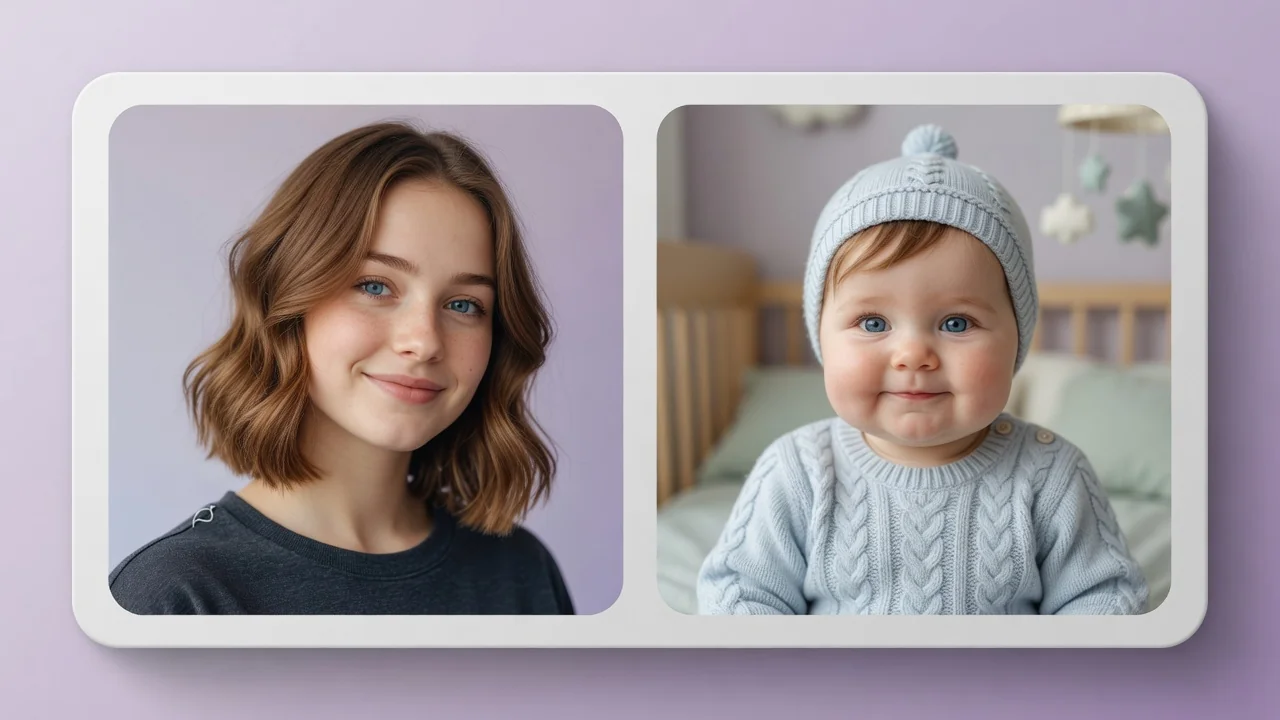
See yourself younger or older with the AI age filter. Realistic face aging and de-aging preserve your features for fun portraits and what-if previews.
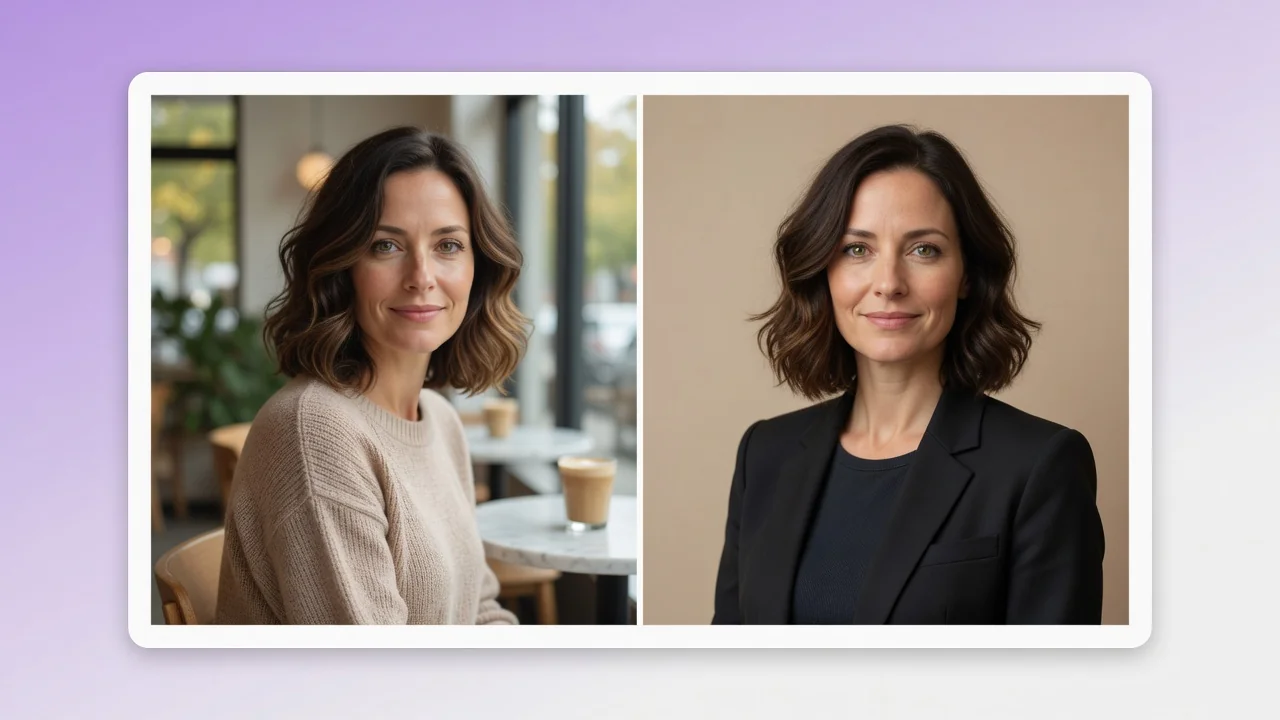
Turn a casual selfie into a professional AI headshot for LinkedIn, resumes, and team pages. Studio lighting and clean backgrounds, no photographer needed.
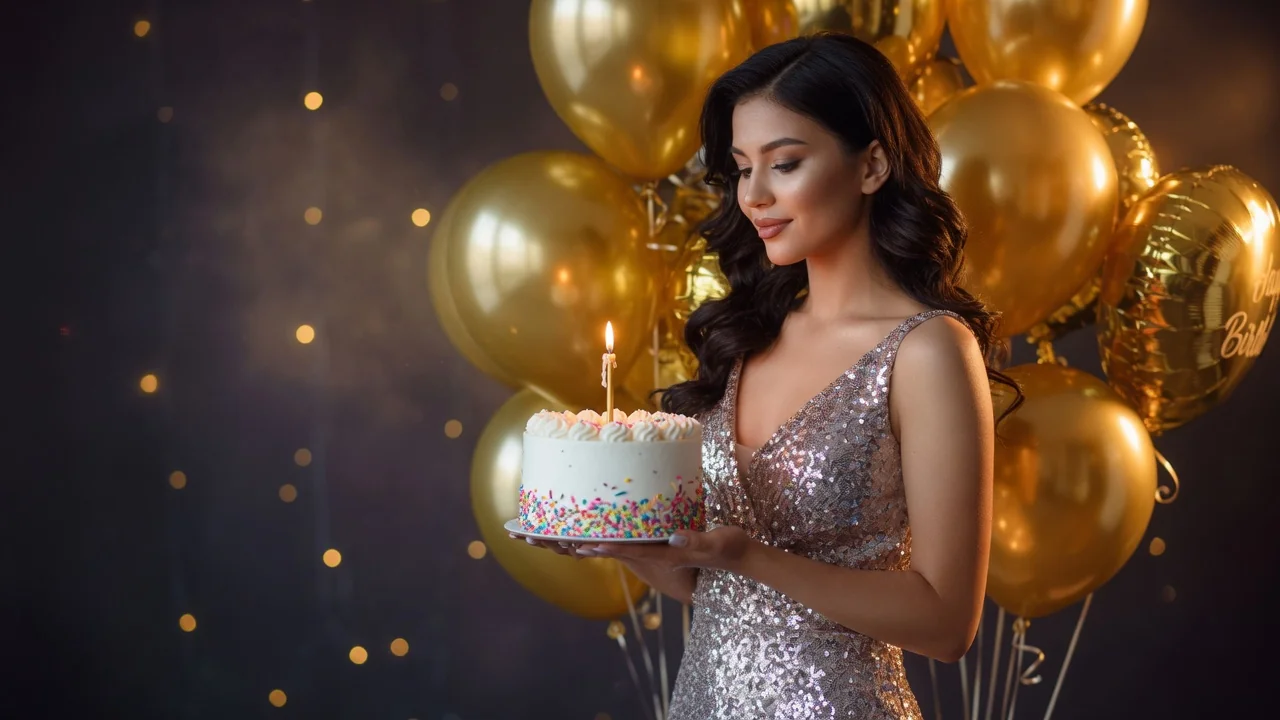
Improve photo quality with AI enhancement tuned for portraits and social images. Sharper detail, balanced light, and natural skin tone in one tap.