
Step 1
Upload the portrait or social photo
Selfies, group shots, and event photos are what this enhancer is tuned for. Faces should be visible — the pass prioritizes skin texture, eyes, and flattering light over background detail.
Utility tools
Improve photo quality with AI enhancement tuned for portraits and social images. Sharper detail, balanced light, and natural skin tone in one tap.
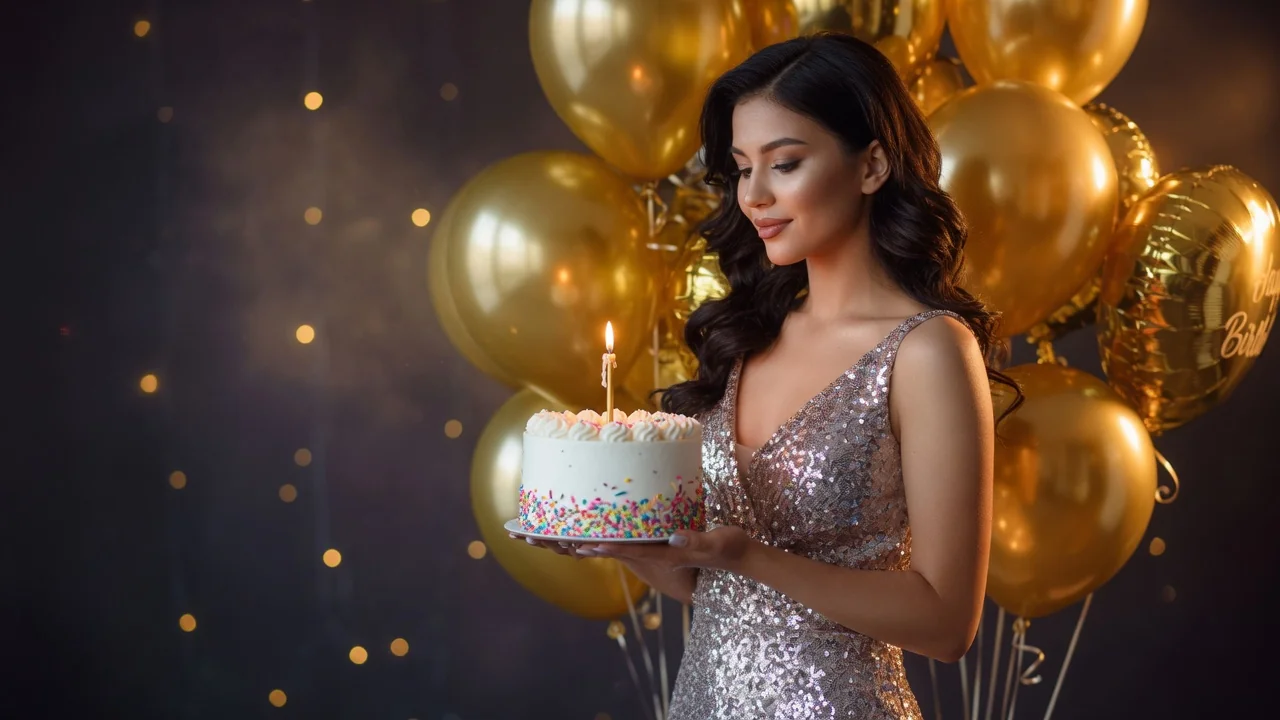
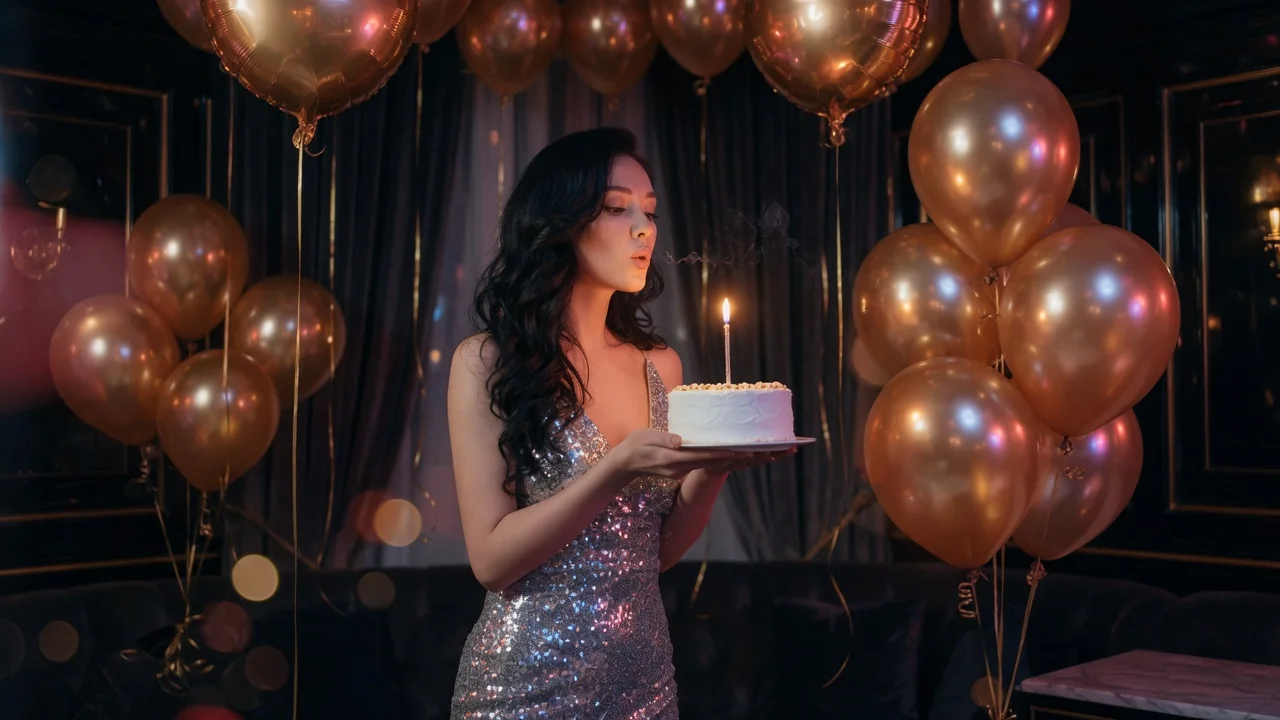
Input
1 image upload
Output
Image
Utility workflow
Upload photo
PNG, JPG, WebP up to 10MB
How it works
Step 1
Selfies, group shots, and event photos are what this enhancer is tuned for. Faces should be visible — the pass prioritizes skin texture, eyes, and flattering light over background detail.
Step 2
GPT Image 2 applies cleaner light, sharper detail, and realistic skin texture in one pass. Add preferences like brighten the face slightly or keep freckles to guide the retouch.
Step 3
Zoom into faces to confirm skin looks natural rather than airbrushed, then export in portrait-friendly ratios. Rerun with a lighter-touch note if the result feels processed.
Why use it
Each tool uses a known model route instead of asking users to guess IDs.
Best default for photorealistic edits, instruction following, and structure preservation.
Ready tools connect directly to the AI Pin Maker generation workspace.
Related tools help continue from generation into cleanup, conversion, and publishing assets.
FAQ
It is tuned to prioritize what matters in photos of people: realistic skin texture, clean facial lighting, and crisp eyes — rather than uniformly sharpening the whole frame the way a general enhancer would.
The default explicitly targets realistic skin texture, keeping pores and natural character while cleaning noise and uneven light. If a result feels too polished, rerun and ask to preserve more texture.
Yes — recovering faces from dim restaurants, backlit windows, and harsh overhead light is its core use. GPT Image 2 rebalances exposure on the face while keeping the scene's ambience believable.
Reach for the general AI Image Enhancer when the subject is not a person — products, food, landscapes, or documents. For anything where a face is the point of the photo, stay here.
Related tools
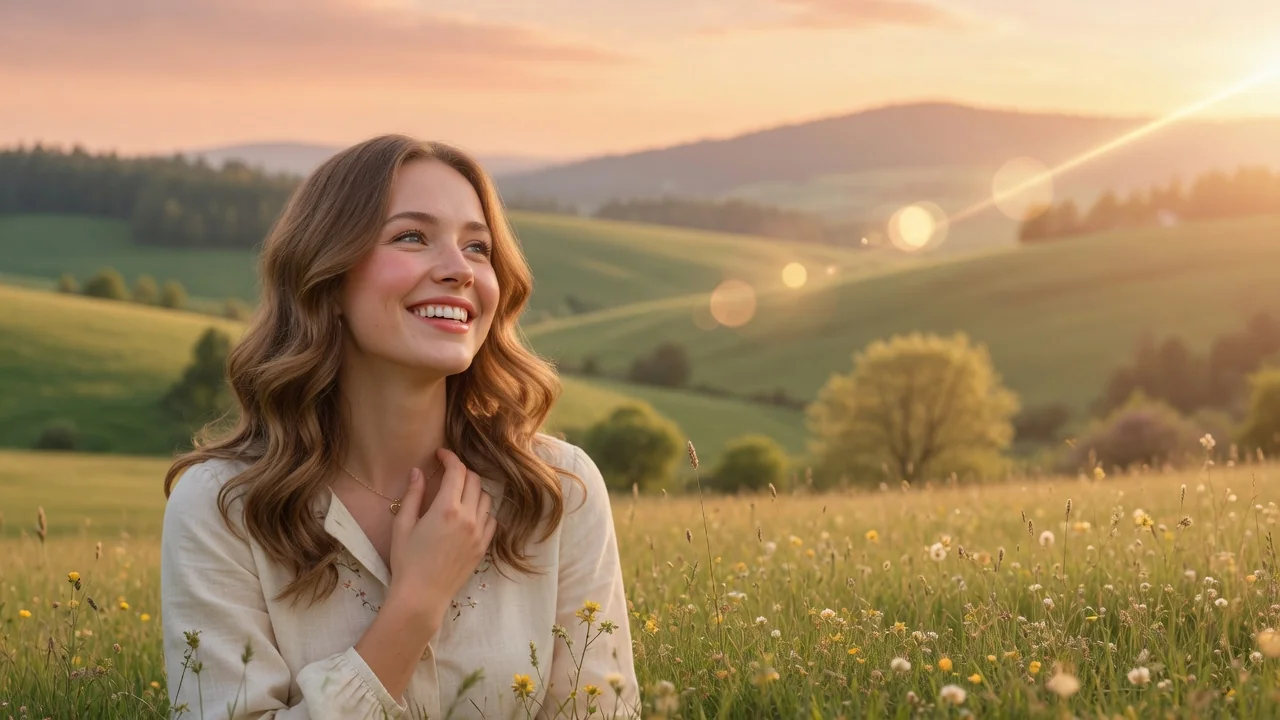
Enhance image quality with AI. Improve clarity, lighting, color, and perceived detail to make dull or low-quality photos look crisp and vibrant.
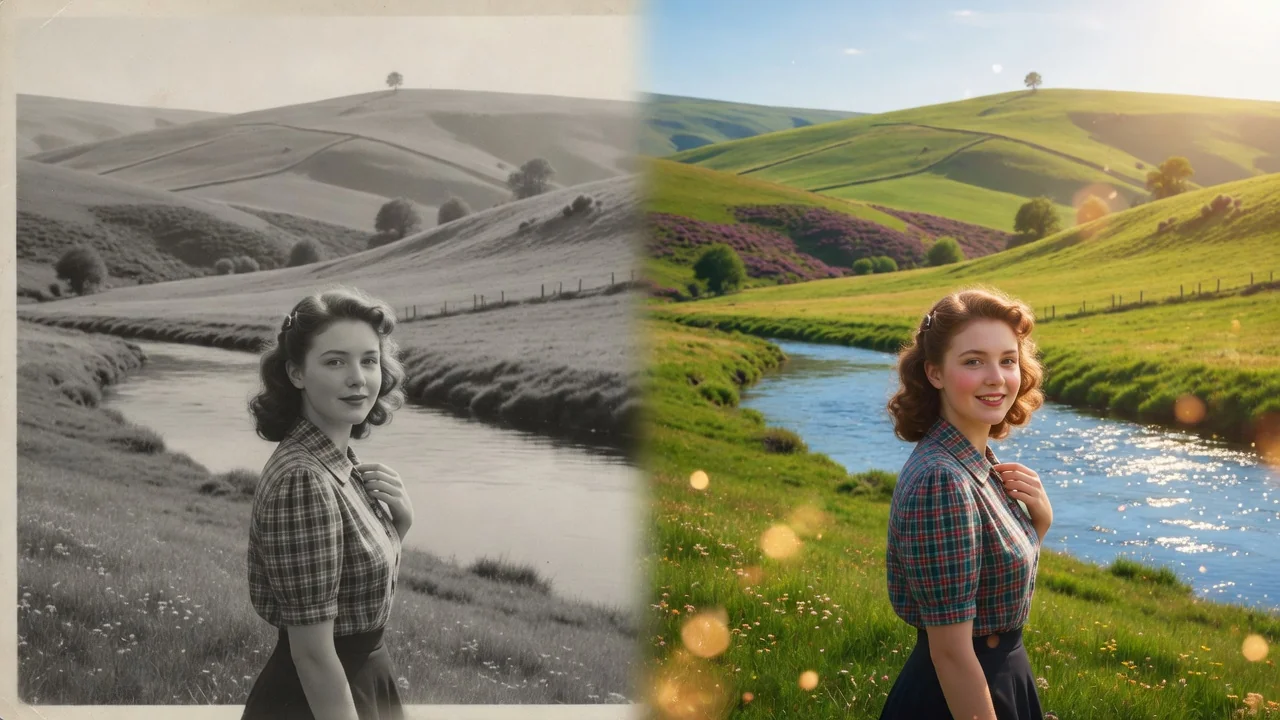
Restore old and damaged photos with AI. Repair scratches, fix fading, and rebuild color and detail to bring faded family memories back to life.
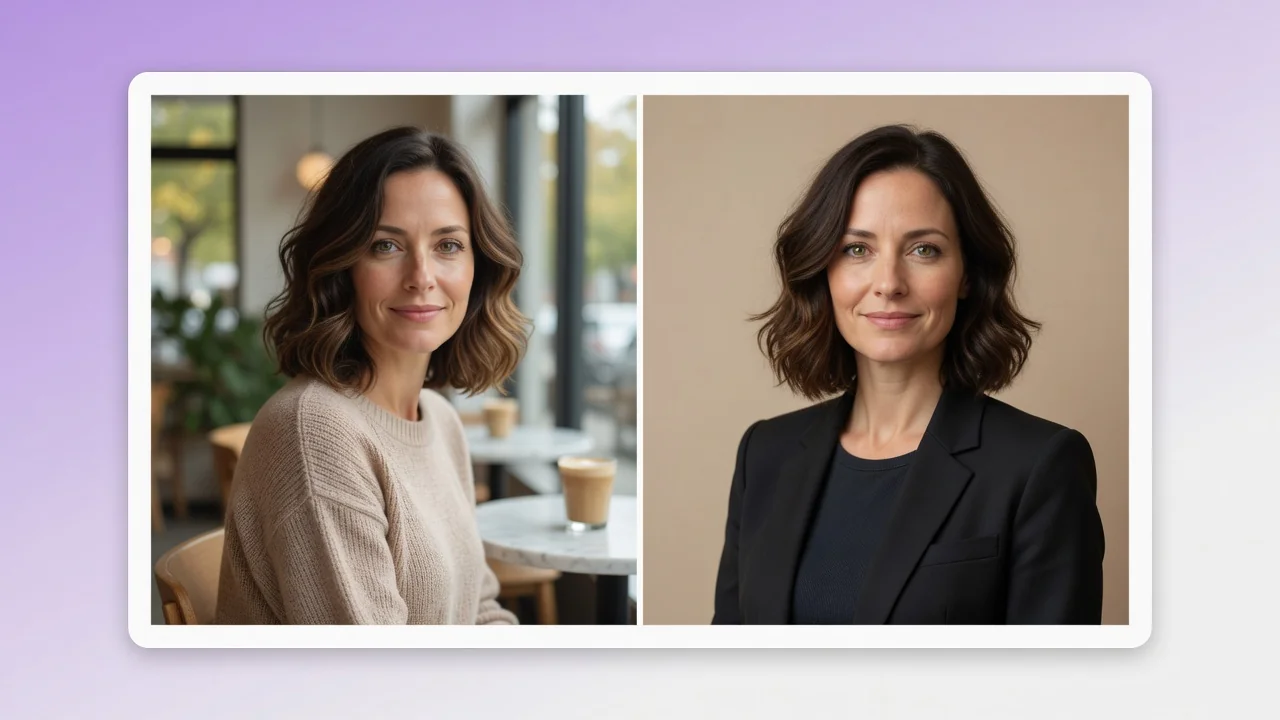
Turn a casual selfie into a professional AI headshot for LinkedIn, resumes, and team pages. Studio lighting and clean backgrounds, no photographer needed.