
Step 1
Upload a photo with soft light
Portraits, flowers, pets, and landscapes suit watercolor best. Gentle, diffused lighting in the source translates into smoother washes, while harsh flash photos produce muddier pigment transitions.
Image converters
Turn photos into soft watercolor art with AI. Hand-painted paper texture and gentle color washes create dreamy portraits, cards, and wall art.
Input
1 image upload
Output
Image
Convert an uploaded image
Default model
Upload photo
PNG, JPG, WebP up to 10MB
Aspect ratio
How it works
Step 1
Portraits, flowers, pets, and landscapes suit watercolor best. Gentle, diffused lighting in the source translates into smoother washes, while harsh flash photos produce muddier pigment transitions.
Step 2
Wan 2.6 defaults to transparent washes, soft edges, and warm paper texture. Ask for looser wet-on-wet bleeds, tighter botanical detail, or cooler tones to change the painting's character.
Step 3
Render the watercolor, check how edges bleed around your subject, and export square or portrait sizes for cards, prints, and wall art. Rerun for a different wash balance.
Why use it
Each tool uses a known model route instead of asking users to guess IDs.
Default for painterly, watercolor, illustration, and hand-made looks with controllable image sizing.
Ready tools connect directly to the AI Pin Maker generation workspace.
Related tools help continue from generation into cleanup, conversion, and publishing assets.
FAQ
Wan 2.6 reproduces the medium's signatures — transparent layered washes, pigment pooling at edges, paper grain showing through light areas — mapped onto your photo's shapes, so results look painted rather than blurred.
By default the style keeps airy, light-toned negative space like traditional watercolor. If you want a fully painted background instead, describe the scene you want washed in behind your subject.
Flowers, pets, children's portraits, and soft landscapes are favorites because organic edges flatter the medium. Hard geometric subjects like cars convert too, but read as loose architectural sketches rather than classic watercolor.
Yes — export at 4:5 or 3:4 for standard card fronts and 1:1 for square prints. The paper-texture rendering holds up well at typical card and small-frame print sizes.
Related tools
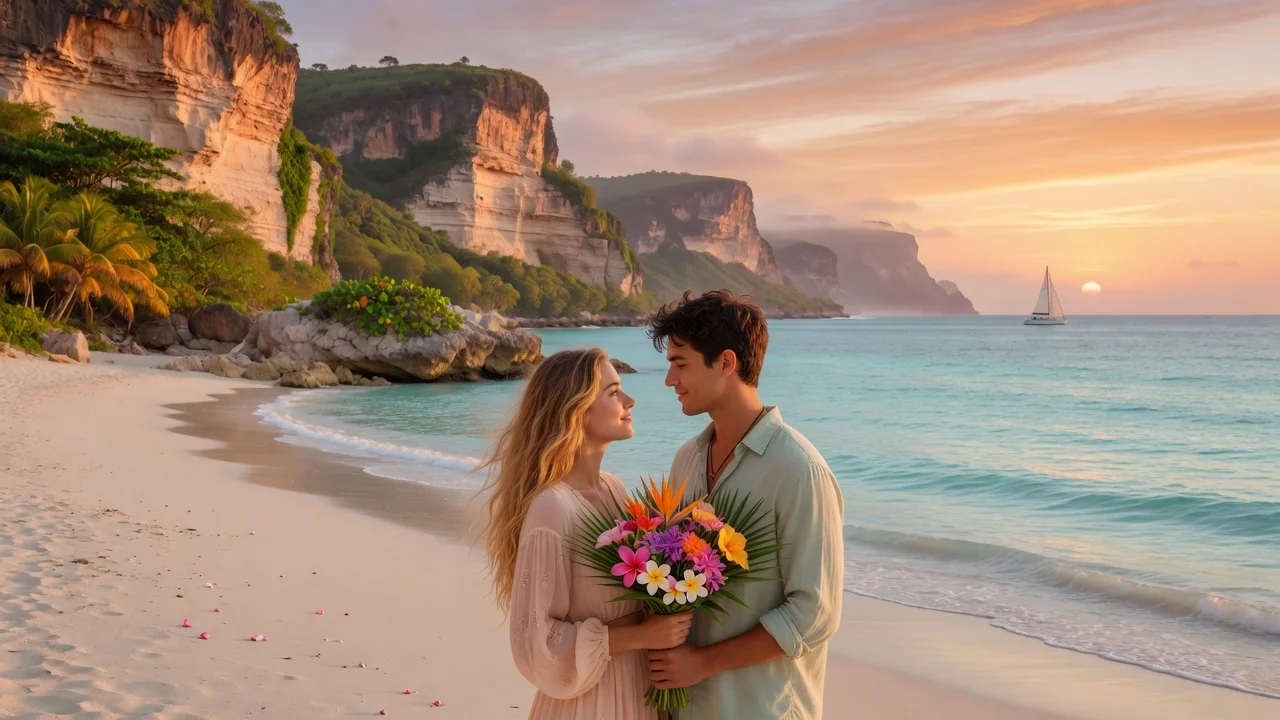
Convert your photos into a soft Studio Ghibli style. Painterly backgrounds and warm light with high subject fidelity for avatars, wallpapers, and prints.
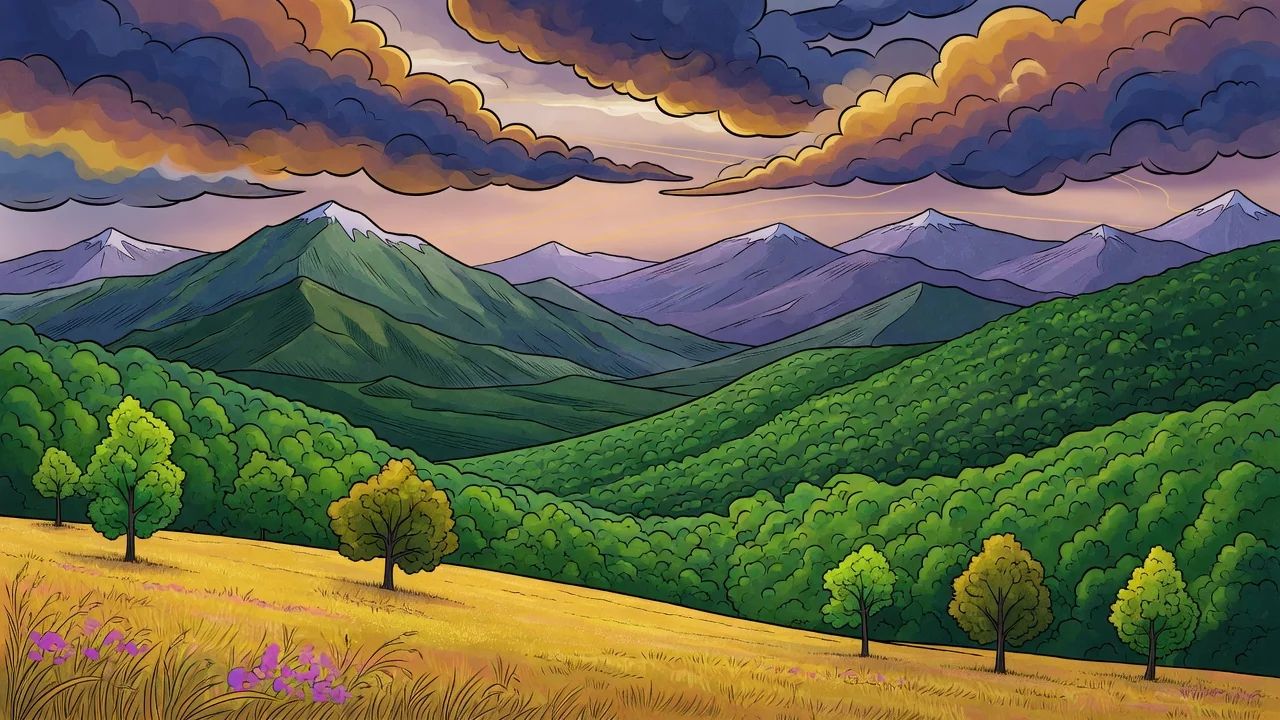
Turn photos into a refined illustration with AI. Editorial linework and stylish color make standout avatars, campaign visuals, and social graphics.
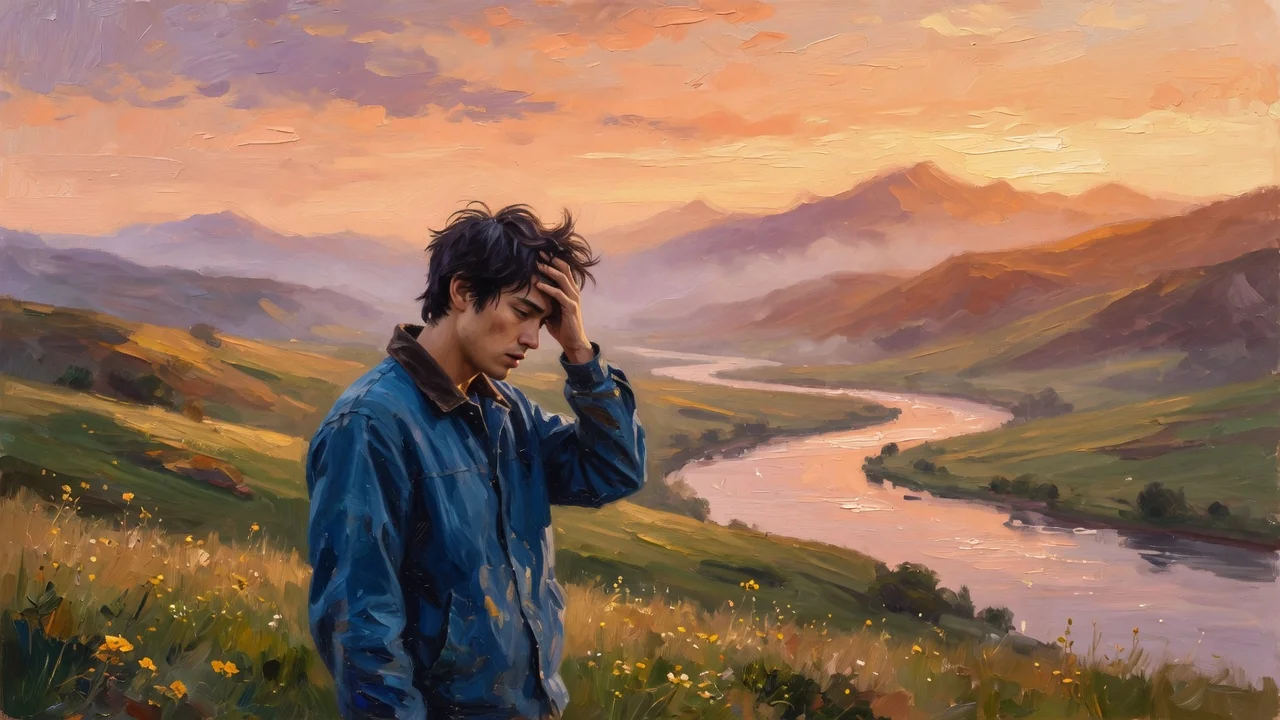
Turn photos into rich oil painting art with AI. Expressive brushstroke texture and warm color depth create gallery-style portraits and wall-ready prints.