
Step 1
Upload the photo to paint
Portraits, landscapes, and still-life shots all suit oil conversion. Images with strong light direction give Wan 2.6 more to translate into layered highlights and shadowed brushwork.
Image converters
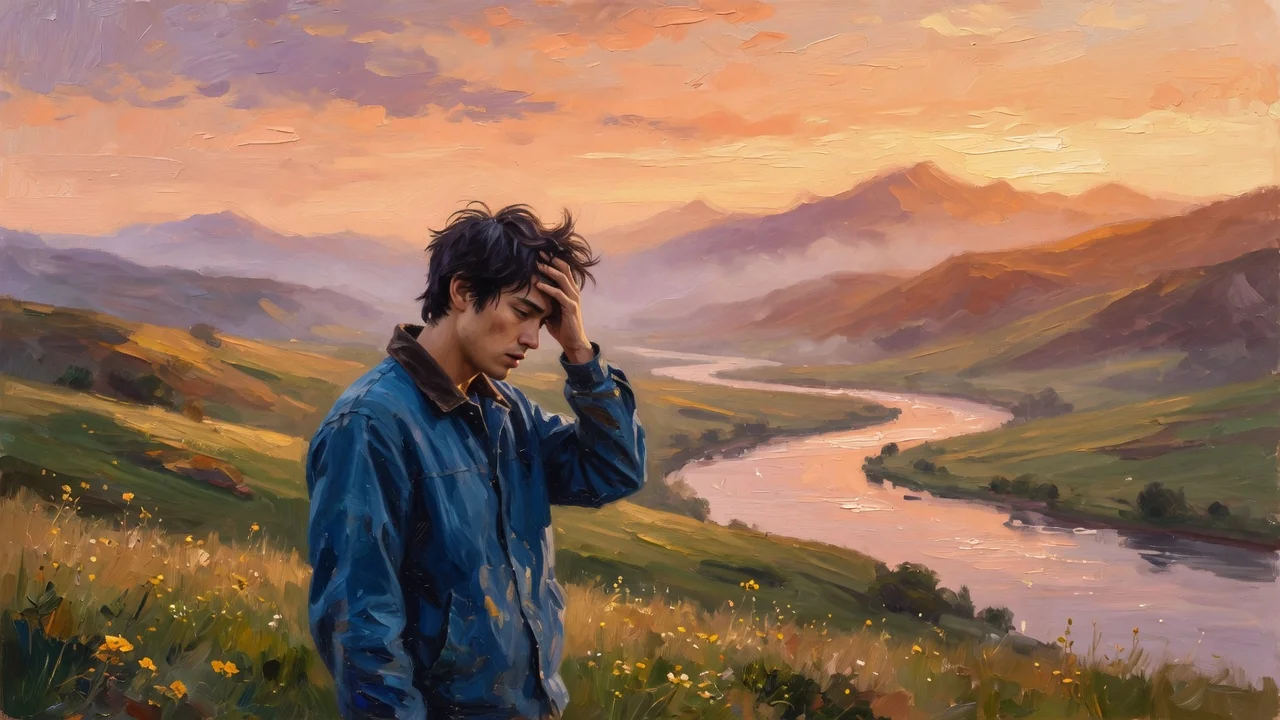
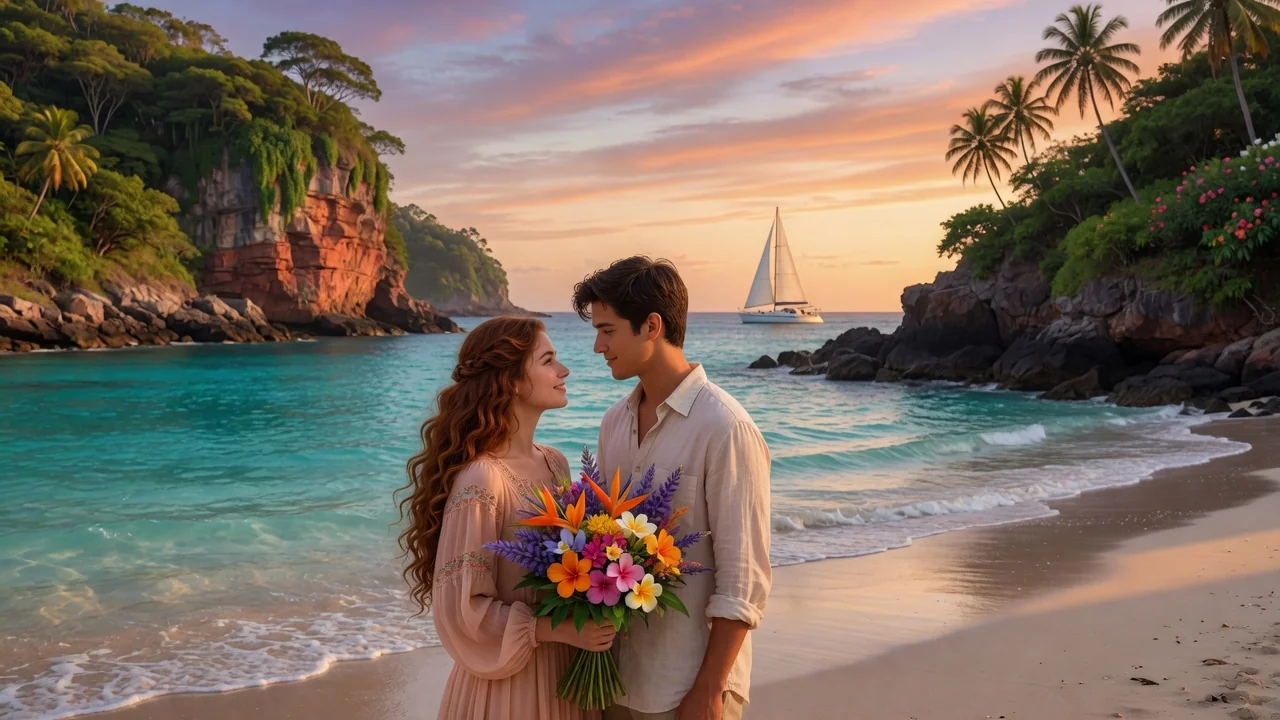
Turn photos into rich oil painting art with AI. Expressive brushstroke texture and warm color depth create gallery-style portraits and wall-ready prints.
Input
1 image upload
Output
Image
Convert an uploaded image
Default model
Upload photo
PNG, JPG, WebP up to 10MB
Aspect ratio
How it works
Step 1
Portraits, landscapes, and still-life shots all suit oil conversion. Images with strong light direction give Wan 2.6 more to translate into layered highlights and shadowed brushwork.
Step 2
The default asks for textured brushwork, rich color, and gallery lighting. Prompt for impasto thickness, a classical palette, or loose expressive strokes to change the school of painting.
Step 3
Render the painting, zoom in to inspect stroke texture, and export in square or wide ratios. For prints, pick the ratio matching your frame before generating.
Why use it
Each tool uses a known model route instead of asking users to guess IDs.
Default for painterly, watercolor, illustration, and hand-made looks with controllable image sizing.
Ready tools connect directly to the AI Pin Maker generation workspace.
Related tools help continue from generation into cleanup, conversion, and publishing assets.
FAQ
Wan 2.6, the default model for painterly and handmade art looks, synthesizes directional strokes, paint ridges, and canvas grain based on your photo's forms — so texture follows the subject rather than being a flat overlay filter.
Yes for typical wall-art sizes. Generate at the aspect ratio closest to your frame, and choose lower-detail backgrounds if you want the subject's brushwork to dominate. Very large formats may benefit from upscaling afterward.
Both excel in different ways: portraits gain classical gallery presence with warm skin glazing, while landscapes pick up expressive skies and layered foliage strokes. Busy snapshots with mixed lighting are the hardest to translate.
Yes — describe it in the prompt. Ask for warm Rembrandt-style browns, bright impressionist color, or muted contemporary tones, and Wan 2.6 will glaze the whole canvas accordingly.
Related tools
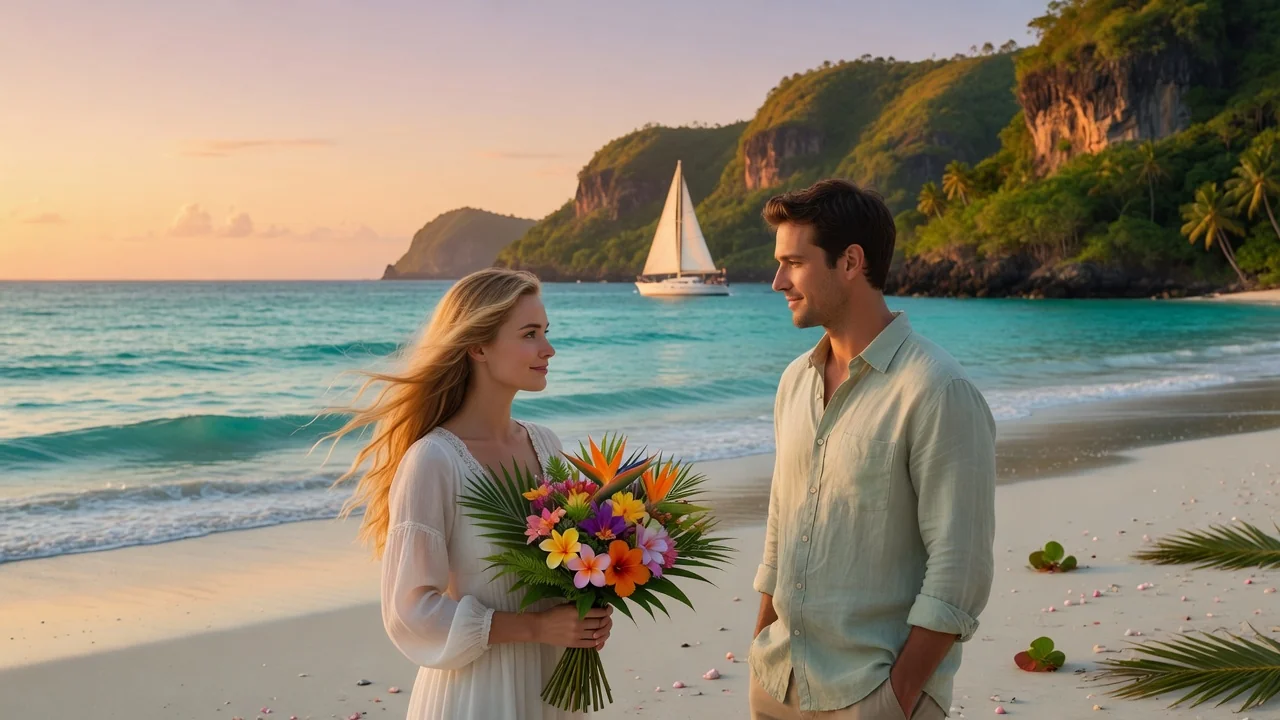
Turn photos into soft watercolor art with AI. Hand-painted paper texture and gentle color washes create dreamy portraits, cards, and wall art.
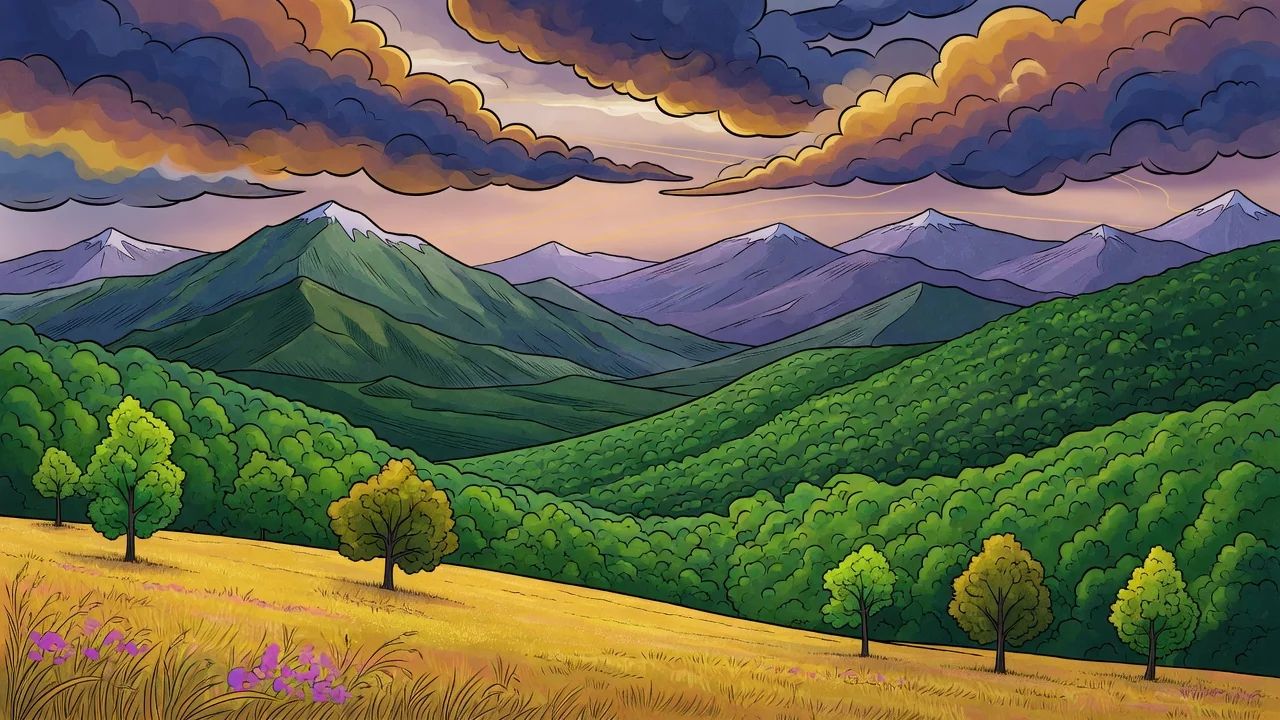
Turn photos into a refined illustration with AI. Editorial linework and stylish color make standout avatars, campaign visuals, and social graphics.
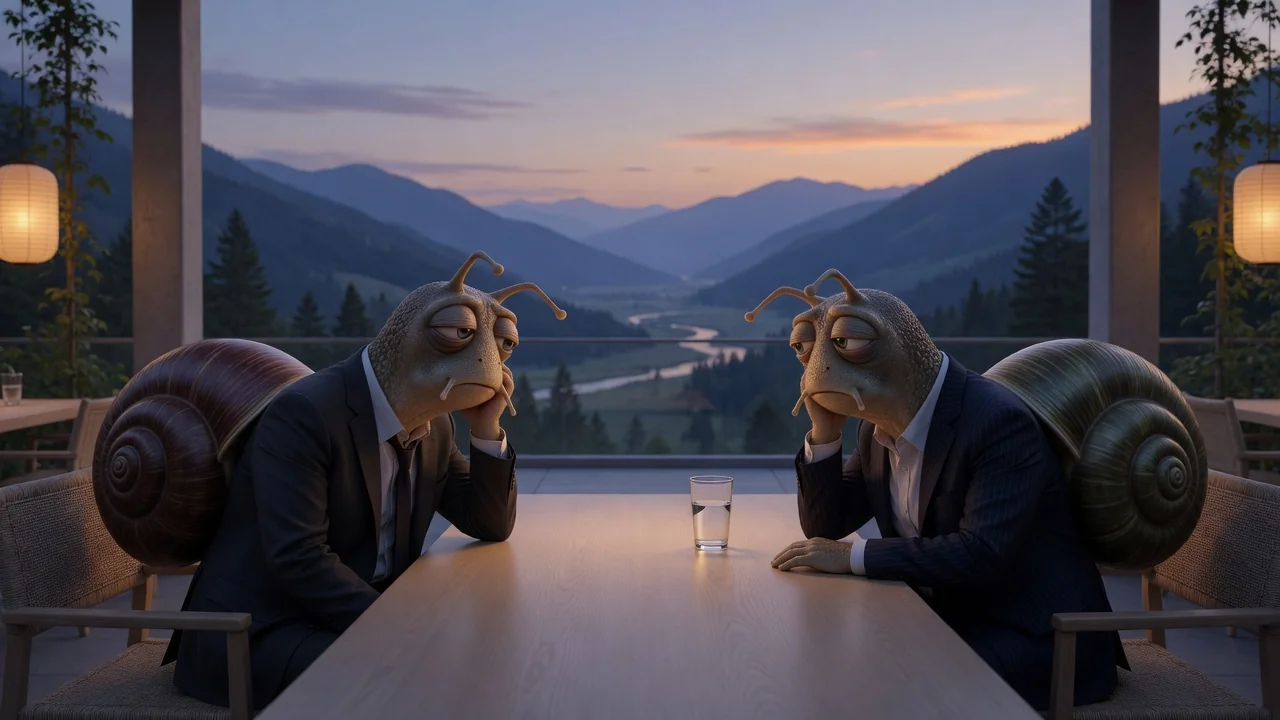
Turn photos into a witty New Yorker-style cartoon with refined ink linework and subtle watercolor texture, perfect for editorial avatars and clever captions.