
Step 1
Upload a Photo With a Story
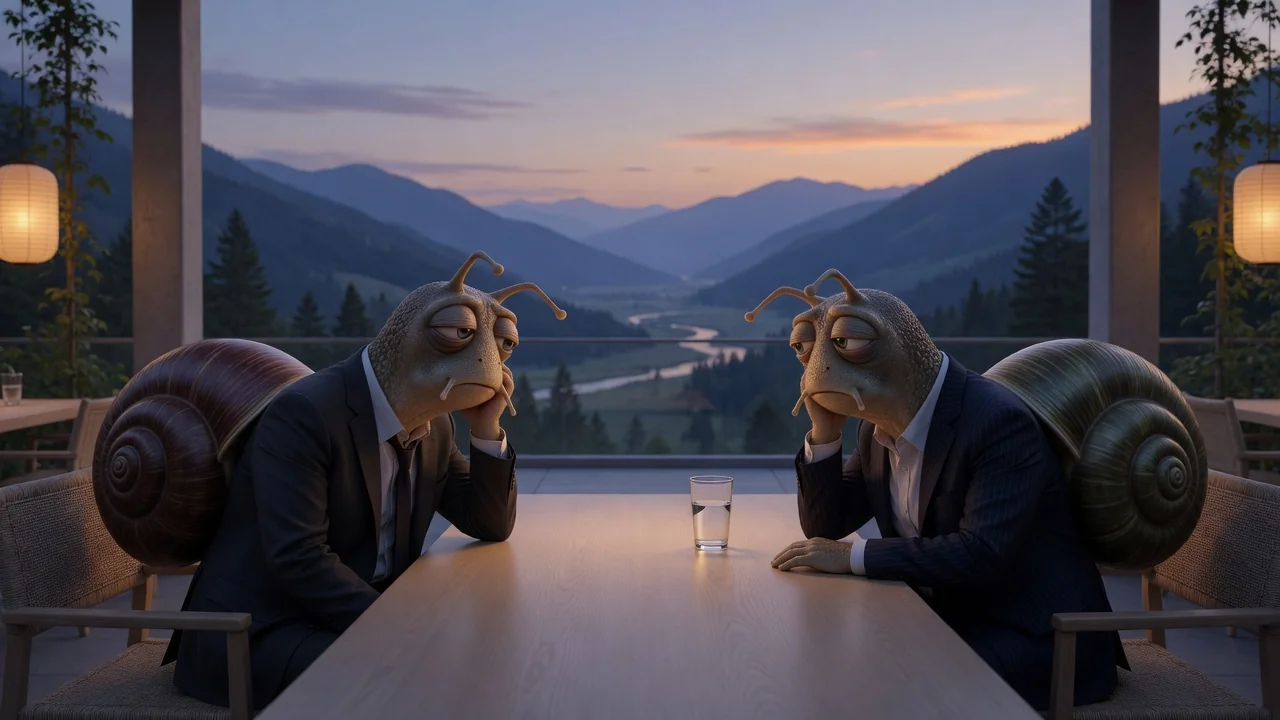
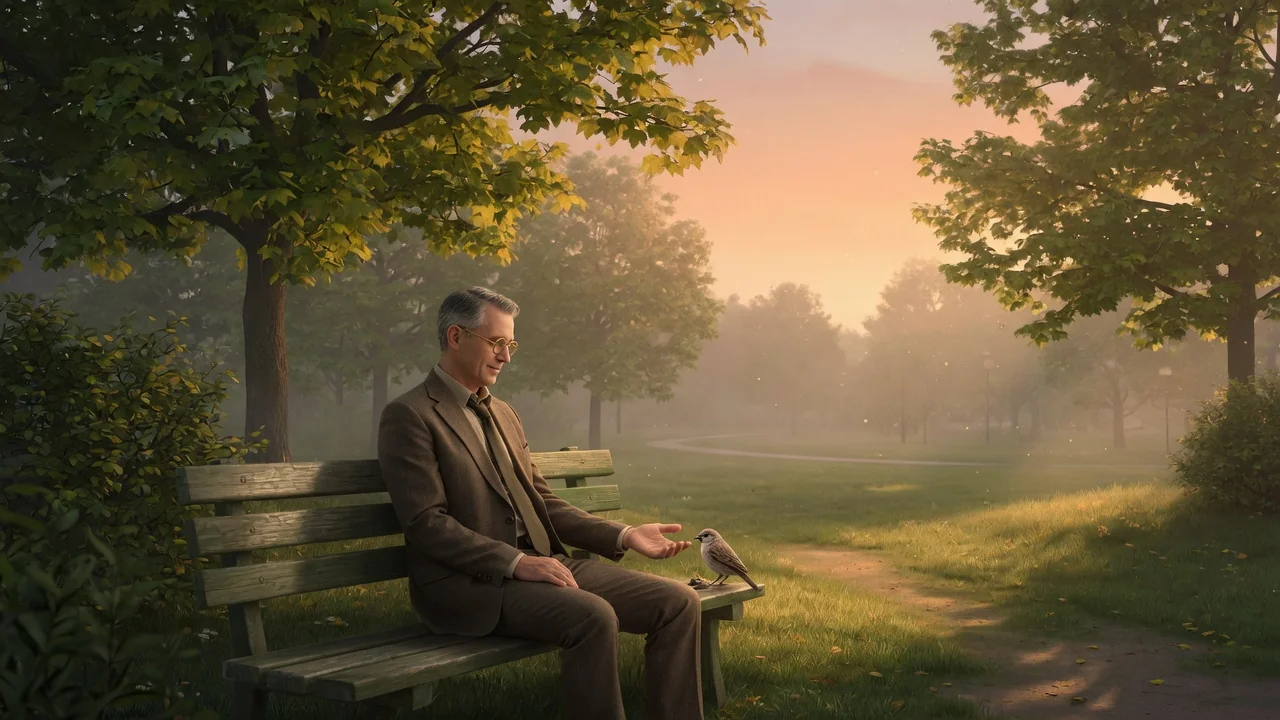
Scenes beat plain portraits here: a person at a laptop, a dog staring at dinner. The editorial cartoon style thrives on situations that could carry a caption.
AI effects
Turn photos into a witty New Yorker-style cartoon with refined ink linework and subtle watercolor texture, perfect for editorial avatars and clever captions.
Input
1 image upload
Output
Image
Convert an uploaded image
Default model
Upload photo
PNG, JPG, WebP up to 10MB
Aspect ratio
How it works
Step 1
Scenes beat plain portraits here: a person at a laptop, a dog staring at dinner. The editorial cartoon style thrives on situations that could carry a caption.
Step 2
Keep the default dry wit or nudge the rendering toward sparser linework or a more muted wash. The style stays clean ink lines with subtle watercolor either way.
Step 3
The output is a refined single-panel-style illustration. Add your own one-liner beneath it for posts, newsletters, or a distinctive avatar with actual personality.
Why use it
Each tool uses a known model route instead of asking users to guess IDs.
Best for fast visual remixing and broad prompt coverage when strict identity preservation is not the main risk.
Ready tools connect directly to the AI Pin Maker generation workspace.
Related tools help continue from generation into cleanup, conversion, and publishing assets.
FAQ
Confident ink linework, muted watercolor washes, generous white space, and understated expressions — the visual language of single-panel magazine cartoons, applied to your photo rather than generic cartoon smoothing.
Nano Banana 2 is the default, picked for fast visual remixing with broad prompt coverage. GPT Image 2 and Seedream 4.5 are available as fallbacks if you want to compare rendering styles.
Photos with a readable situation — commuting, meetings, pets judging their humans. The style is observational, so an implied story converts far better than a straight-on selfie against a blank wall.
Yes — the 1:1 export makes a distinctive, low-key avatar that stands out among photo profiles. The 4:5 and 16:9 crops also suit newsletter headers and posts with caption space.
Related tools
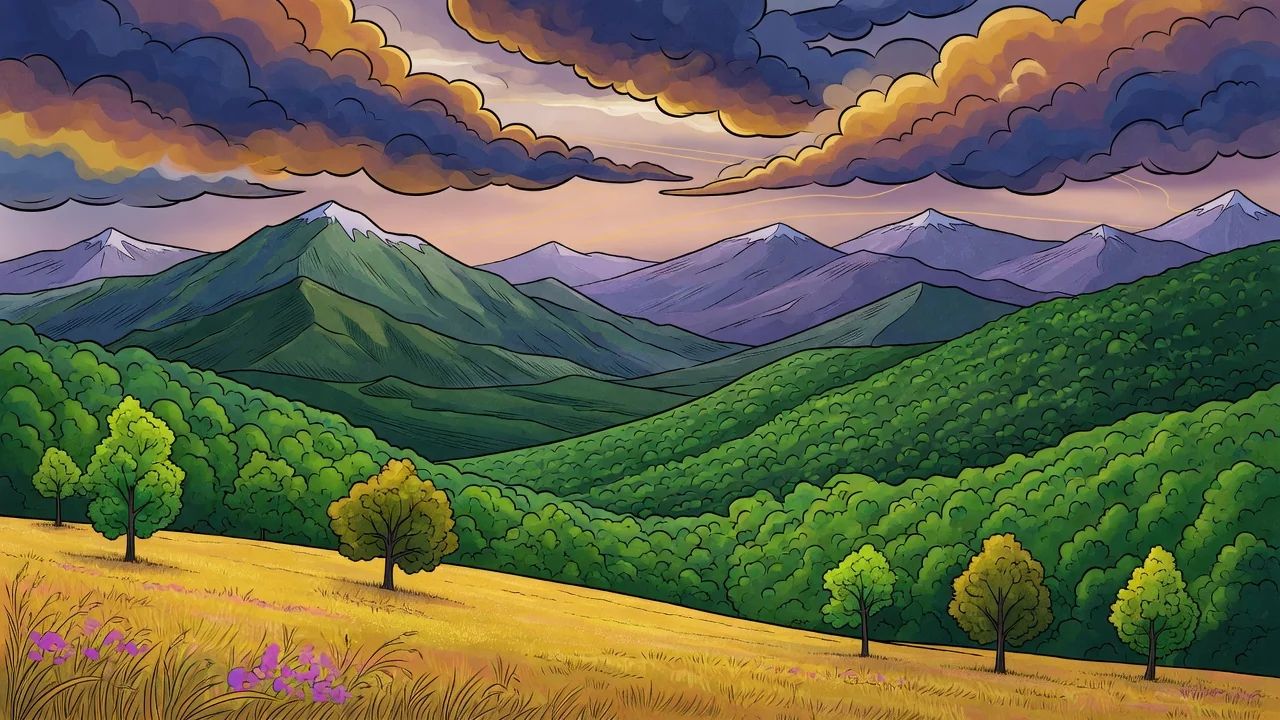
Turn photos into a refined illustration with AI. Editorial linework and stylish color make standout avatars, campaign visuals, and social graphics.
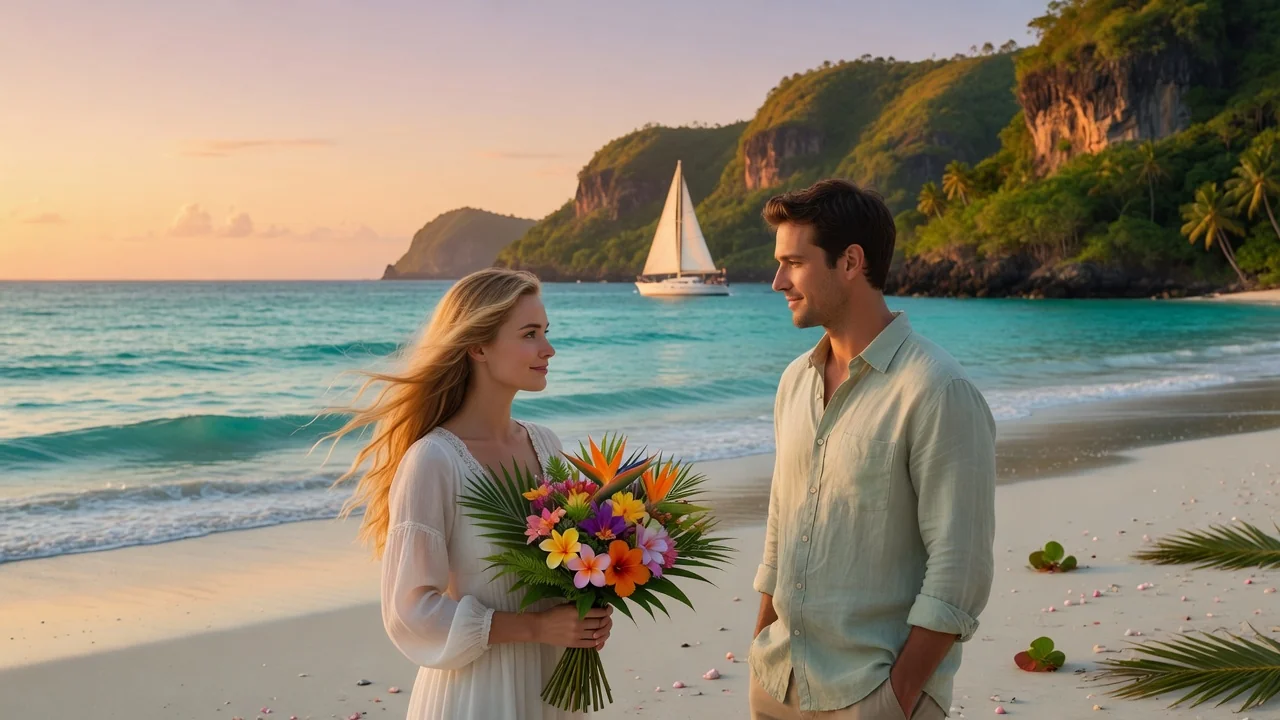
Turn photos into soft watercolor art with AI. Hand-painted paper texture and gentle color washes create dreamy portraits, cards, and wall art.
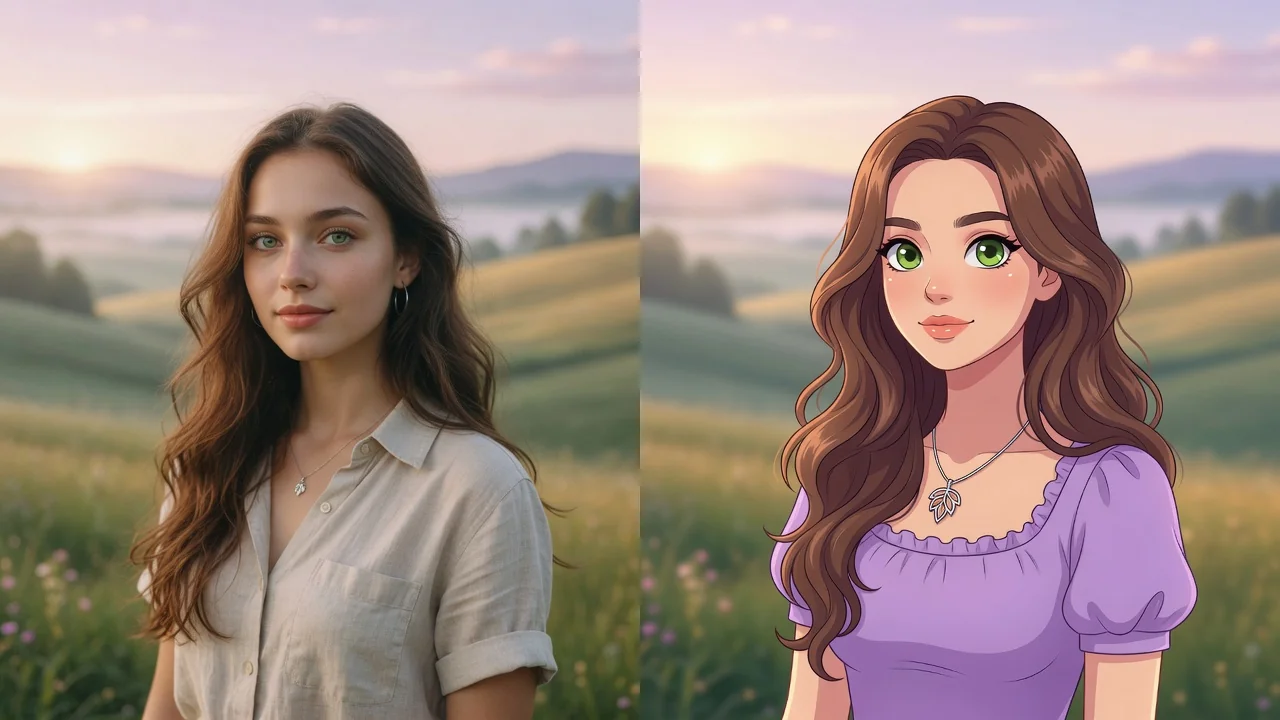
Turn any photo into a polished cartoon with AI. Clean linework and vivid color keep your subject recognizable for avatars, stickers, and fun profile pics.