
Step 1
Upload a photo with a clear subject
Add one JPG or PNG — a portrait, pet, or street scene works best. The converter reads your composition first, so a well-lit subject gives the painterly repaint more to preserve.
Image converters
Convert your photos into a soft Studio Ghibli style. Painterly backgrounds and warm light with high subject fidelity for avatars, wallpapers, and prints.
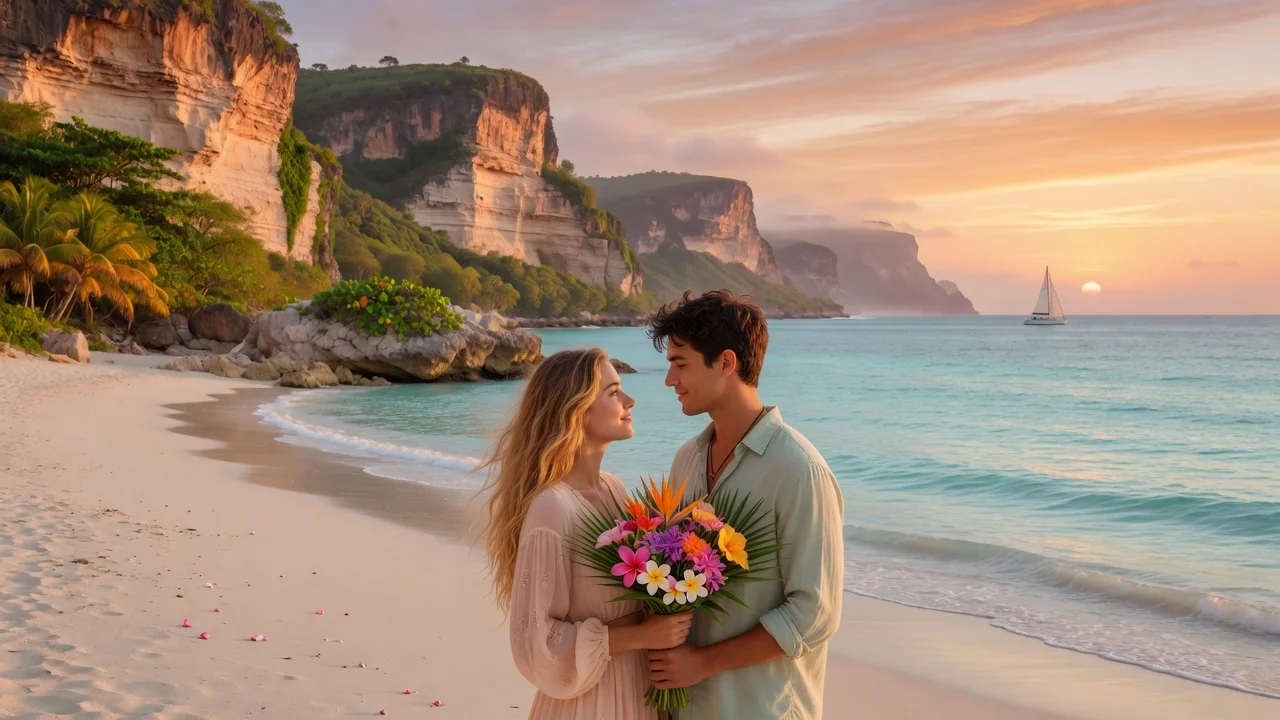
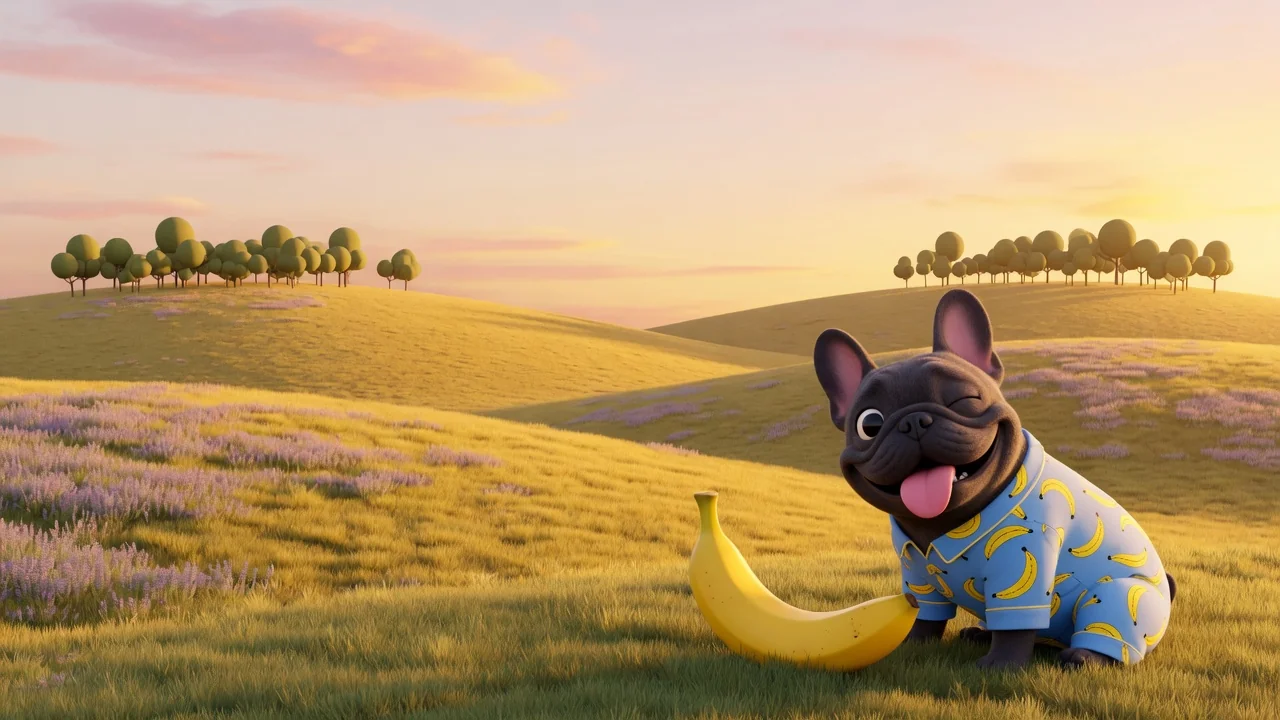
Input
1 image upload
Output
Image
Convert an uploaded image
Default model
Upload photo
PNG, JPG, WebP up to 10MB
Style preset
Aspect ratio
How it works
Step 1
Add one JPG or PNG — a portrait, pet, or street scene works best. The converter reads your composition first, so a well-lit subject gives the painterly repaint more to preserve.
Step 2
Pick Soft Meadow or Cozy Rain, or describe weather and lighting yourself. GPT Image 2 repaints textures and skies in a hand-drawn animation style while keeping your original framing intact.
Step 3
Render the storybook version in seconds, check it against your source, then download in square or widescreen ratios. Rerun with a tweaked scene description if you want a different mood.
Why use it
Each tool uses a known model route instead of asking users to guess IDs.
Prioritizes source-image fidelity for one-image style conversion while keeping specialist fallbacks available.
Ready tools connect directly to the AI Pin Maker generation workspace.
Related tools help continue from generation into cleanup, conversion, and publishing assets.
FAQ
It runs GPT Image 2, chosen specifically for source-image fidelity in one-shot style conversion. Facial structure, pose, and composition are preserved while brushwork, lighting, and backgrounds are repainted; Seedream 4.5 is available as a stylization-heavy fallback.
Outdoor portraits, pets, and everyday street corners convert beautifully because the style thrives on skies, foliage, and warm light. Cluttered collages or very dark shots leave the painter less atmosphere to work with.
Yes. The Soft Meadow preset adds floating dust and sunlit grass, Cozy Rain adds wet streets and glowing windows, and a custom prompt lets you specify season, weather, or time of day.
You can export at 1:1 for avatars, 4:5 and 3:4 for feed posts and prints, or 16:9 for desktop wallpapers. Each render is a standard image file ready to share.
Related tools
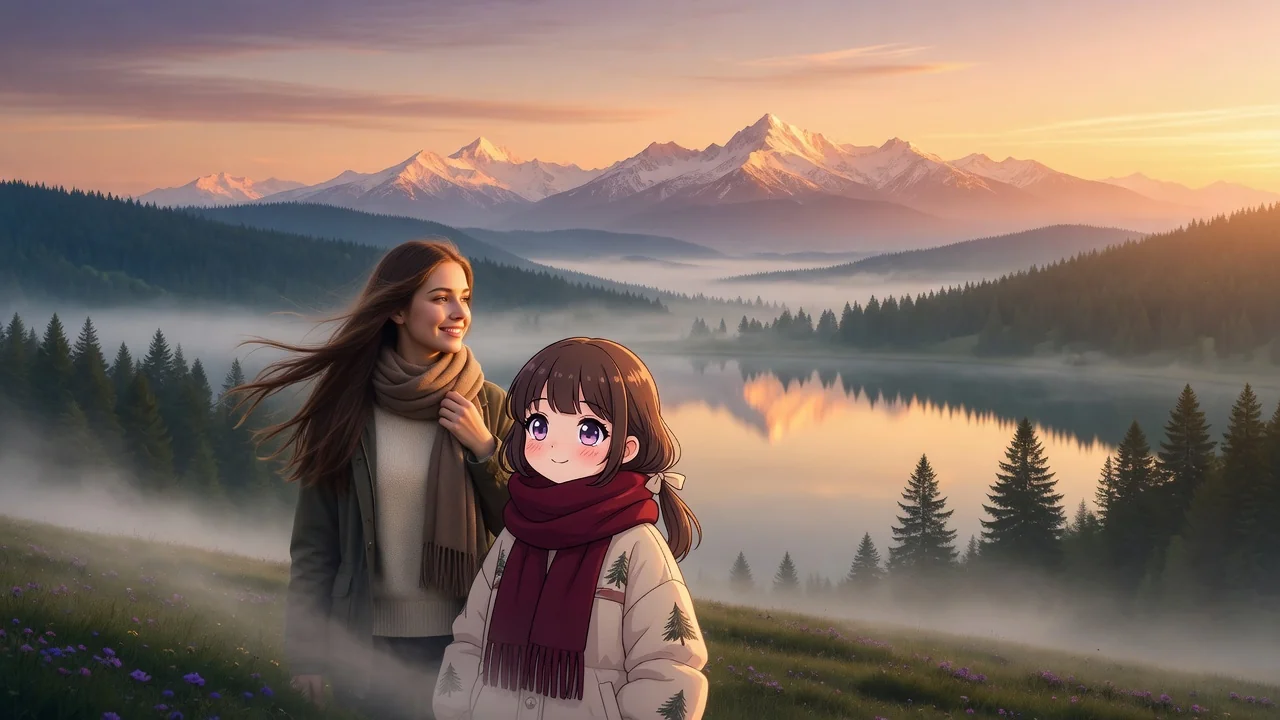
Create cozy Ghibli-style scenes from a prompt. Warm hand-painted backgrounds, soft light, and storybook fantasy art for wallpapers, avatars, and posts.
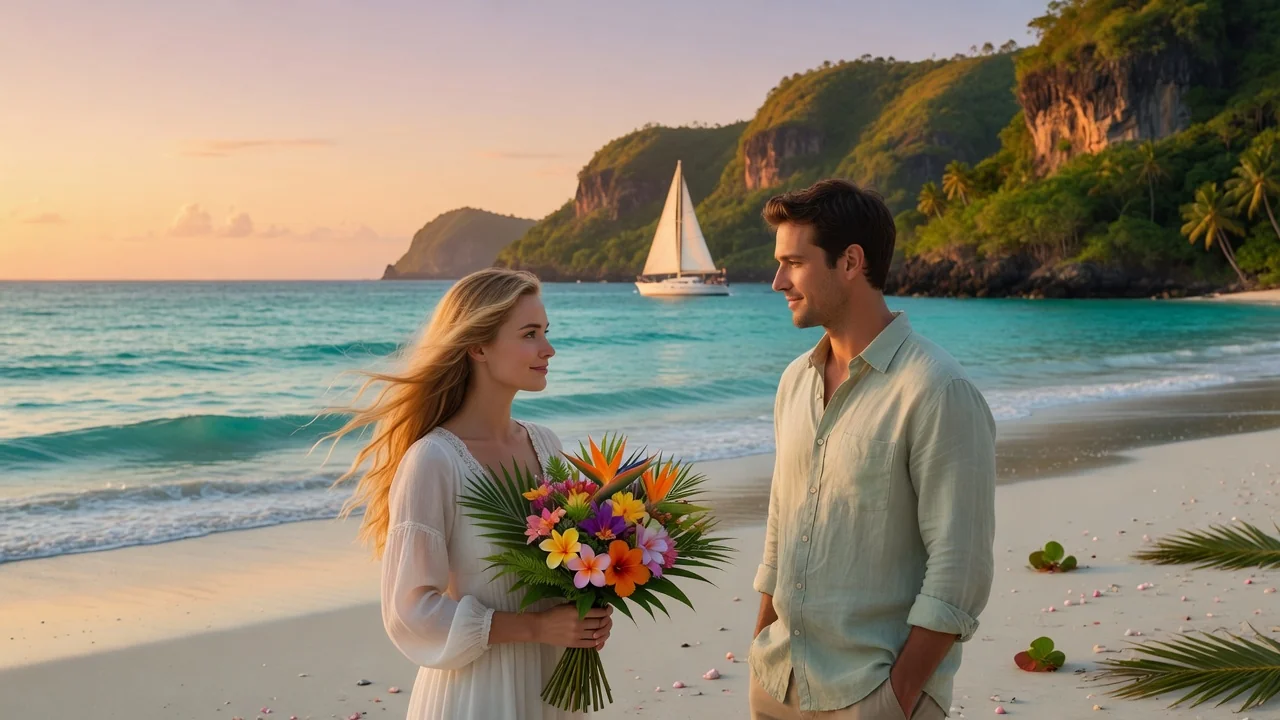
Turn photos into soft watercolor art with AI. Hand-painted paper texture and gentle color washes create dreamy portraits, cards, and wall art.
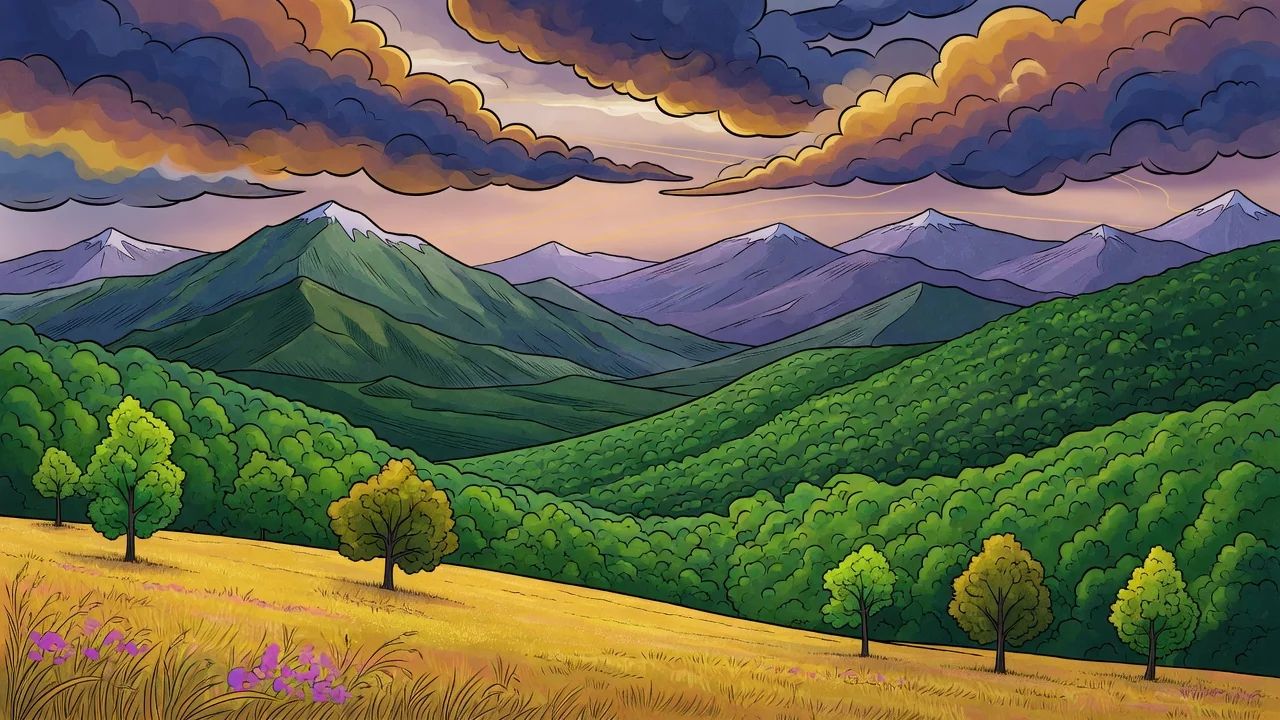
Turn photos into a refined illustration with AI. Editorial linework and stylish color make standout avatars, campaign visuals, and social graphics.