
Step 1
Upload the photo to yellow-toonify
Pick a portrait or group shot with visible faces. The sitcom-cartoon conversion exaggerates expressions, so a natural smile or funny pose gives the style something to work with.
Image converters
Turn photos into a yellow sitcom-cartoon style with AI. Bold outlines and flat colors recreate the satirical TV-cartoon look for fun avatars and posts.
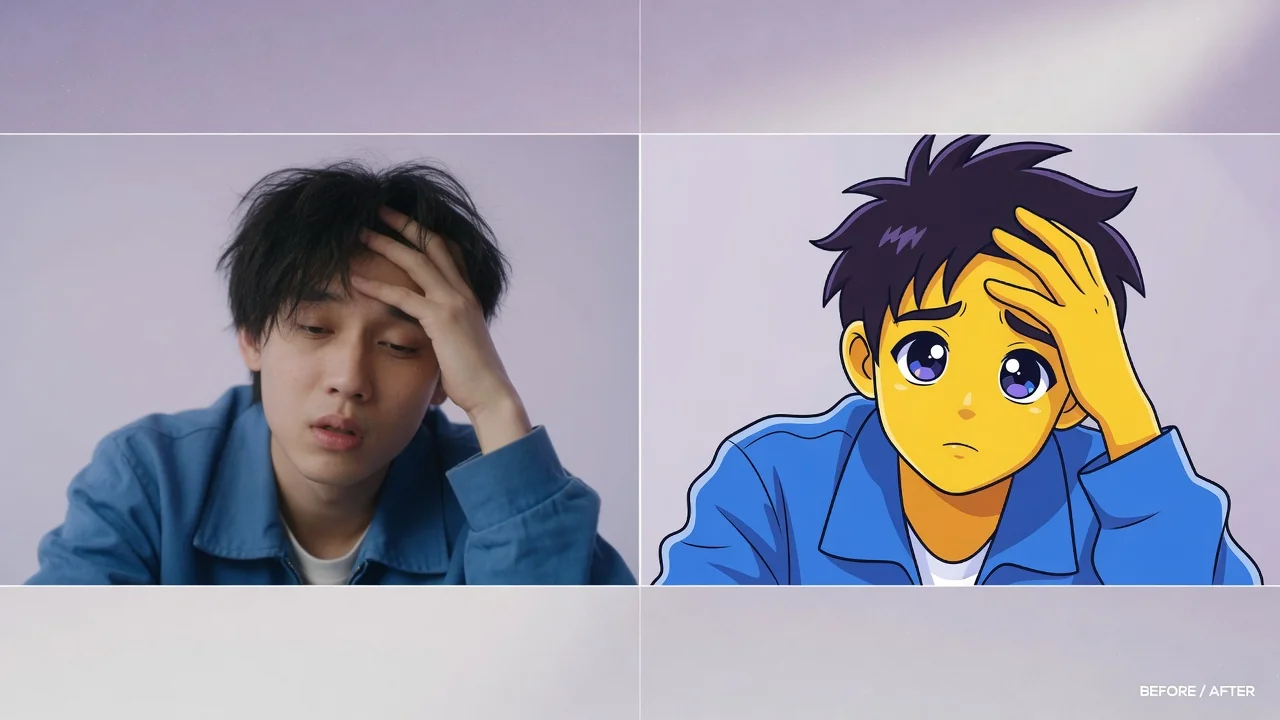

Input
1 image upload
Output
Image
Convert an uploaded image
Default model
Upload photo
PNG, JPG, WebP up to 10MB
Aspect ratio
How it works
Step 1
Pick a portrait or group shot with visible faces. The sitcom-cartoon conversion exaggerates expressions, so a natural smile or funny pose gives the style something to work with.
Step 2
Nano Banana 2 applies yellow skin, bold outlines, and flat color fields by default. Prompt for a couch scene, donut props, or a specific background gag to complete the parody.
Step 3
Nano Banana 2 is tuned for speed, so results land quickly. Download the square render, or rerun with different staging until the caricature hits the right comedic note.
Why use it
Each tool uses a known model route instead of asking users to guess IDs.
Best for fast visual remixing and broad prompt coverage when strict identity preservation is not the main risk.
Ready tools connect directly to the AI Pin Maker generation workspace.
Related tools help continue from generation into cleanup, conversion, and publishing assets.
FAQ
Nano Banana 2 maps your features onto the classic sitcom-cartoon formula — yellow skin, large round eyes, and a prominent upper lip — while keeping hairstyle, accessories, and expression so the caricature stays recognizable.
This style is a bold visual remix rather than a fidelity-critical edit, so the tool defaults to Nano Banana 2 for fast turnaround and broad prompt coverage, with GPT Image 2 available as a fallback.
Yes, group shots become a sitcom-family lineup. Two to four people keep individual likeness best. Prompting a living-room couch setting is a popular way to complete the joke.
Flat color fields and clean outlines are the signature of the TV-cartoon look this tool recreates. Painterly shading would break the parody, so the converter deliberately avoids gradients and texture.
Related tools
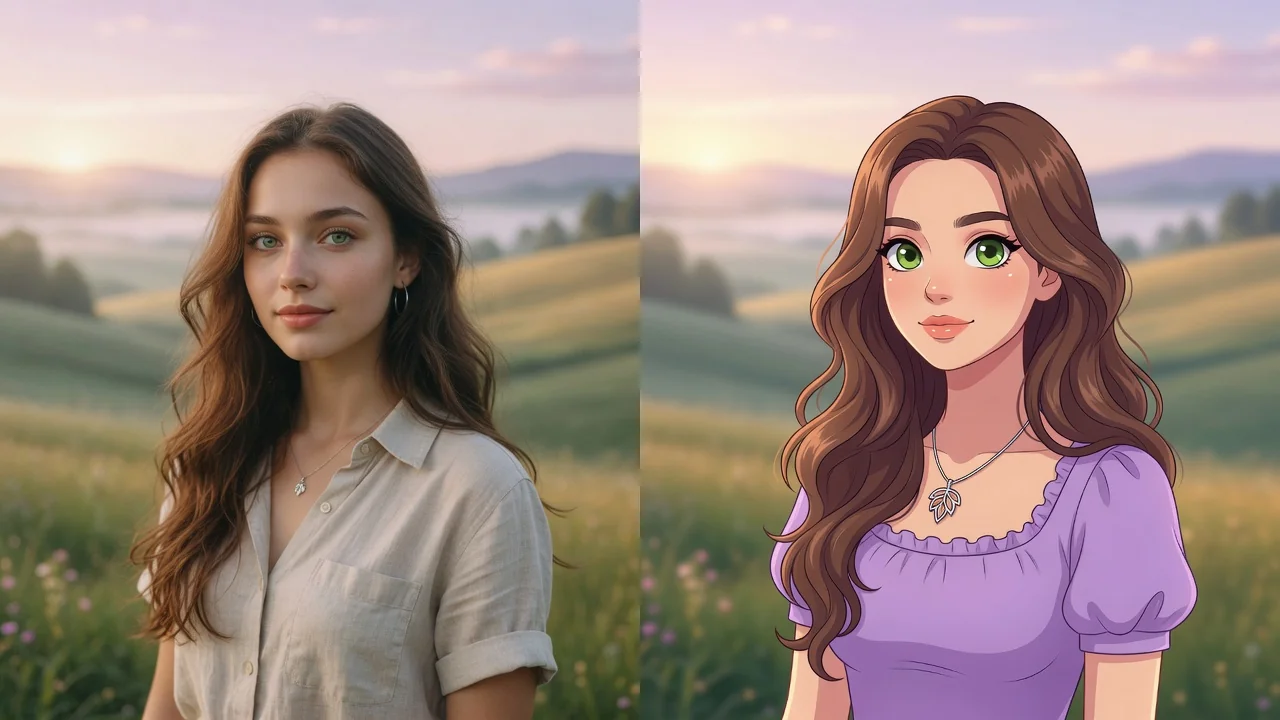
Turn any photo into a polished cartoon with AI. Clean linework and vivid color keep your subject recognizable for avatars, stickers, and fun profile pics.
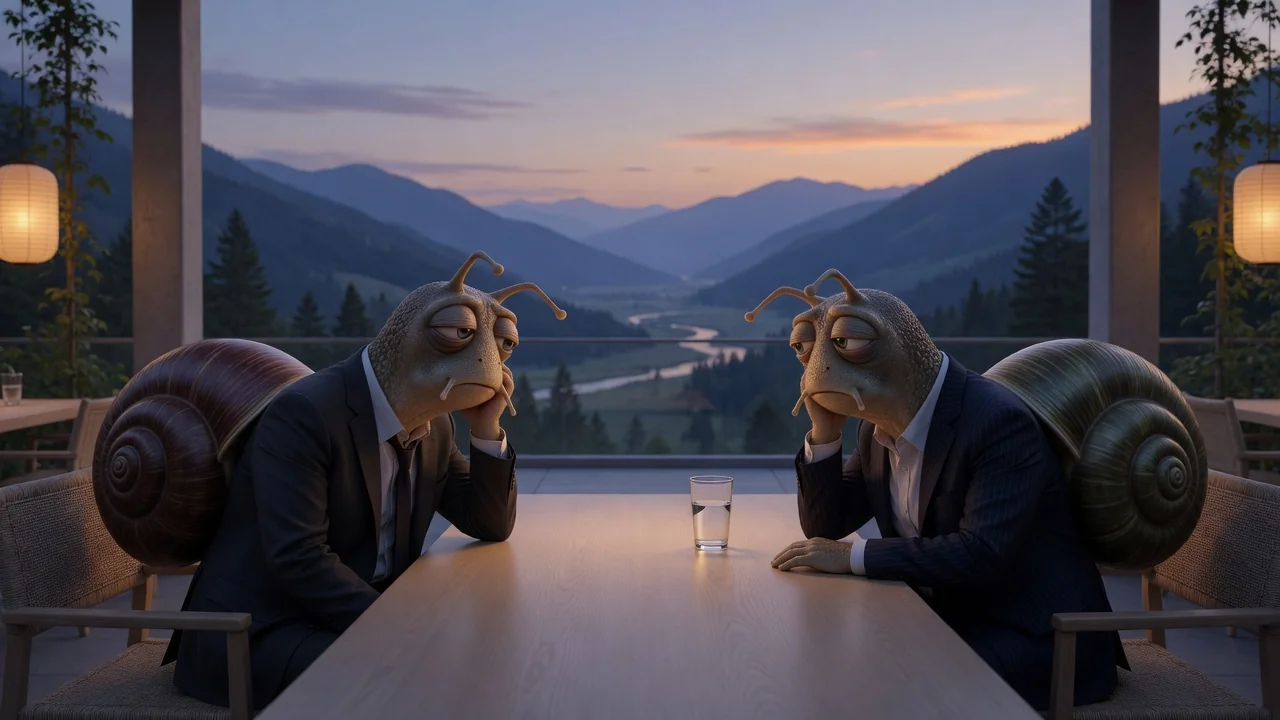
Turn photos into a witty New Yorker-style cartoon with refined ink linework and subtle watercolor texture, perfect for editorial avatars and clever captions.
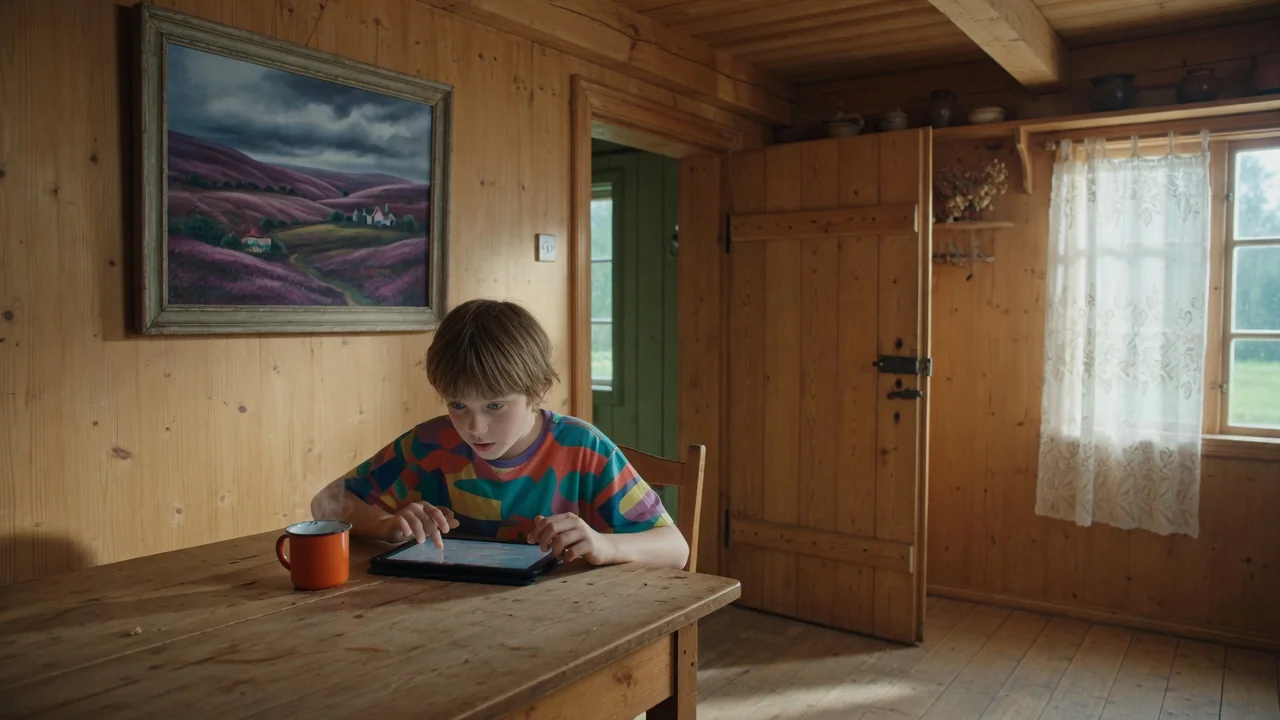
Turn photos into retro pixel art with AI. Crisp 8-bit and 16-bit styling for game-ready avatars, sprites, stickers, and nostalgic creative assets.