
Step 1
Upload a person, pet, or scene
Choose a photo with a distinct subject — the brick conversion works by rebuilding recognizable shapes, so clear outlines and simple backgrounds translate into tidier block geometry.
Image converters
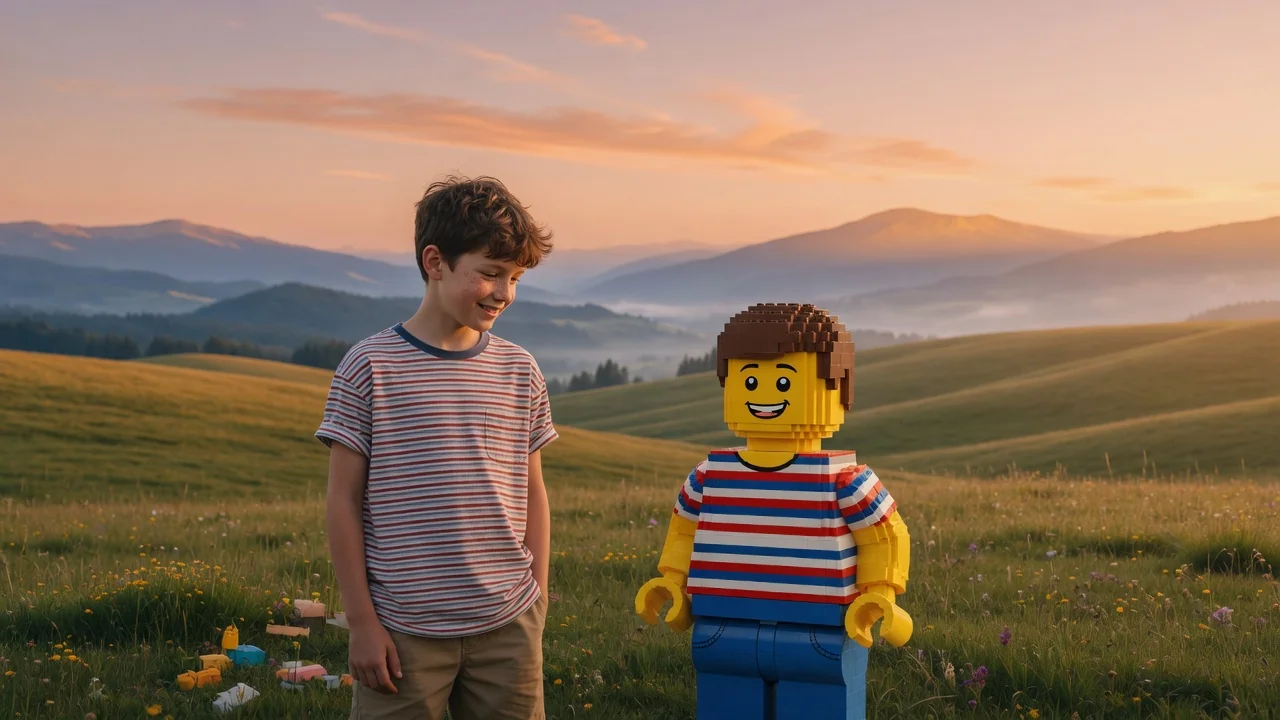
Turn people, pets, or scenes into a brick-built LEGO-style image with AI. Recognizable minifigure looks and blocky charm for fun, shareable creations.

Input
1 image upload
Output
Image
Convert an uploaded image
Default model
Upload photo
PNG, JPG, WebP up to 10MB
Aspect ratio
How it works
Step 1
Choose a photo with a distinct subject — the brick conversion works by rebuilding recognizable shapes, so clear outlines and simple backgrounds translate into tidier block geometry.
Step 2
The default prompt asks Seedream 5.0 for block geometry and playful studio lighting. You can request a minifigure-style character, a full brick diorama, or a specific baseplate color.
Step 3
Generate your brick-built version, check that key features survived the blockification, and export at 1:1, 4:5, or 16:9. Regenerate with more detail in the prompt if pieces look mushy.
Why use it
Each tool uses a known model route instead of asking users to guess IDs.
Default for 3D objects, figurines, and clay-like renders that need clean geometry and toy-grade lighting.
Ready tools connect directly to the AI Pin Maker generation workspace.
Related tools help continue from generation into cleanup, conversion, and publishing assets.
FAQ
Seedream 5.0 re-renders your subject as if assembled from plastic bricks, mapping colors and shapes onto studs, plates, and blocks. It preserves the overall silhouette so the person or pet stays recognizable.
No. It creates an unofficial brick-toy visual style inspired by construction toys. The output is a stylized AI image for personal fun and social sharing, not a buildable set or instruction manual.
Yes — pets are among the most popular subjects. Fur colors become brick colors and markings become printed-tile details, giving you a toy-shelf version of your animal with surprisingly faithful proportions.
The tool intentionally renders bricks with glossy plastic highlights and product-photo lighting, because that is what makes the toy illusion convincing. You can prompt for outdoor or playroom scenes instead.
Related tools
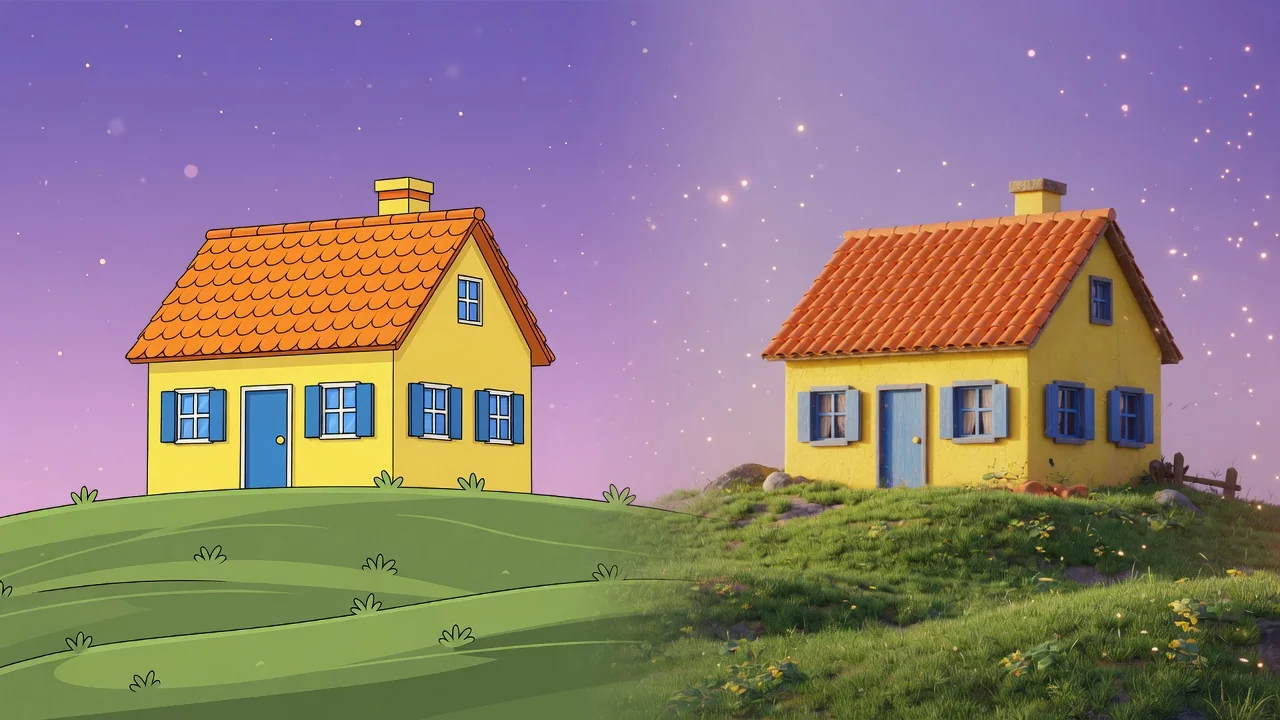
Turn a flat photo into a clean 3D render with AI. Add depth, realistic materials, and studio composition for products, characters, and creative mockups.

Turn yourself or anyone into a boxed action figure with AI. Collectible toy styling, blister packaging, and clean product lighting for the viral figure meme.
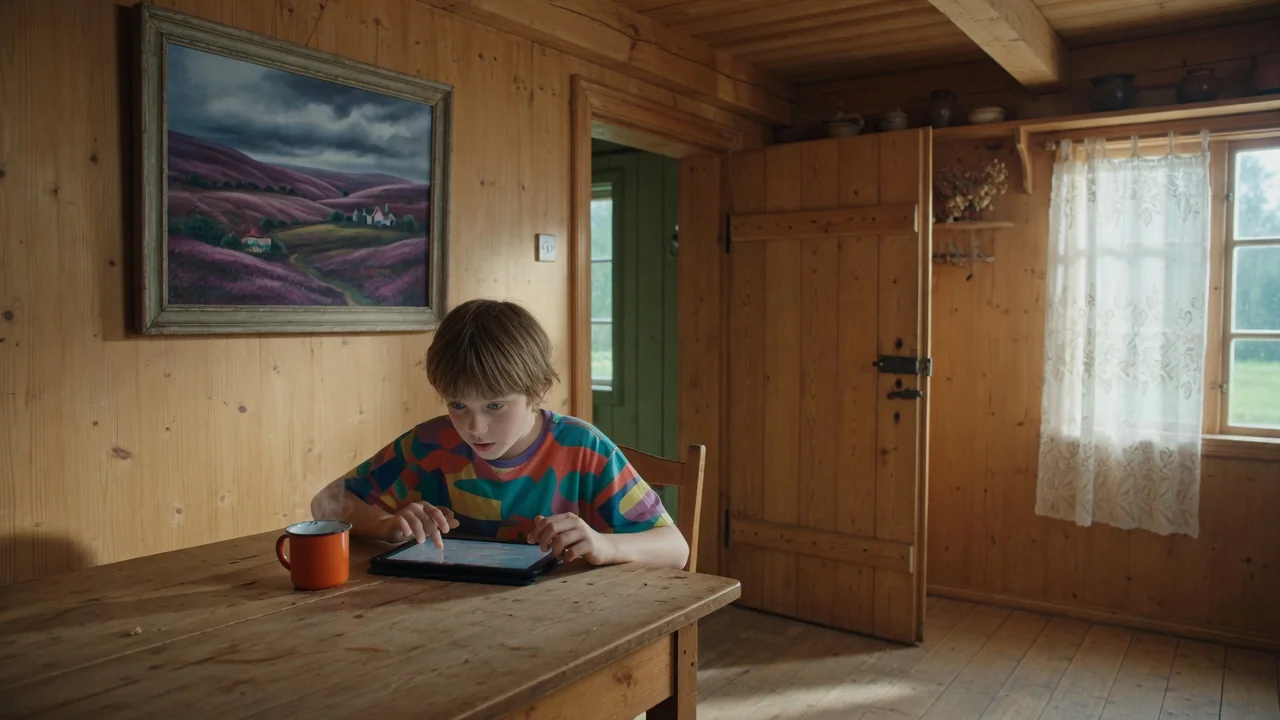
Turn photos into retro pixel art with AI. Crisp 8-bit and 16-bit styling for game-ready avatars, sprites, stickers, and nostalgic creative assets.