
Step 1
Upload the flat photo to rebuild
One image of a product, person, or object is enough. Front-facing shots with visible edges give Seedream 5.0 the clearest geometry cues to lift your subject out of the flat plane.
Image converters
Turn a flat photo into a clean 3D render with AI. Add depth, realistic materials, and studio composition for products, characters, and creative mockups.
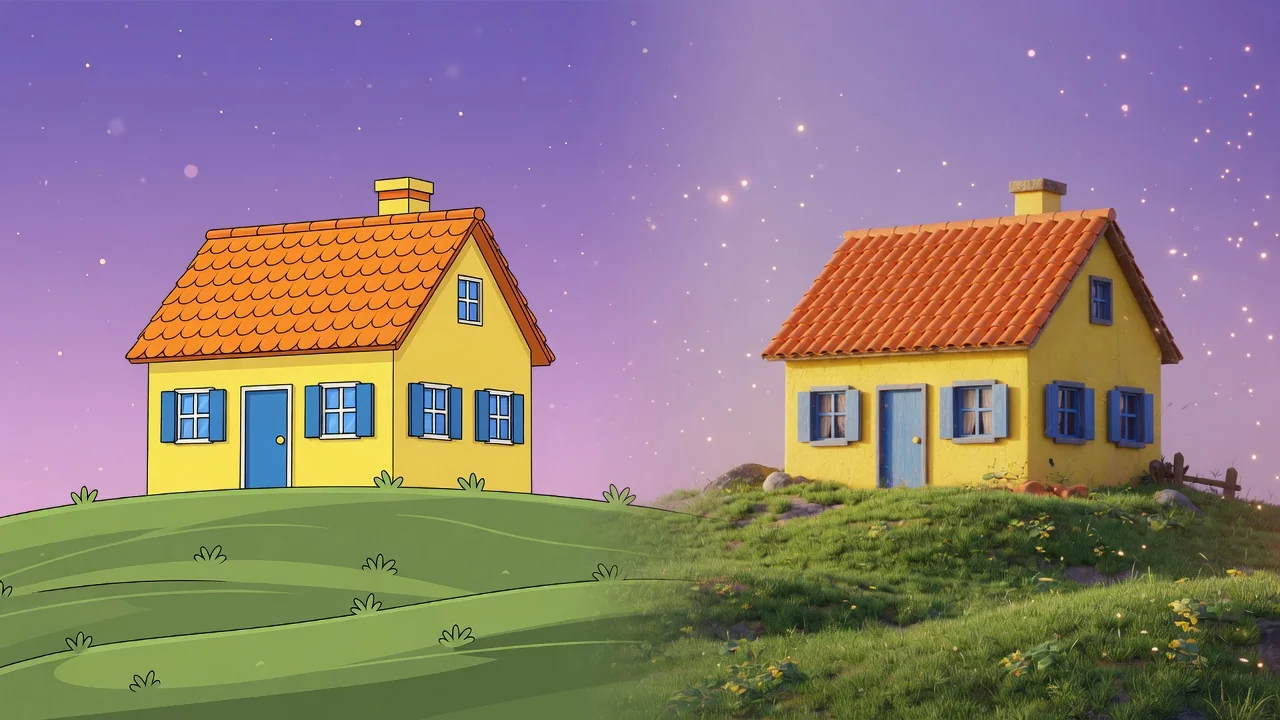

Input
1 image upload
Output
Image
Convert an uploaded image
Default model
Upload photo
PNG, JPG, WebP up to 10MB
Aspect ratio
How it works
Step 1
One image of a product, person, or object is enough. Front-facing shots with visible edges give Seedream 5.0 the clearest geometry cues to lift your subject out of the flat plane.
Step 2
The default prompt requests realistic materials, depth, and product-grade lighting. Add specifics like brushed metal, matte plastic, or soft rim light to steer how the 3D surfaces are rendered.
Step 3
Generate the render, inspect depth and reflections, and download at 1:1, 4:5, or 16:9. If a surface looks off, adjust the material wording and run it again.
Why use it
Each tool uses a known model route instead of asking users to guess IDs.
Default for 3D objects, figurines, and clay-like renders that need clean geometry and toy-grade lighting.
Ready tools connect directly to the AI Pin Maker generation workspace.
Related tools help continue from generation into cleanup, conversion, and publishing assets.
FAQ
Seedream 5.0 re-interprets your photo's shapes as volumes, then re-renders them with simulated depth, materials, and studio lighting. It is a generative reconstruction, so surfaces and shadows are synthesized rather than measured.
No. The output is a rendered image with a 3D look, not an OBJ or GLB mesh. It suits product mockups, thumbnails, and concept art rather than game engines or 3D printing.
Products, logos, characters, and single objects with clean silhouettes work best. Seedream 5.0 was selected for clean geometry and toy-grade lighting, so simple, well-separated subjects produce the most convincing depth.
Yes — mention lighting in the prompt, such as softbox from the left, dramatic rim light, or bright catalog lighting. The model composes shadows and highlights around your description.
Related tools
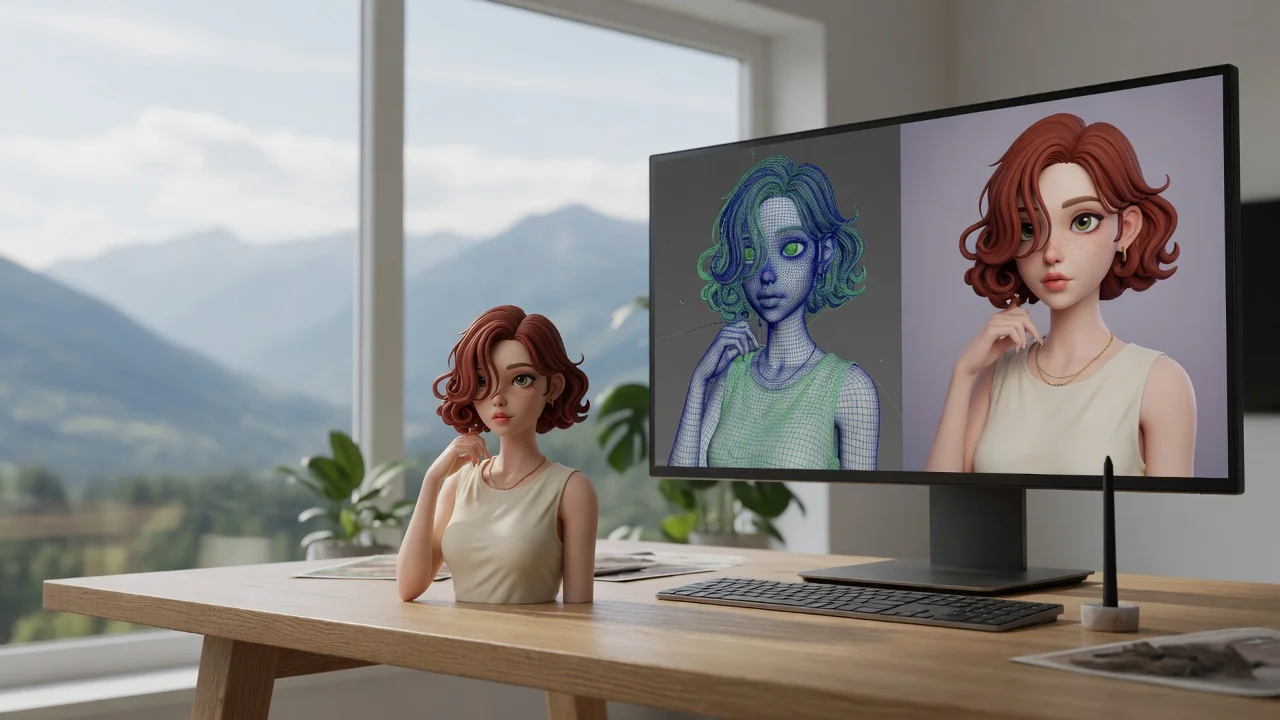
Turn any photo into the viral Nano Banana 3D figurine look. Collectible toy-style rendering with glossy detail, ready to share or print as a custom figure.

Turn yourself or anyone into a boxed action figure with AI. Collectible toy styling, blister packaging, and clean product lighting for the viral figure meme.
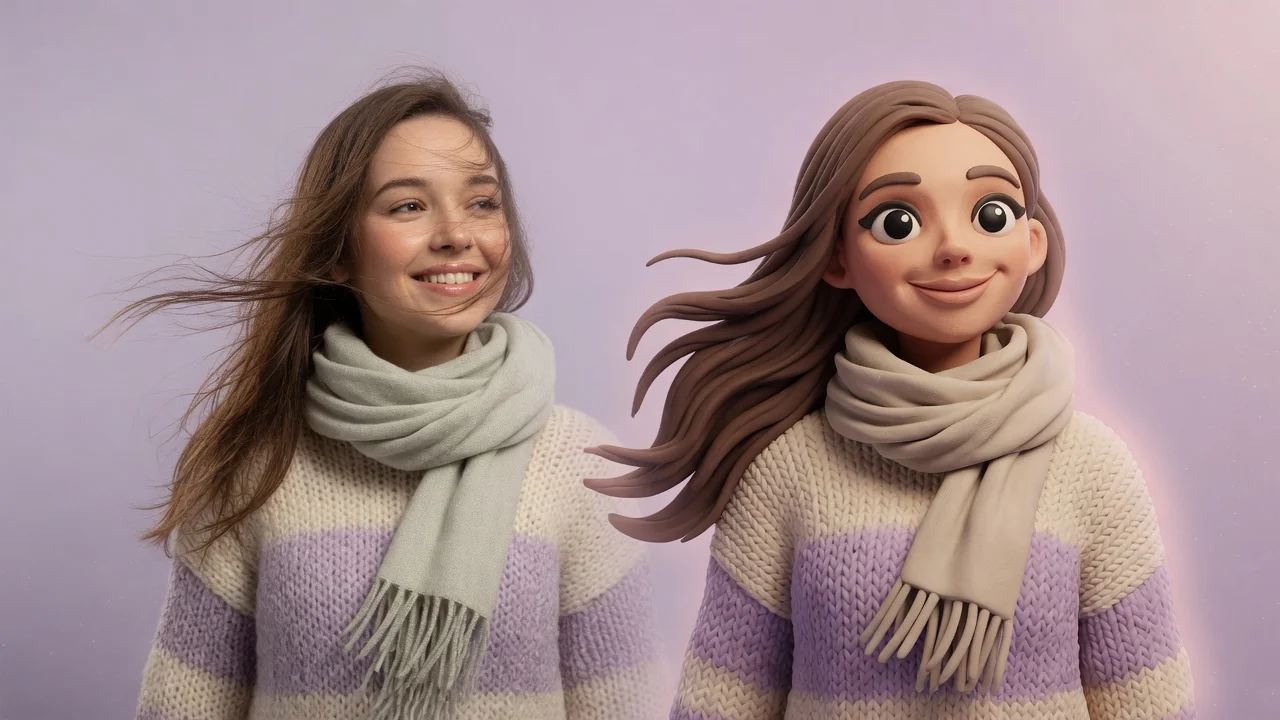
Turn photos into cute clay-style miniatures with AI. Rounded shapes, soft handmade texture, and stop-motion charm for adorable avatars and figurine art.