
Step 1
Upload the Subject
One photo of a person, pet, or character. The figurine keeps the subject's outfit, colors, and pose, so choose a shot with details worth miniaturizing.
AI effects
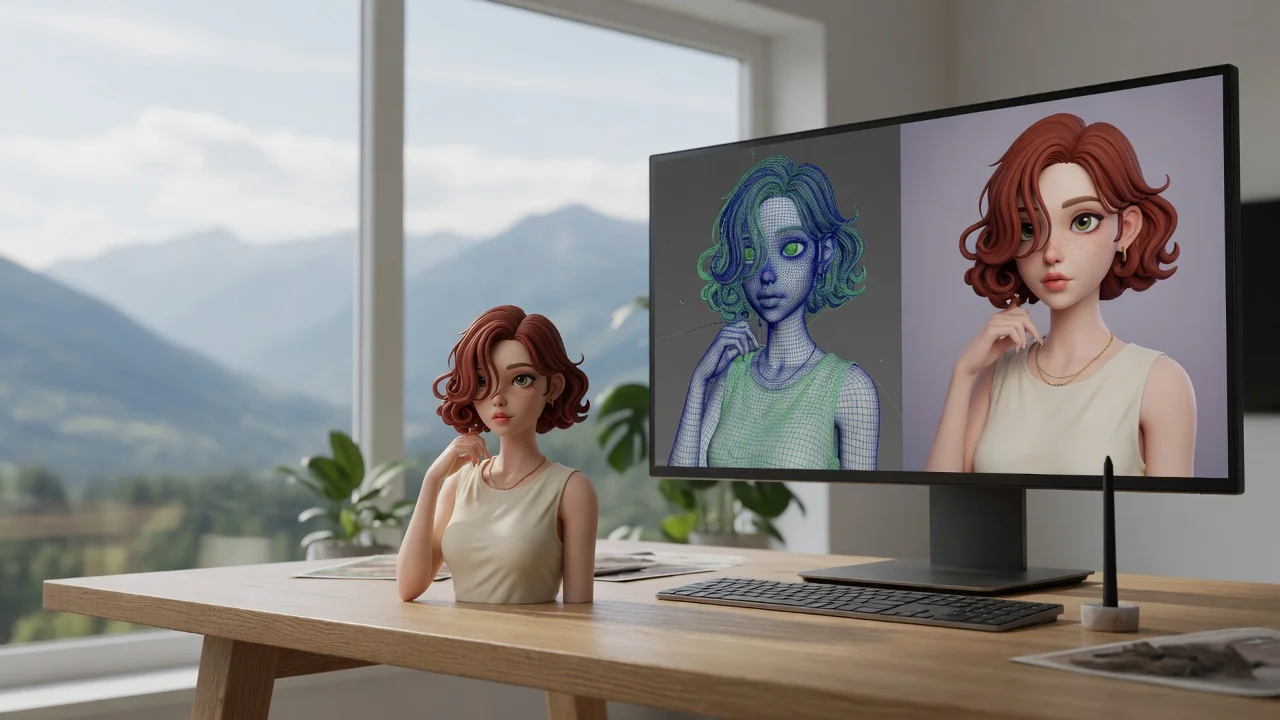
Turn any photo into the viral Nano Banana 3D figurine look. Collectible toy-style rendering with glossy detail, ready to share or print as a custom figure.
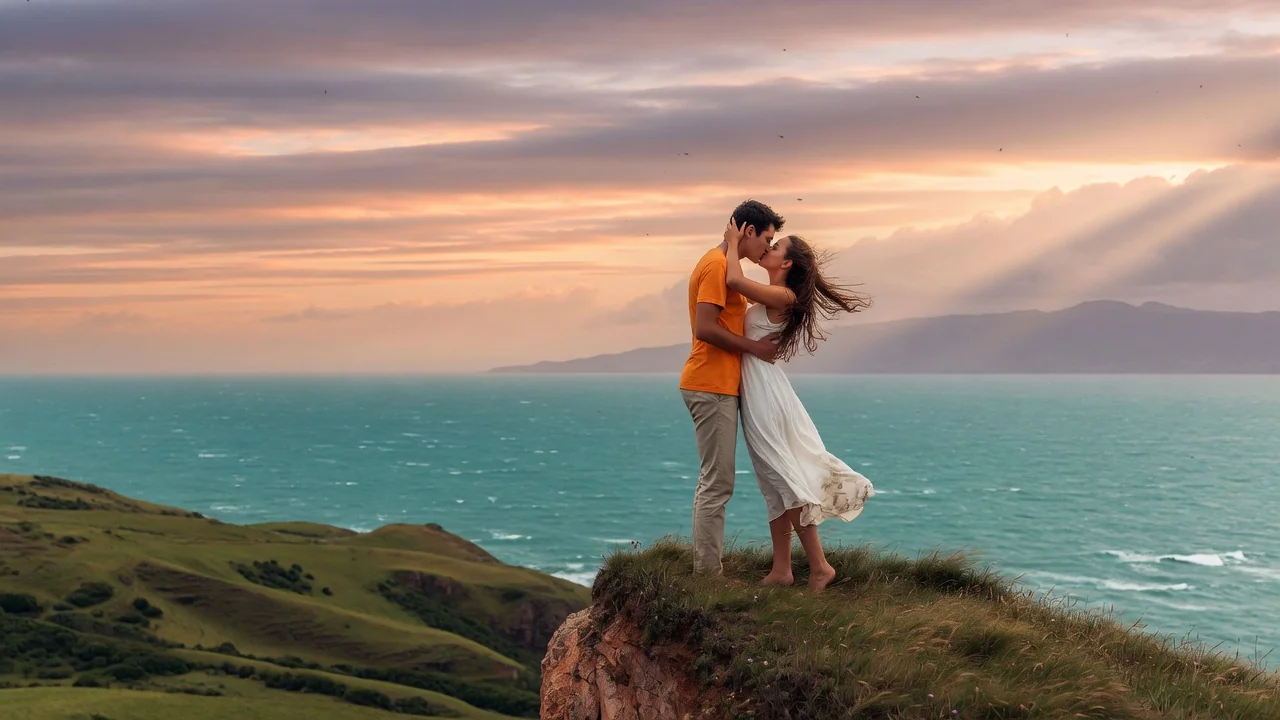
Input
1 image upload
Output
Image
Convert an uploaded image
Default model
Upload photo
PNG, JPG, WebP up to 10MB
Aspect ratio
How it works
Step 1
One photo of a person, pet, or character. The figurine keeps the subject's outfit, colors, and pose, so choose a shot with details worth miniaturizing.
Step 2
The default renders a collectible figurine on a desk beside its toy packaging. Adjust the prompt for base style, box art, or a completely different display setting.
Step 3
You get a glossy, toy-grade render with clean studio lighting. Export at 1:1 or 4:5 for feed posts, or 16:9 for a wide desk-scene shot.
Why use it
Each tool uses a known model route instead of asking users to guess IDs.
Default for 3D objects, figurines, and clay-like renders that need clean geometry and toy-grade lighting.
Ready tools connect directly to the AI Pin Maker generation workspace.
Related tools help continue from generation into cleanup, conversion, and publishing assets.
FAQ
It's the viral effect of rendering a real person or pet as a collectible vinyl-style figurine, typically displayed on a desk next to its own toy packaging — a 3D-render take on the miniature-me idea.
Seedream 5.0 Lite is the default, chosen for 3D object and figurine renders that need clean geometry and toy-grade lighting. Nano Banana Pro and GPT Image 2 are available as fallbacks.
Yes — the transformation preserves clothing, color palette, and stance from your photo, translating them into simplified toy proportions with glossy vinyl-like surfaces, so the figure stays recognizably yours.
The output is a 2D rendered image, not a printable 3D mesh — but it works well as a concept reference for commissioning a physical figure, or simply for sharing the collectible look online.
Related tools

Turn yourself or anyone into a boxed action figure with AI. Collectible toy styling, blister packaging, and clean product lighting for the viral figure meme.
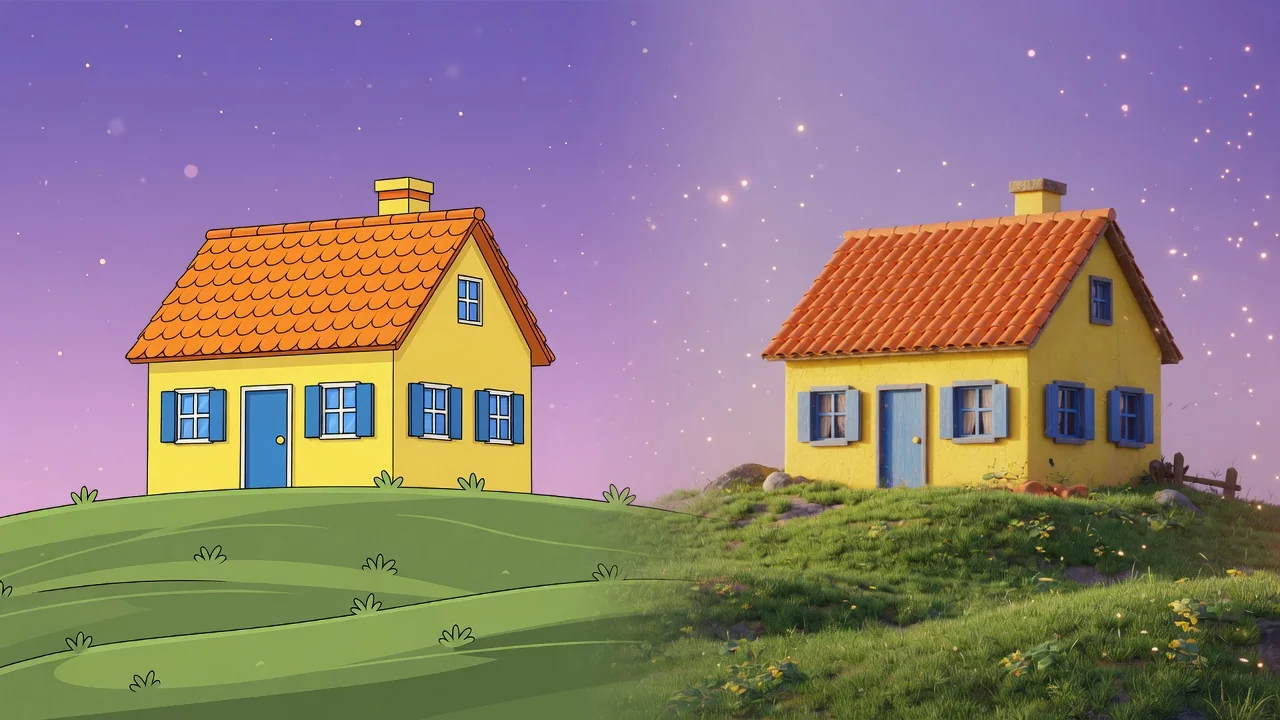
Turn a flat photo into a clean 3D render with AI. Add depth, realistic materials, and studio composition for products, characters, and creative mockups.
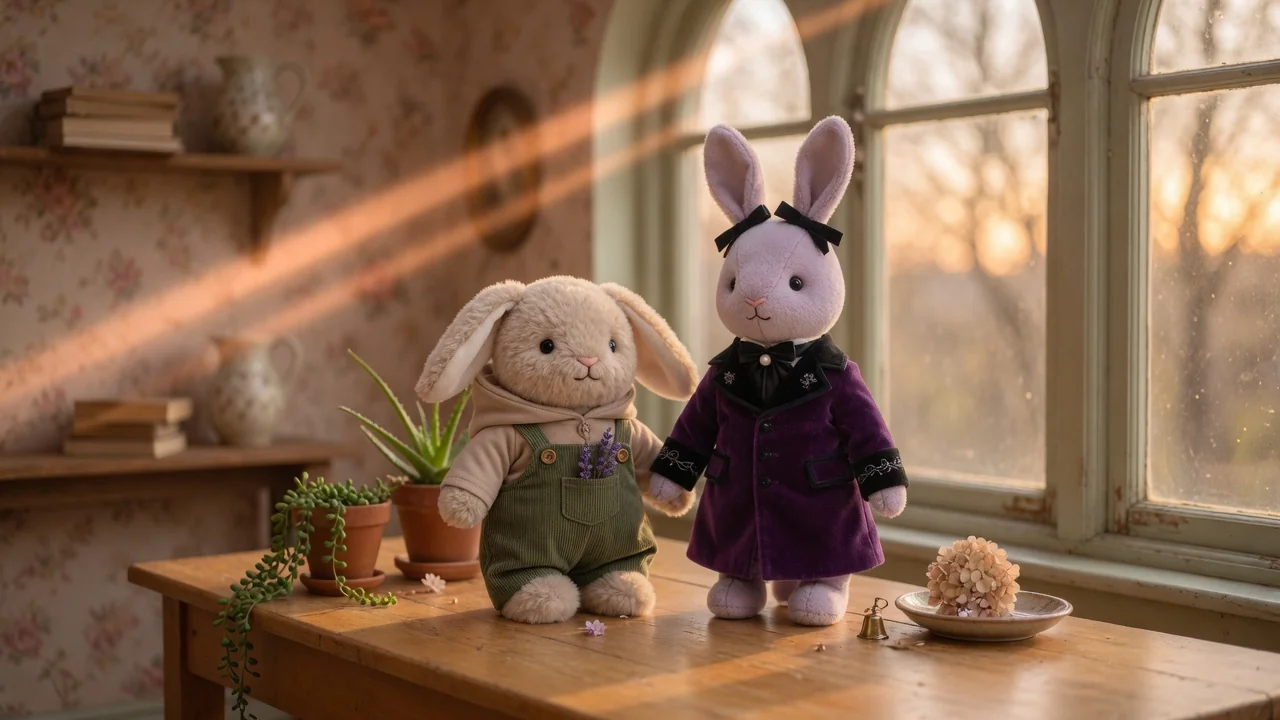
Turn photos into a collectible Labubu-style doll with plush textures, cute toy proportions, and studio product lighting, ready to share or showcase.