
Step 1
Upload the subject to sculpt
Portraits, couples, and pets convert charmingly. Simple compositions help, because the clay conversion rounds every form — a clean subject becomes an adorable miniature rather than a lumpy scene.
Image converters
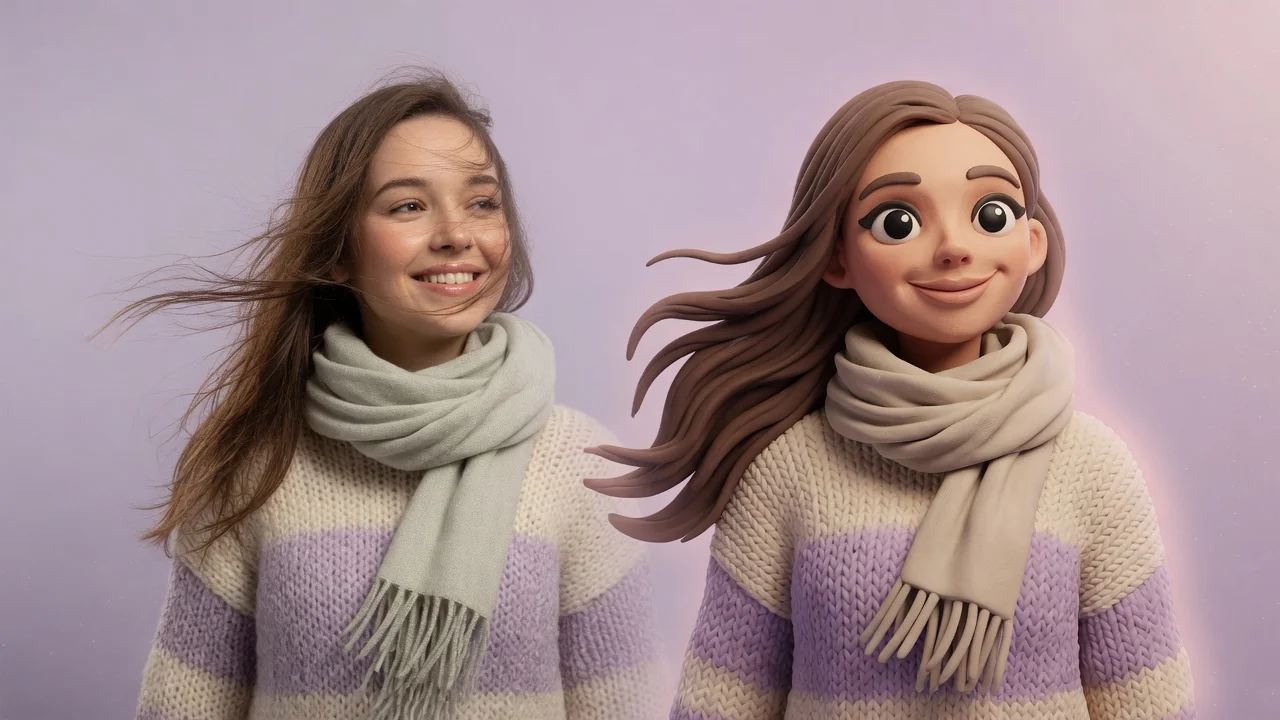
Turn photos into cute clay-style miniatures with AI. Rounded shapes, soft handmade texture, and stop-motion charm for adorable avatars and figurine art.

Input
1 image upload
Output
Image
Convert an uploaded image
Default model
Upload photo
PNG, JPG, WebP up to 10MB
Aspect ratio
How it works
Step 1
Portraits, couples, and pets convert charmingly. Simple compositions help, because the clay conversion rounds every form — a clean subject becomes an adorable miniature rather than a lumpy scene.
Step 2
Seedream 5.0 applies soft clay texture, rounded forms, and tactile studio lighting by default. Prompt for fingerprint detail, pastel plasticine colors, or a stop-motion set backdrop to vary the craft feel.
Step 3
Generate the clay figure, admire the handmade imperfections, and export in product-friendly ratios. Rerun with different texture notes if you want smoother or rougher sculpting.
Why use it
Each tool uses a known model route instead of asking users to guess IDs.
Default for 3D objects, figurines, and clay-like renders that need clean geometry and toy-grade lighting.
Ready tools connect directly to the AI Pin Maker generation workspace.
Related tools help continue from generation into cleanup, conversion, and publishing assets.
FAQ
Seedream 5.0 renders rounded simplified forms, matte clay surfaces with subtle tool marks, and the soft close-up lighting used in stop-motion sets. Together they read as a hand-sculpted miniature photographed on a tabletop.
All three share Seedream 5.0, but this one targets organic handmade softness — rounded edges and matte clay — while the LEGO tool builds rigid brick geometry and the 3D tool aims for polished CGI realism.
Yes, two or three subjects sculpt nicely and make popular anniversary and family gifts. Each person keeps hairstyle, outfit colors, and pose, translated into chunky clay proportions.
Describe your palette in the prompt — pastel pink and mint, natural terracotta, or bright primary plasticine. The model recolors the sculpt while keeping recognizable skin, hair, and outfit distinctions.
Related tools
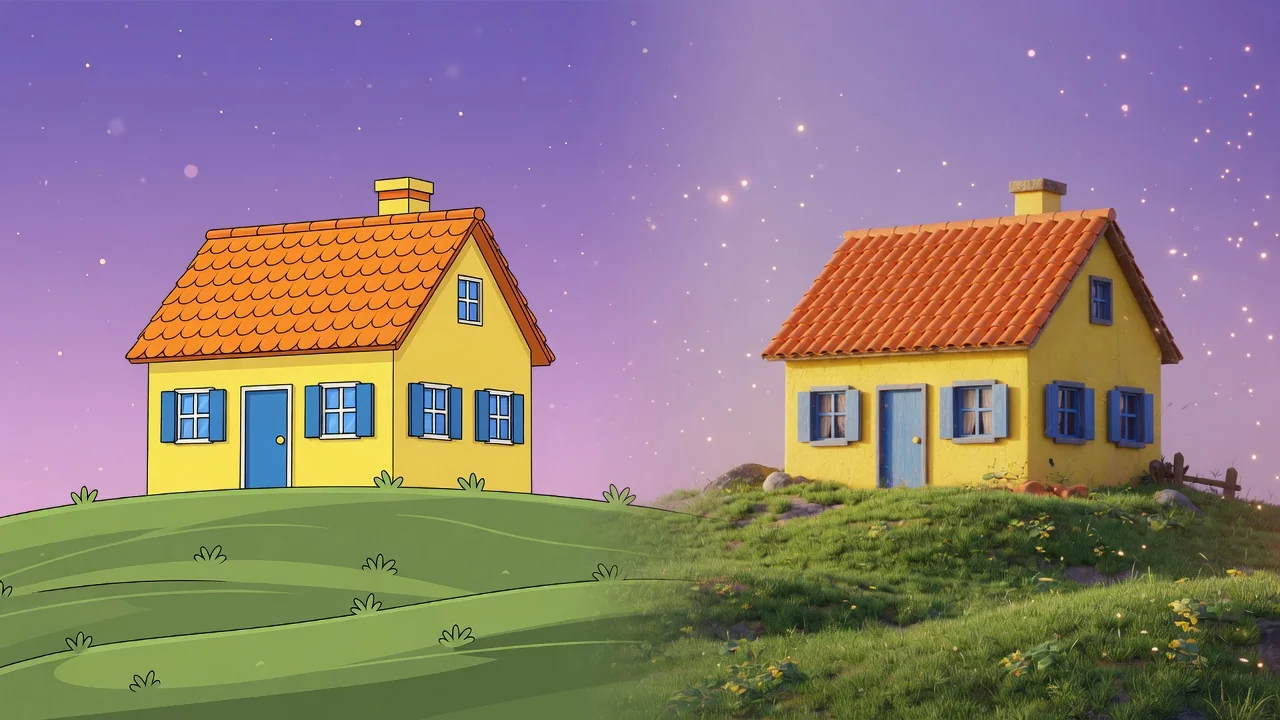
Turn a flat photo into a clean 3D render with AI. Add depth, realistic materials, and studio composition for products, characters, and creative mockups.
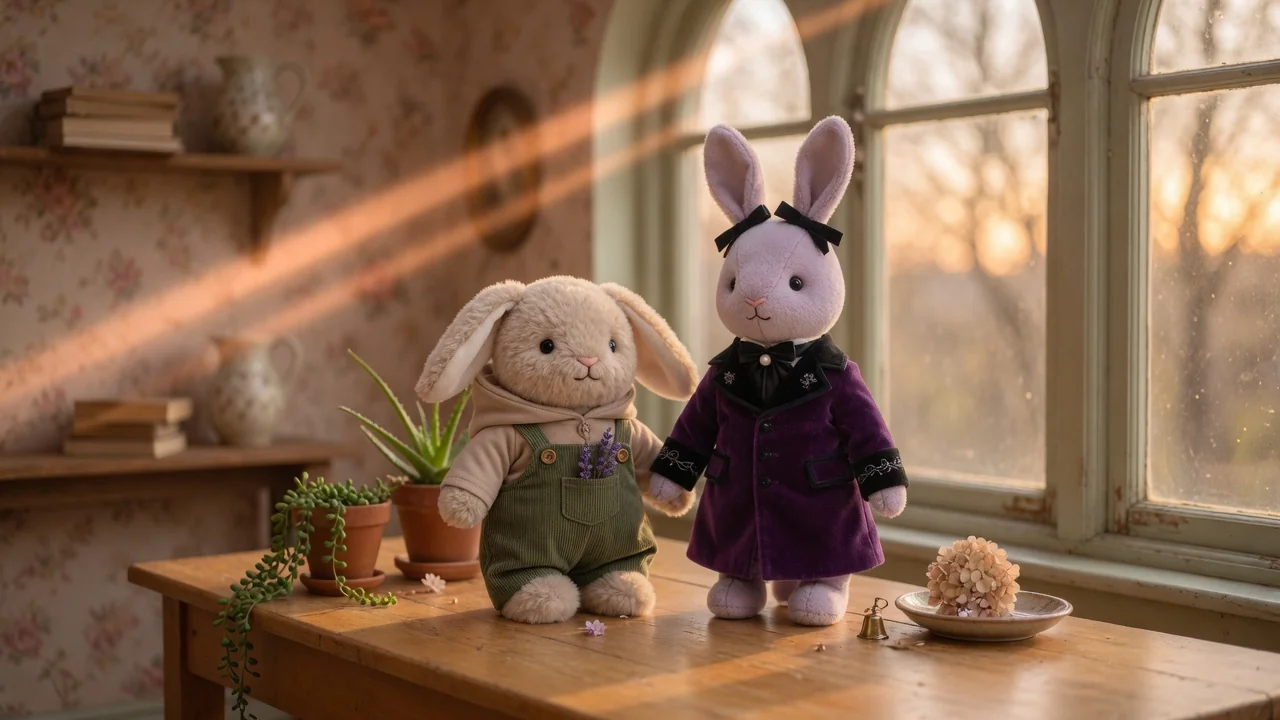
Turn photos into a collectible Labubu-style doll with plush textures, cute toy proportions, and studio product lighting, ready to share or showcase.
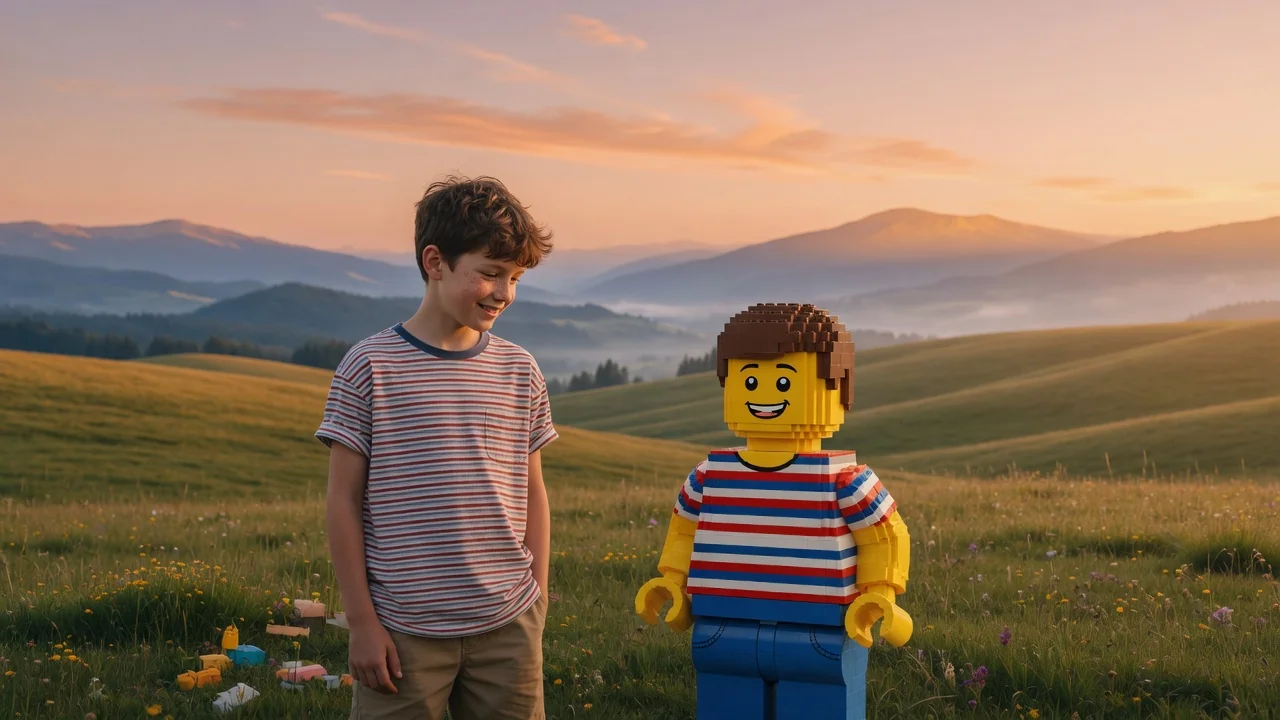
Turn people, pets, or scenes into a brick-built LEGO-style image with AI. Recognizable minifigure looks and blocky charm for fun, shareable creations.