
Step 1
Upload Your Pet's Photo
Any decent photo works, even a casual one — the tool rebuilds the framing and background. A shot where the face is sharp and both eyes are visible is ideal.
AI effects
Create a clean pet passport photo with AI. Centered framing, neutral background, and even lighting that meets common pet ID and travel document styles.
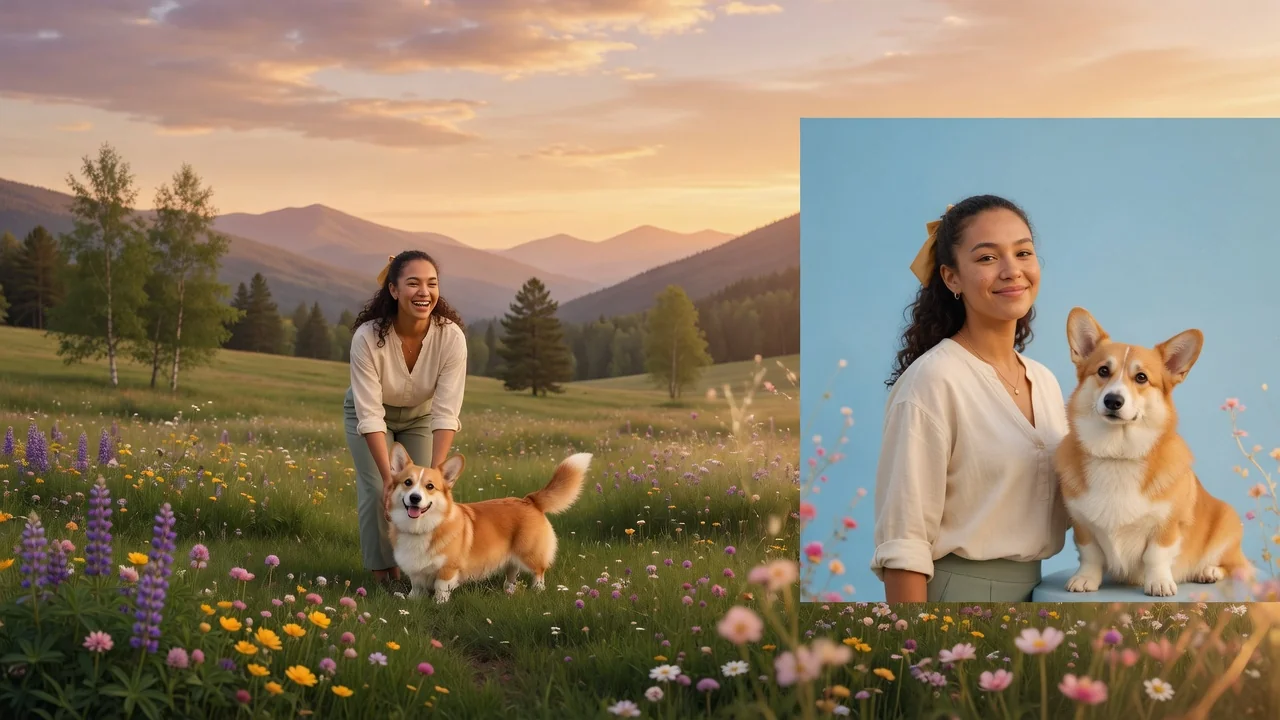
Input
1 image upload
Output
Image
Utility workflow
Upload photo
PNG, JPG, WebP up to 10MB
How it works
Step 1
Any decent photo works, even a casual one — the tool rebuilds the framing and background. A shot where the face is sharp and both eyes are visible is ideal.
Step 2
The tool centers your pet against a neutral background with even lighting and a fixed 1:1 square crop — the standard layout style for pet IDs and travel paperwork.
Step 3
Save the square photo for pet passports, vet records, adoption profiles, or pet-sitter apps. Rerun with another photo if you want a different expression.
Why use it
Each tool uses a known model route instead of asking users to guess IDs.
Best default for photorealistic edits, instruction following, and structure preservation.
Ready tools connect directly to the AI Pin Maker generation workspace.
Related tools help continue from generation into cleanup, conversion, and publishing assets.
FAQ
Centered head-on framing, a plain neutral background, even lighting, and no clutter — exactly what this tool generates automatically from a casual photo, in the square 1:1 format that ID layouts expect.
Yes — background replacement is the core job. GPT Image 2 isolates your pet and rebuilds a clean neutral backdrop while keeping fur edges and whiskers naturally detailed.
Requirements vary by country and carrier, so always check your issuing authority's specs. The tool produces the common clean-format style; it doesn't certify compliance with any specific government standard.
The tool is locked to 1:1 because ID-style photos are square by convention — centered subject, equal margins. That constraint is what keeps every output consistent and document-ready.
Related tools
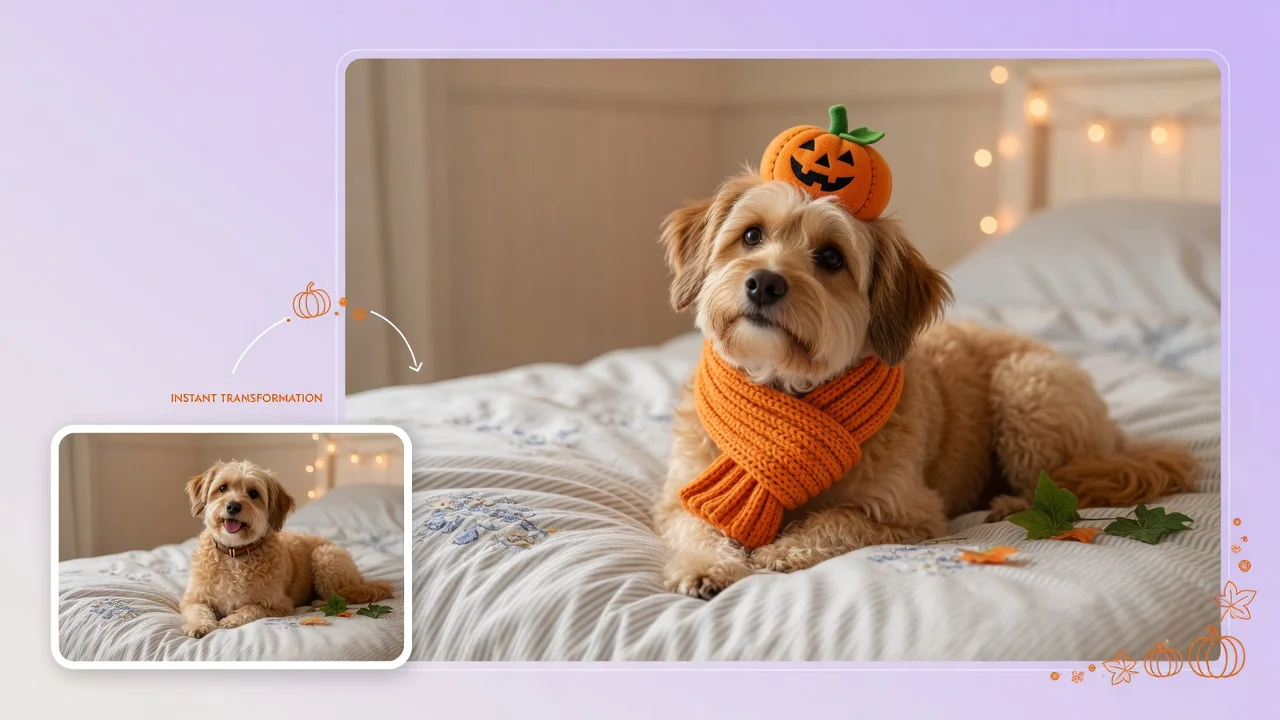
Dress your pet in adorable Halloween costumes with AI. Turn dog and cat photos into cute character portraits for social posts and holiday cards.

Imagine your pet as a human with AI. Turn dog and cat photos into character portraits that keep their personality, color, and expressive charm intact.
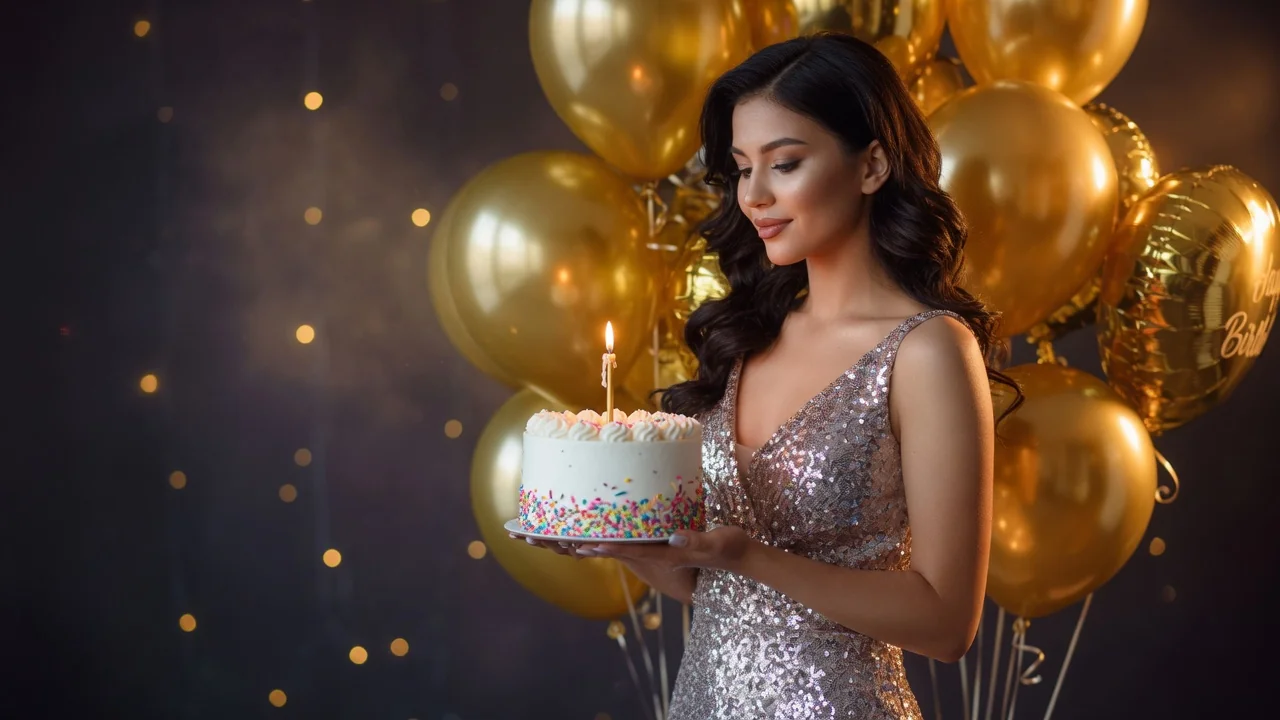
Improve photo quality with AI enhancement tuned for portraits and social images. Sharper detail, balanced light, and natural skin tone in one tap.