
Step 1
Upload a clear photo of your pet
A front-facing shot showing eyes, markings, and expression works best. The converter reads personality cues from posture and face, so a characterful photo produces a more convincing human counterpart.
Image converters
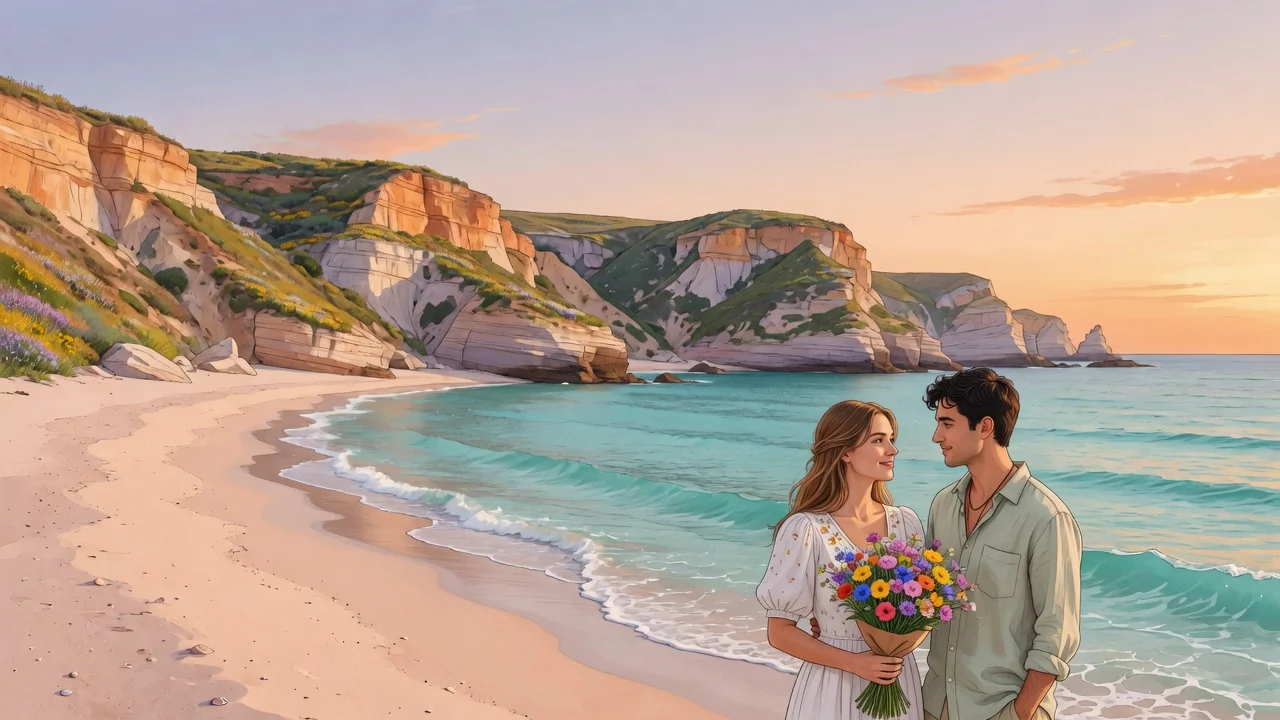
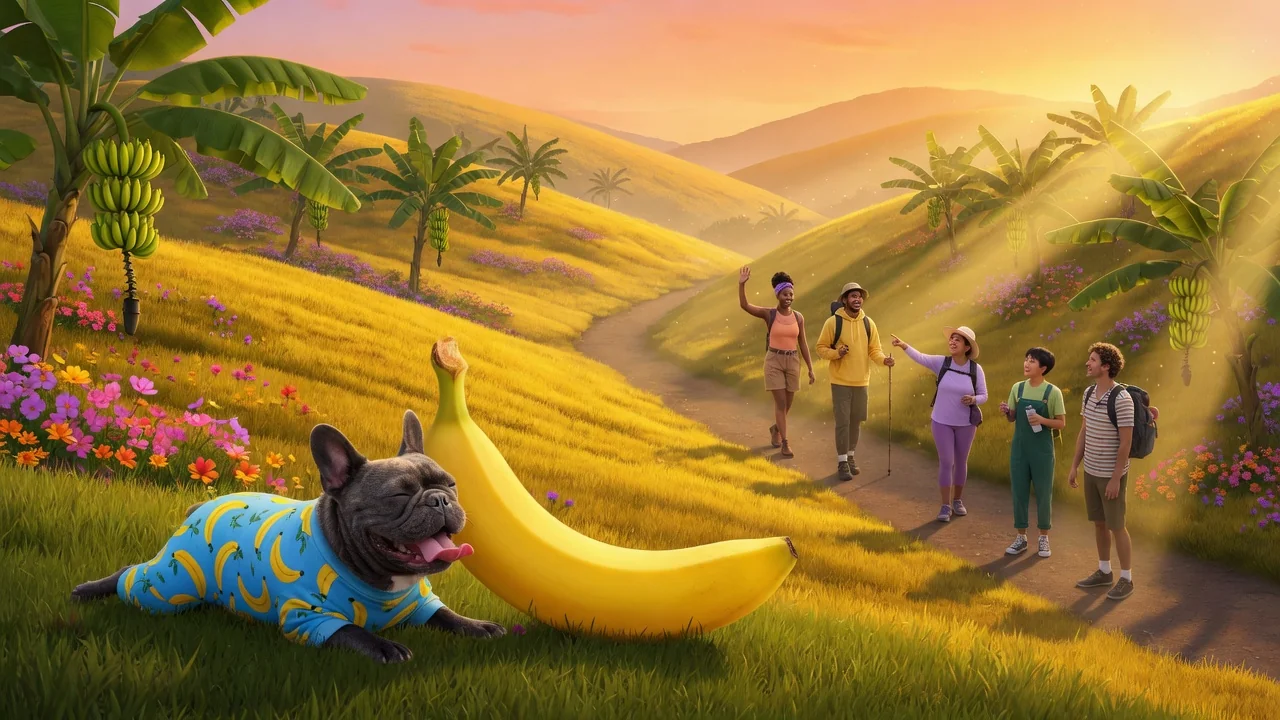
Imagine your pet as a human with AI. Turn dog and cat photos into character portraits that keep their personality, color, and expressive charm intact.
Input
1 image upload
Output
Image
Convert an uploaded image
Default model
Upload photo
PNG, JPG, WebP up to 10MB
Aspect ratio
How it works
Step 1
A front-facing shot showing eyes, markings, and expression works best. The converter reads personality cues from posture and face, so a characterful photo produces a more convincing human counterpart.
Step 2
Seedream 4.5 preserves personality, color cues, and expression by default. Add direction like elegant librarian, sporty hiker, or vintage suit to shape the outfit and vibe of the humanized portrait.
Step 3
Render the portrait, compare it with your pet's photo to spot inherited traits, and download in portrait ratios. Rerun with new occupation or style ideas for alternate personas.
Why use it
Each tool uses a known model route instead of asking users to guess IDs.
Default for anime, character, and seasonal stylization where style intensity matters most.
Ready tools connect directly to the AI Pin Maker generation workspace.
Related tools help continue from generation into cleanup, conversion, and publishing assets.
FAQ
Seedream 4.5 translates visual cues: fur color becomes hair color, markings inform clothing accents, and facial expression sets the personality. Breed traits often shape features — a husky's pale eyes usually survive the transformation.
Yes — rabbits, birds, reptiles, and horses all convert, though dogs and cats produce the most reliable likenesses because the model has the strongest sense of their expressions and proportions.
The tool accepts one upload, so process pets separately for the cleanest likeness, then share side by side. A single photo containing two pets can work, but traits may blend between characters.
The default lands on a stylized character portrait — more illustrated than photoreal. You can nudge it either way by prompting for realistic photography or for anime-style character art.
Related tools
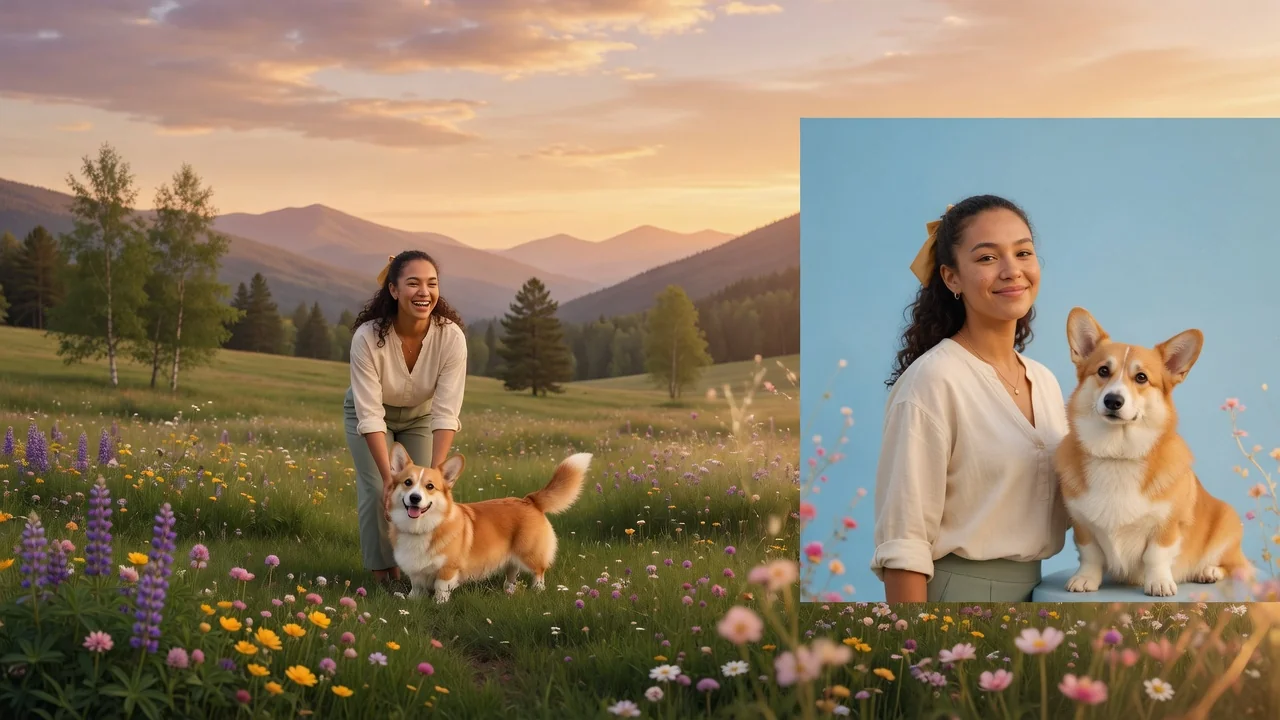
Create a clean pet passport photo with AI. Centered framing, neutral background, and even lighting that meets common pet ID and travel document styles.
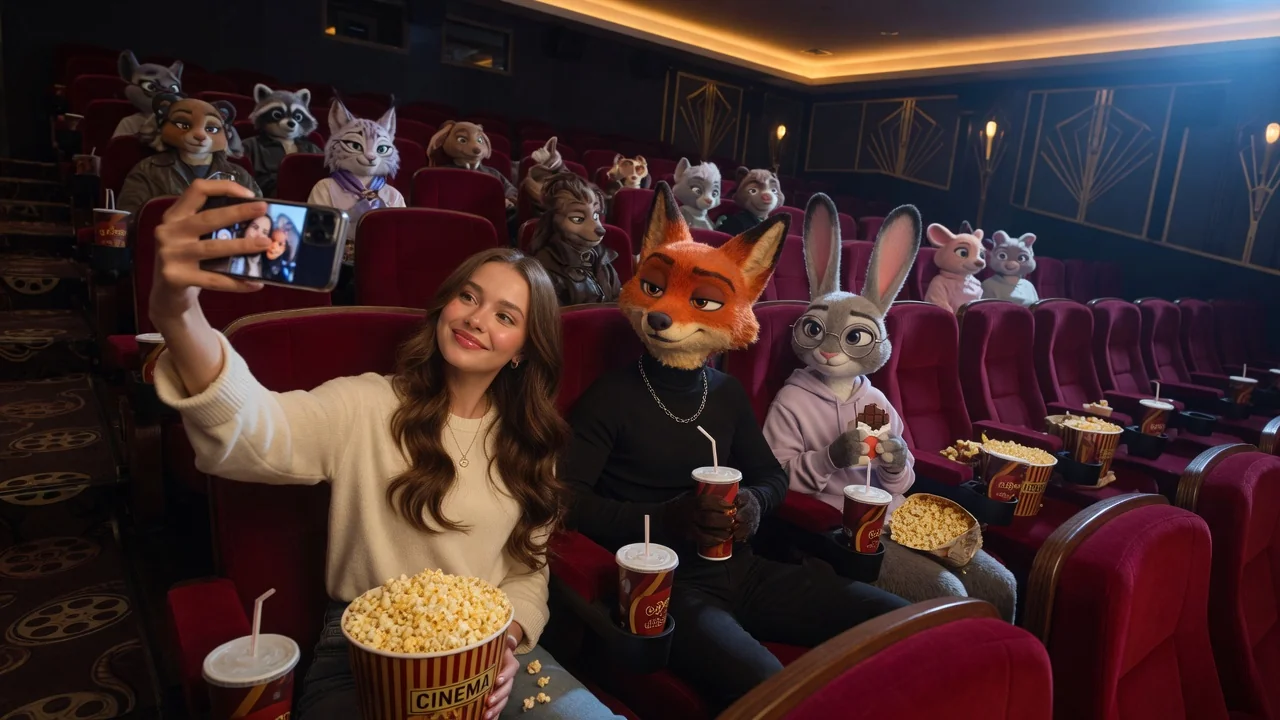
Turn portraits or pets into a playful animal-city cartoon character with expressive fur detail and bright animation styling inspired by the Zootopia look.
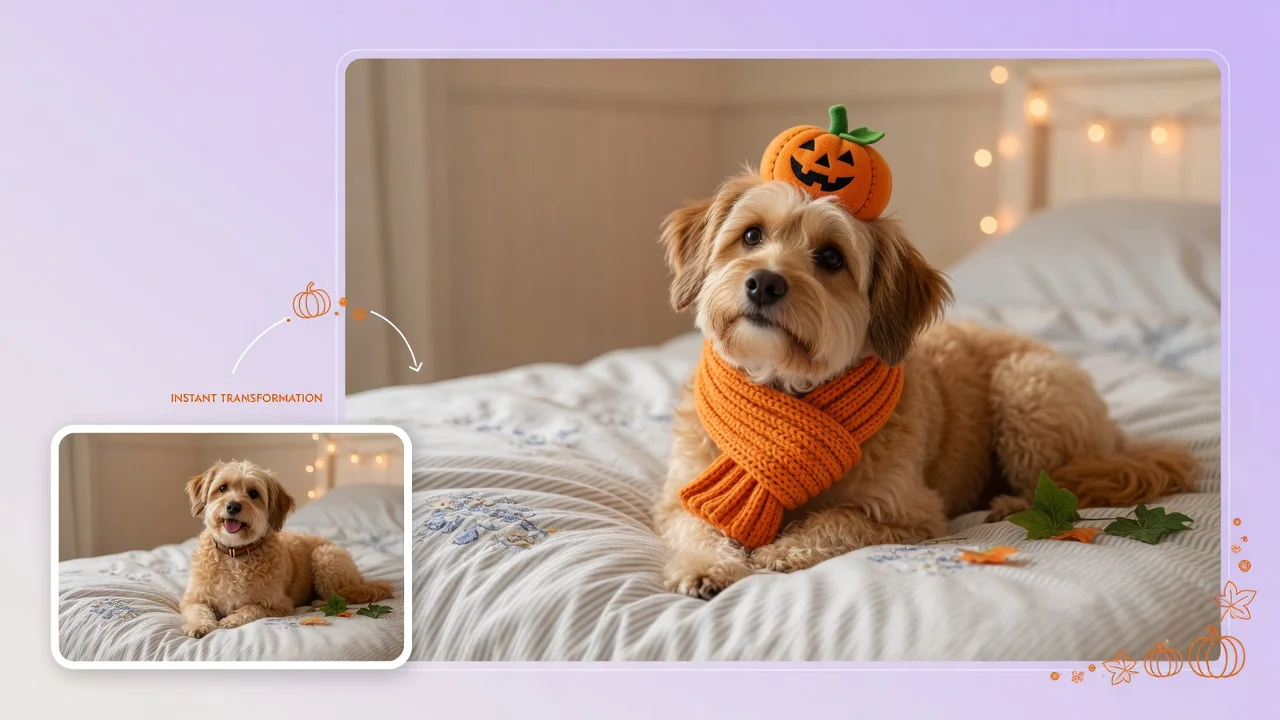
Dress your pet in adorable Halloween costumes with AI. Turn dog and cat photos into cute character portraits for social posts and holiday cards.