
Step 1
Upload a Front-Facing Photo
Add one photo taken straight-on, ideally with hair pulled back from your face, so the jawline, forehead, and cheekbone contours are fully visible for analysis.
AI effects
Find your face shape (oval, round, square, heart, or long) with AI analysis and get tailored styling tips for glasses, haircuts, and makeup. Preview release.
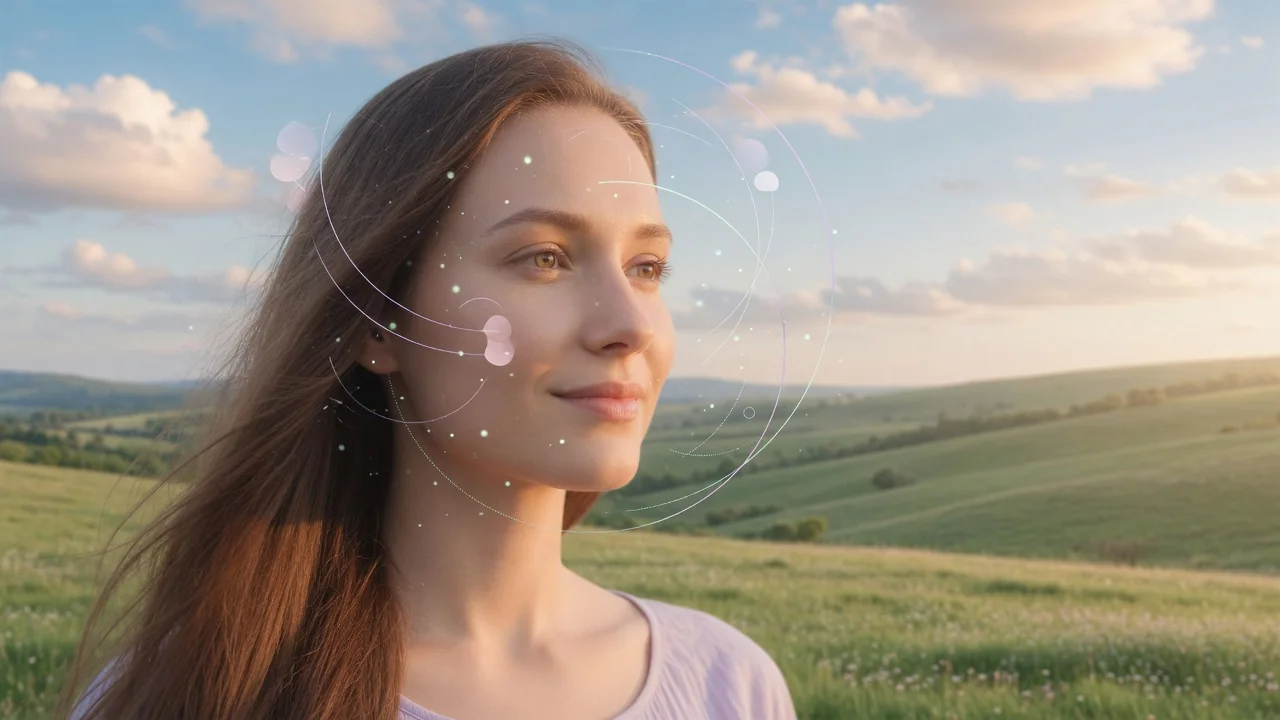
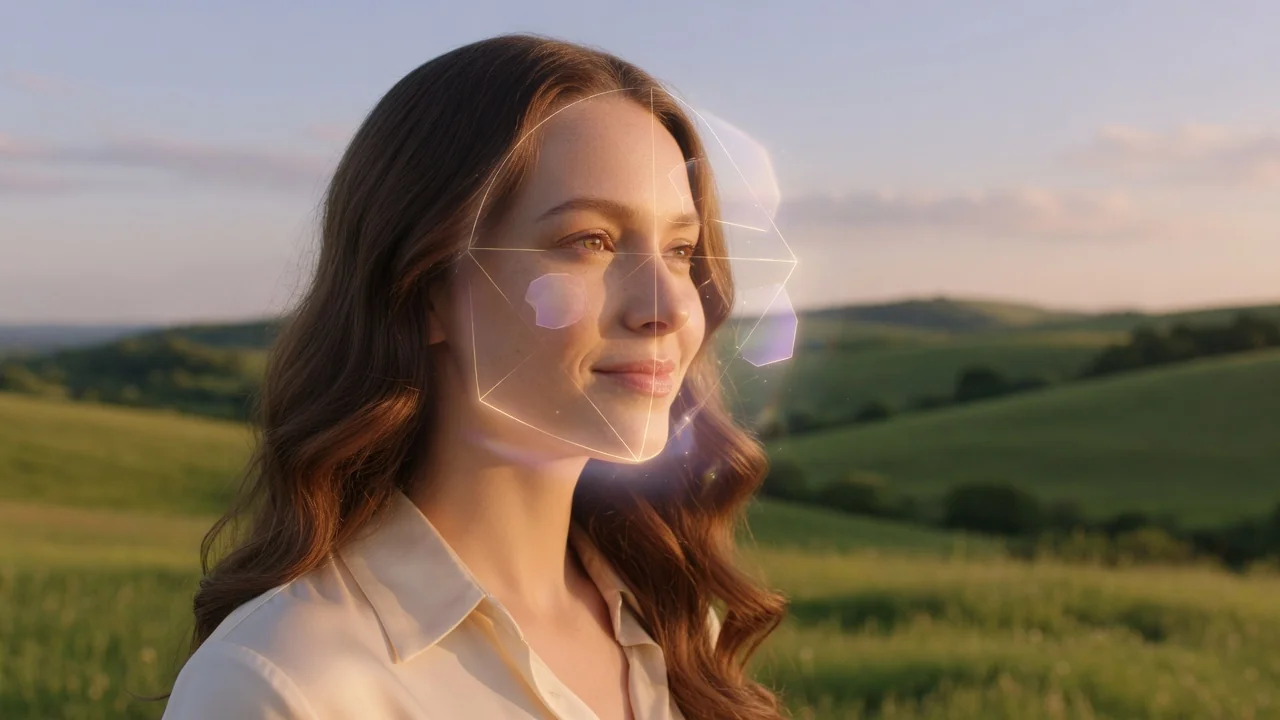
Input
1 image upload
Output
Analysis report
Analysis workflow
Upload photo
PNG, JPG, WebP up to 10MB
How it works
Step 1
Add one photo taken straight-on, ideally with hair pulled back from your face, so the jawline, forehead, and cheekbone contours are fully visible for analysis.
Step 2
The tool examines facial proportions — length-to-width ratio, jaw angle, forehead width — instead of generating a new image. No prompt writing is needed for this step.
Step 3
You receive a structured report naming your face shape — oval, round, square, heart, or long — with tailored suggestions for glasses frames, haircuts, and makeup contouring.
Why use it
Each tool uses a known model route instead of asking users to guess IDs.
Preview-only workflow; no generation model is exposed until the missing API capability is available.
Preview tools show the intended workflow and model gap before launch.
Related tools help continue from generation into cleanup, conversion, and publishing assets.
FAQ
It compares measurable proportions — face length versus width, jawline angle, forehead and cheekbone breadth — against the five standard shape categories, then explains which markers drove the classification in your report.
No. Unlike the generative tools on this site, it outputs a structured report rather than an image — your face shape classification plus styling guidance you can act on when shopping for frames or booking a haircut.
The structured vision-analysis capability it depends on isn't fully exposed through the generation gateway yet, so the tool ships in preview status. The upload flow and report format are already final.
The report pairs your detected shape with frame guidance — for example, angular frames balance round faces while rounded frames soften square jaws. You can then test those suggestions in the Virtual Try On Glasses tool.
Related tools

Try on glasses virtually with AI. Upload a portrait and a frame to preview the fit, style, and look with face-consistent multi-reference editing.
Edit portraits naturally with AI. Subtle retouching, expression polish, and face-safe adjustments that refine skin and features without looking artificial.

Turn a casual selfie into a professional AI headshot for LinkedIn, resumes, and team pages. Studio lighting and clean backgrounds, no photographer needed.