
Step 1
Upload Face and Frames
Two slots: a front-facing portrait of you, and an image of the glasses — a product listing photo or a picture of frames you're considering buying.
AI effects
Try on glasses virtually with AI. Upload a portrait and a frame to preview the fit, style, and look with face-consistent multi-reference editing.



Input
2 image uploads
Output
Image
Generate with prompt
Default model
Aspect ratio
How it works
Step 1
Two slots: a front-facing portrait of you, and an image of the glasses — a product listing photo or a picture of frames you're considering buying.
Step 2
Optionally specify positioning or tint details in the prompt. The rendering accounts for lens perspective and how the frames sit against your actual facial features.
Step 3
See the frames on your face with your original lighting intact. Swap in different frame photos and rerun to compare styles side by side before you buy.
Why use it
Each tool uses a known model route instead of asking users to guess IDs.
Supports multi-image references, making it safer for face, outfit, couple, and try-on workflows.
Ready tools connect directly to the AI Pin Maker generation workspace.
Related tools help continue from generation into cleanup, conversion, and publishing assets.
FAQ
Yes — save the product photo from the listing, upload it alongside your portrait, and the tool renders those exact frames on your face with realistic fit, scale, and lens perspective.
GPT Image 2's multi-reference editing scales the frames to your face while preserving your lighting and identity, giving a realistic style preview — though it can't replace an optician's physical fit measurements.
One slot anchors your face, the other anchors the exact frame design. Working from a real frame photo reproduces that specific style instead of generating generic glasses from a text description.
Pair this tool with the Face Shape Detector: get your shape classification and frame guidance there, then test the recommended styles here on your own portrait before purchasing.
Related tools
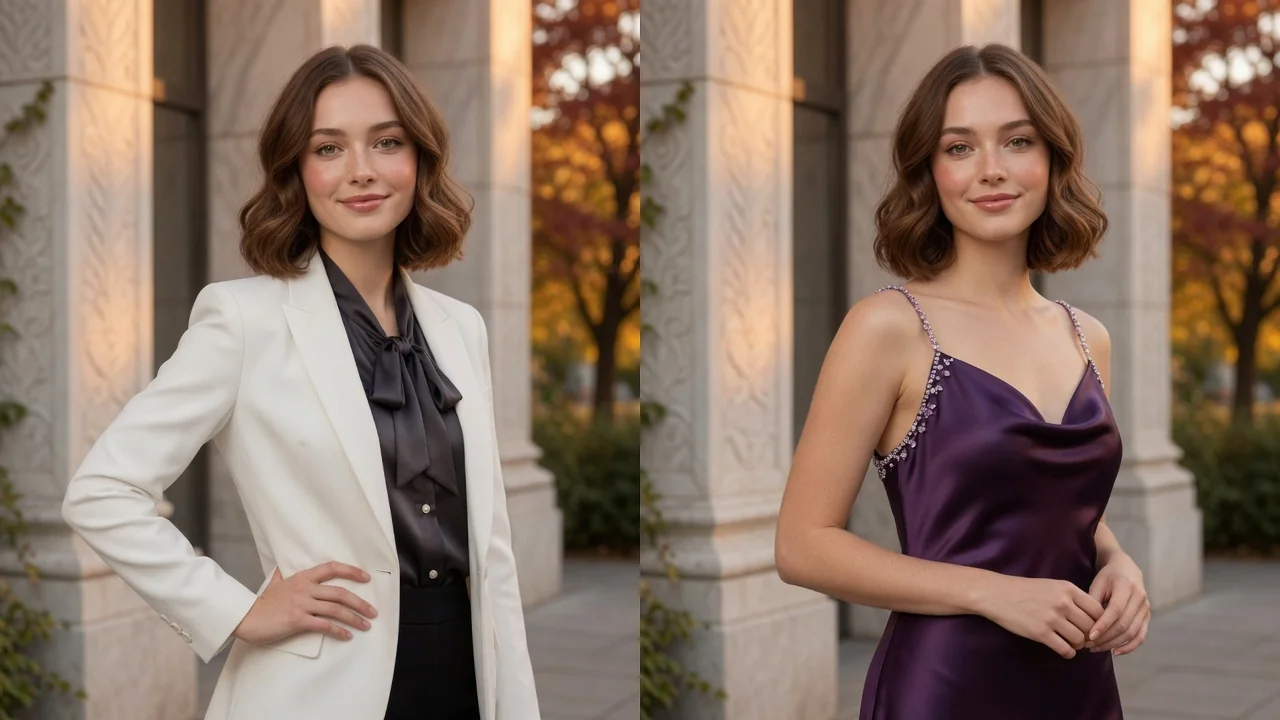
Change outfits in any photo with AI. Try new styles, fashion looks, and try-on concepts while keeping the same person, pose, and lighting intact.
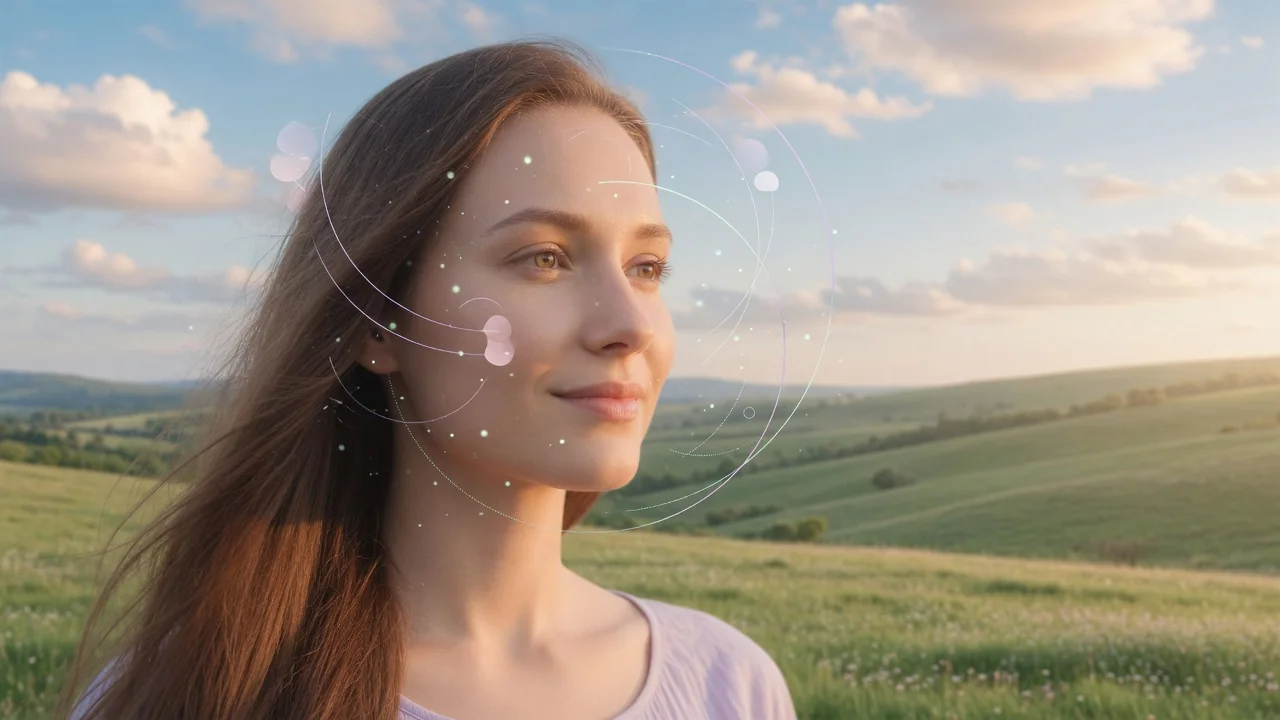
Find your face shape (oval, round, square, heart, or long) with AI analysis and get tailored styling tips for glasses, haircuts, and makeup. Preview release.

Turn a casual selfie into a professional AI headshot for LinkedIn, resumes, and team pages. Studio lighting and clean backgrounds, no photographer needed.