
Step 1
Upload a Photo to Festify
Portraits, couple shots, kids, and pets all work. The filter builds warmth around your subject, so any well-lit photo with a clear subject is a strong start.
AI effects
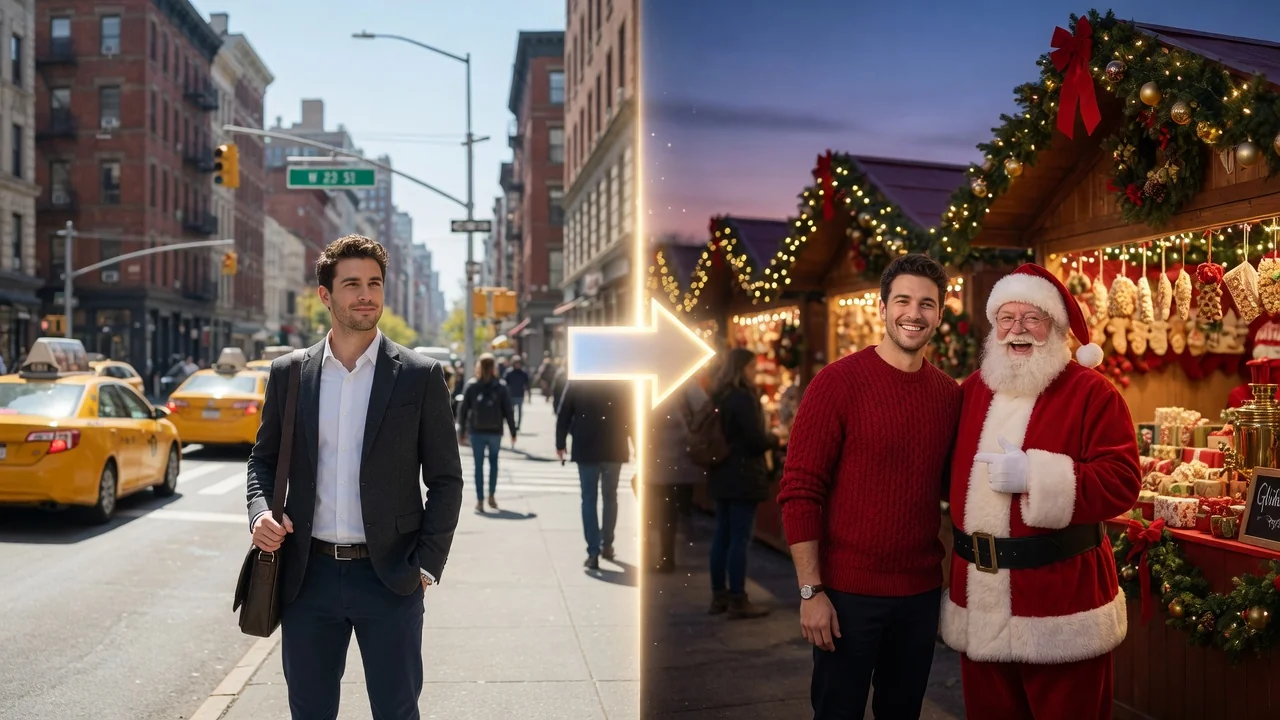
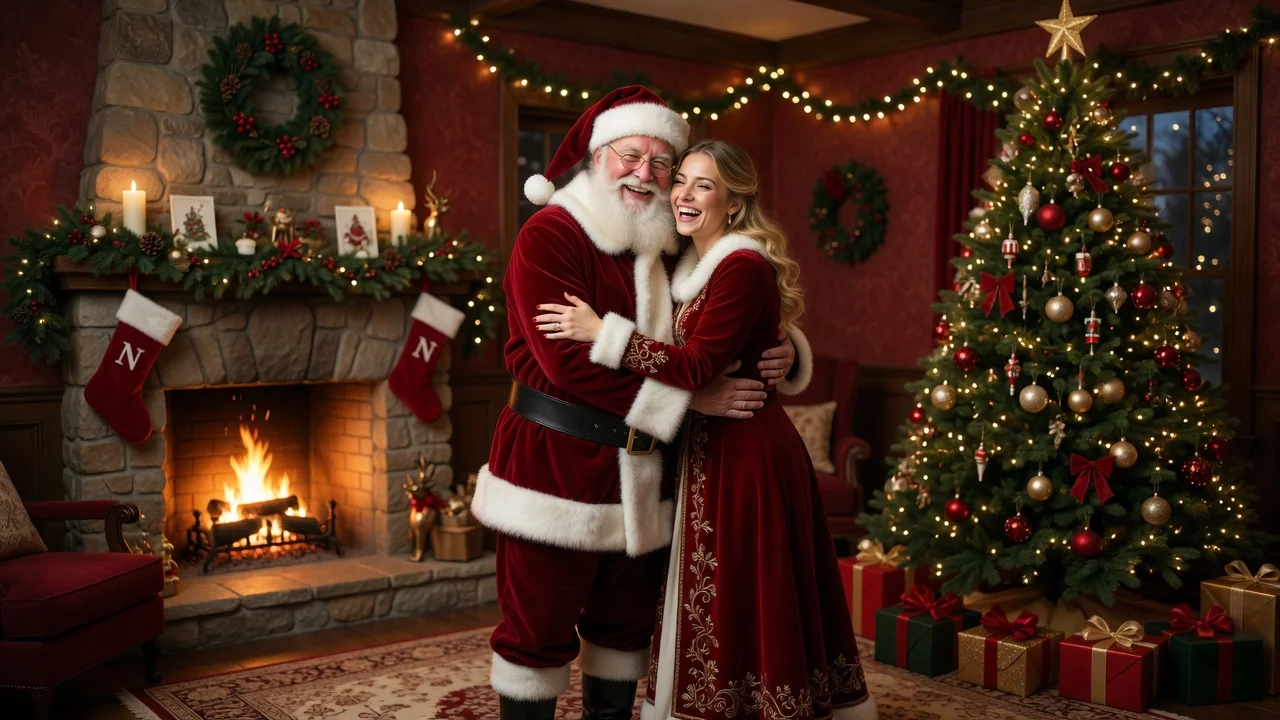
Add a festive Christmas look to any photo with AI. Warm lights, snow, and holiday atmosphere with polished portrait styling for cards and seasonal posts.
Input
1 image upload
Output
Image
Convert an uploaded image
Default model
Upload photo
PNG, JPG, WebP up to 10MB
Aspect ratio
How it works
Step 1
Portraits, couple shots, kids, and pets all work. The filter builds warmth around your subject, so any well-lit photo with a clear subject is a strong start.
Step 2
Keep the default cozy-lights treatment or steer it toward a snowy doorstep, fireplace glow, or sweater-party scene. Facial detail stays natural under the seasonal color grading.
Step 3
The result adds festive lights, seasonal atmosphere, and warm grading. Export 4:5 or 3:4 for cards and posts, or 16:9 for a family newsletter header.
Why use it
Each tool uses a known model route instead of asking users to guess IDs.
Default for anime, character, and seasonal stylization where style intensity matters most.
Ready tools connect directly to the AI Pin Maker generation workspace.
Related tools help continue from generation into cleanup, conversion, and publishing assets.
FAQ
It rebuilds the atmosphere — warm string lights, snow, cozy color grading, festive props — while keeping faces natural and recognizable. It's an environment and mood transformation, not a sticker overlay.
Yes — generate at 4:5 or 3:4 for standard portrait card layouts. The styling is designed to be print-worthy, though you should confirm resolution requirements with your specific print service.
Seedream 4.5 by default — it's this site's pick for seasonal stylization where atmosphere intensity matters most. If you prefer a subtler photoreal touch, GPT Image 2 is available as an alternative.
Yes — that's a common use. The filter replaces the ambient setting with winter atmosphere, so a July backyard photo can become a snow-dusted, fairy-lit holiday scene.
Related tools
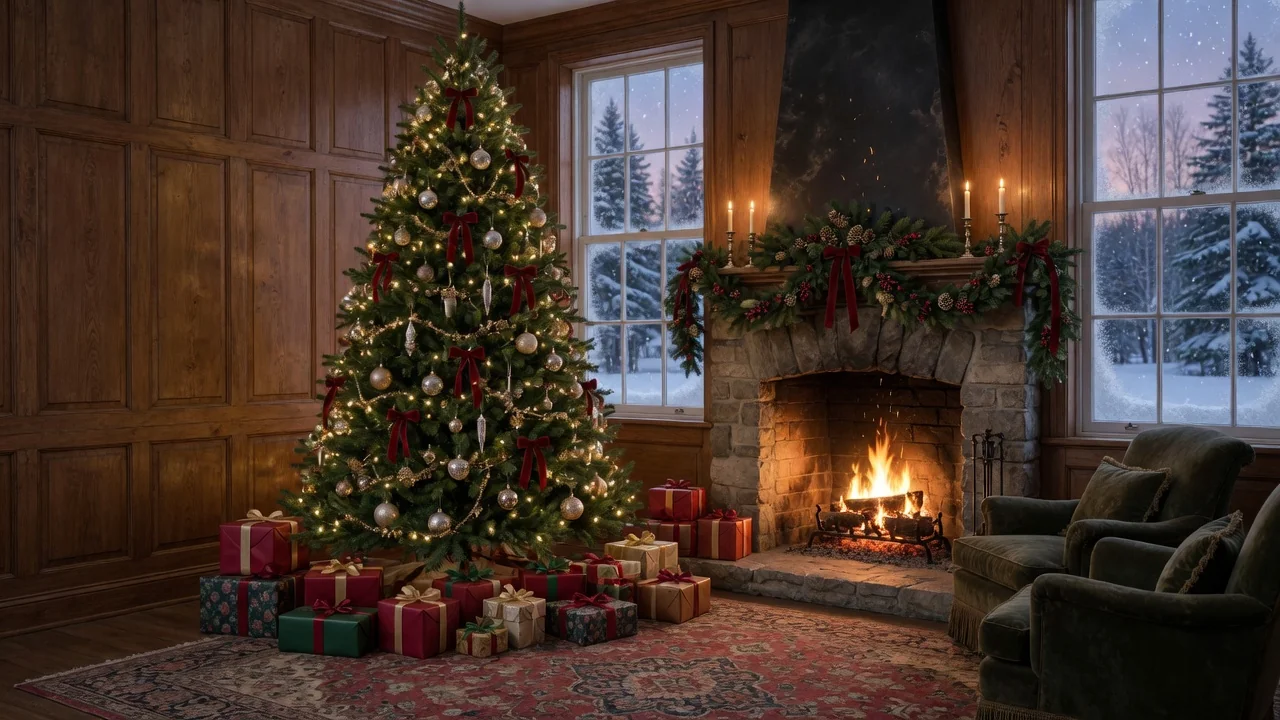
Generate beautiful Christmas tree designs with AI for cards, social posts, wallpapers, and decor mockups. Endless festive styles from a single prompt.
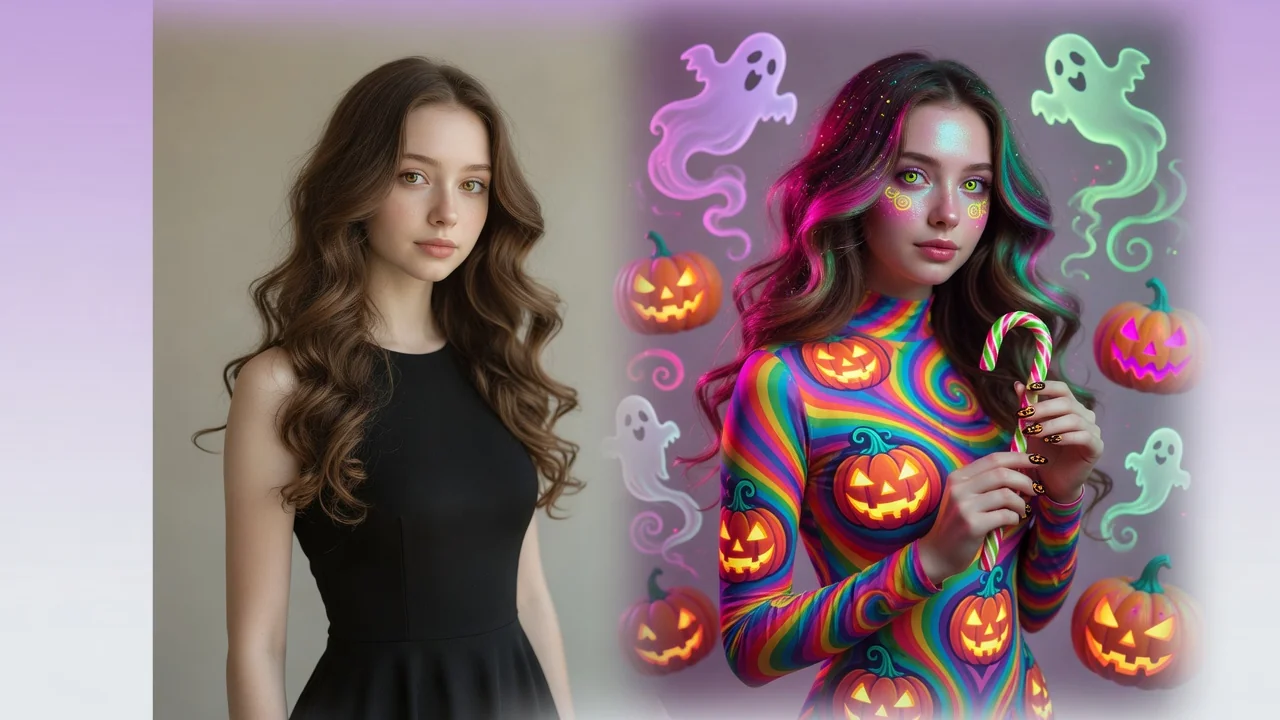
Give photos a spooky Halloween makeover with AI. Costume styling, moody lighting, and eerie atmosphere for social-ready portraits and seasonal posts.
Add a festive Christmas look to any photo with AI. Warm lights, snow, and holiday atmosphere with polished portrait styling for cards and seasonal posts.