
Step 1
Describe Your Dream Tree
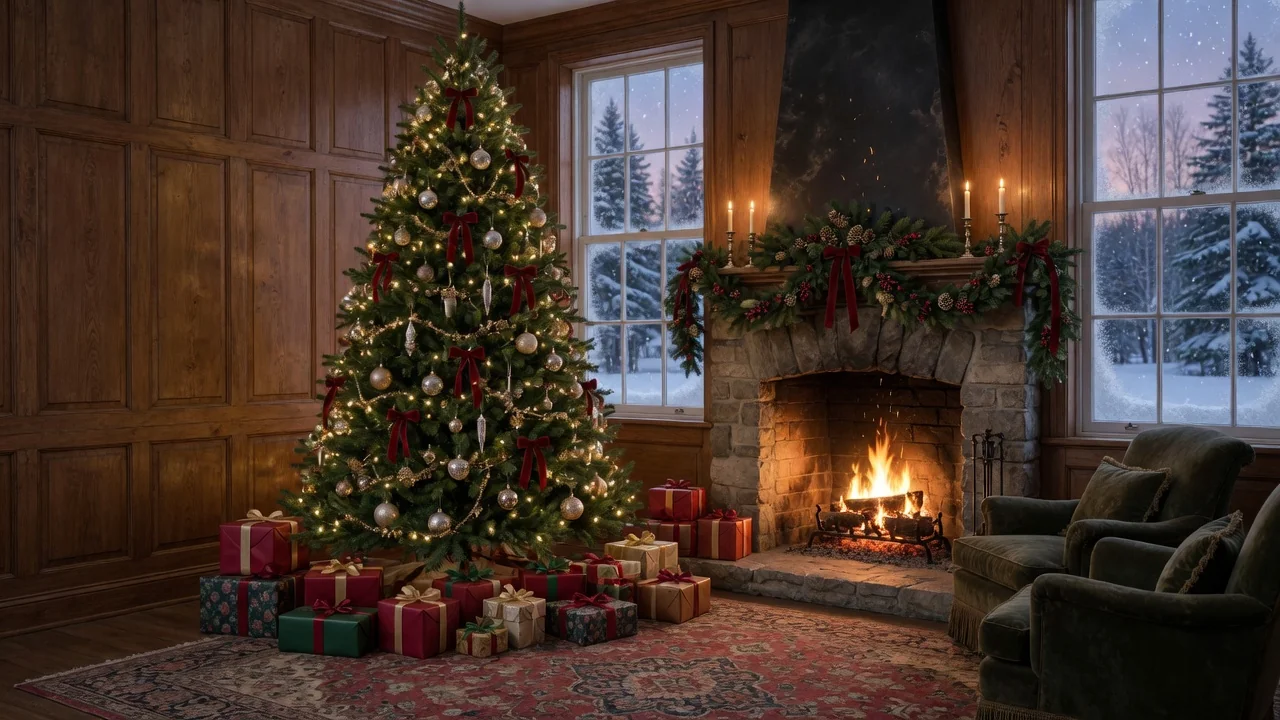
No photo needed — type the concept, like a slim gold-and-white tree in a minimalist loft, or a maximalist rainbow tree with vintage ornaments. Style, palette, and setting all steer the result.
AI effects
Generate beautiful Christmas tree designs with AI for cards, social posts, wallpapers, and decor mockups. Endless festive styles from a single prompt.
Input
Prompt only
Output
Image
Generate with prompt
Default model
Aspect ratio
How it works
Step 1
No photo needed — type the concept, like a slim gold-and-white tree in a minimalist loft, or a maximalist rainbow tree with vintage ornaments. Style, palette, and setting all steer the result.
Step 2
Add interior context — fireplace, bay window, wrapped gifts, soft morning light. The tool generates the full cozy scene, not just an isolated tree cutout.
Step 3
Export 1:1 for posts, 4:5 for cards, or 16:9 for wallpapers and banners. Rerun with palette tweaks to build a matching seasonal set.
Why use it
Each tool uses a known model route instead of asking users to guess IDs.
Best default for photorealistic edits, instruction following, and structure preservation.
Ready tools connect directly to the AI Pin Maker generation workspace.
Related tools help continue from generation into cleanup, conversion, and publishing assets.
FAQ
Holiday card artwork, festive social posts, seasonal wallpapers, and decor mockups. Because it's text-to-image, you can produce unlimited tree styles — traditional, Scandinavian, pastel, maximalist — without photographing anything.
Yes — describe your actual room plus a candidate scheme, like copper and cream ornaments with warm white lights, to see how a palette feels before spending on real decorations.
A whole scene if you ask for one — GPT Image 2 handles interior composition well, so fireplaces, windows, gifts, and window light can all be described and rendered around the tree.
Use 4:5 for standard portrait card layouts and Instagram posts, 1:1 for square posts and profile updates, and 16:9 for desktop wallpapers and festive banner headers.
Related tools
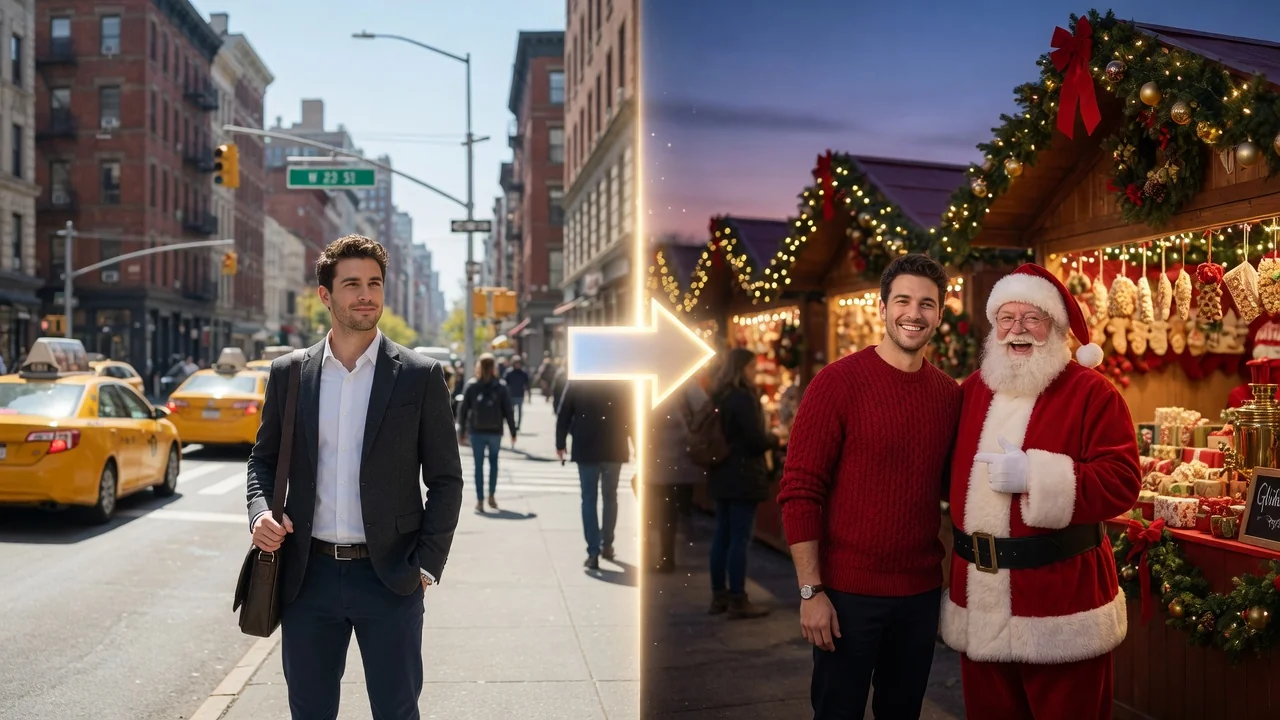
Add a festive Christmas look to any photo with AI. Warm lights, snow, and holiday atmosphere with polished portrait styling for cards and seasonal posts.

Design eye-catching posters with AI. Generate campaign, event, and release layouts with strong composition and space for your headline and details.

Design release-ready album cover art with AI. Generate striking single, EP, and playlist covers with strong composition, mood, and typography-ready space.