
Step 1
Describe Your Cover Concept
No upload needed — this tool is prompt-driven. Describe genre, mood, era, and imagery, like grainy midnight city, lone figure, nineties trip-hop palette. Specifics beat vague adjectives.
AI effects
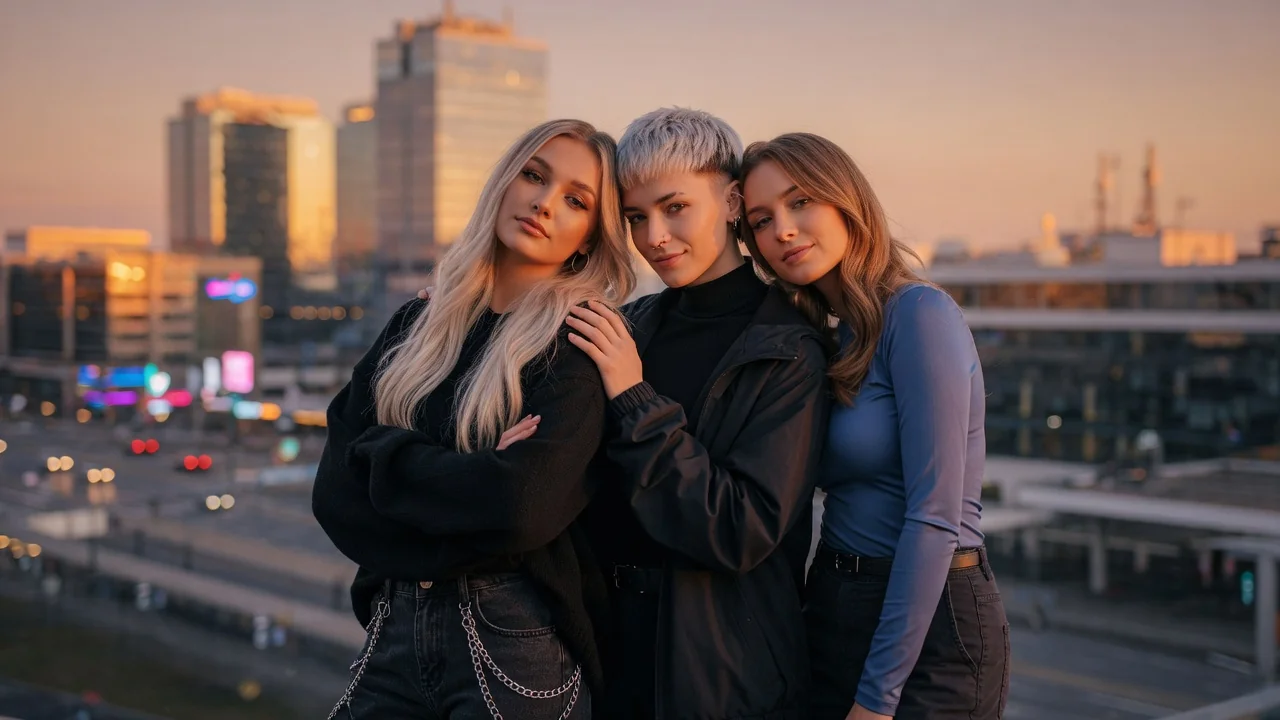
Design release-ready album cover art with AI. Generate striking single, EP, and playlist covers with strong composition, mood, and typography-ready space.
Input
Prompt only
Output
Image
Generate with prompt
Default model
Aspect ratio
How it works
Step 1
No upload needed — this tool is prompt-driven. Describe genre, mood, era, and imagery, like grainy midnight city, lone figure, nineties trip-hop palette. Specifics beat vague adjectives.
Step 2
Mention where the title and artist name will sit — clear negative space in the top third, for example. The model is tuned for layout control and composes around your text zone.
Step 3
Export at 1:1 for streaming platform artwork or 4:5 for promo posts. Iterate on the prompt in small edits until the mood matches the record.
Why use it
Each tool uses a known model route instead of asking users to guess IDs.
Best for logos, posters, typography-adjacent layouts, and product-style compositions.
Ready tools connect directly to the AI Pin Maker generation workspace.
Related tools help continue from generation into cleanup, conversion, and publishing assets.
FAQ
Generate at 1:1, the square format streaming platforms use for release artwork. Add your title and artist typography in any editor afterward — the composition is generated with clear space reserved for it.
Album covers are layout problems as much as image problems. GPT Image 2 is the default because it handles typography-adjacent composition, negative space, and poster-style structure better than pure style models.
Name the genre plus concrete visual anchors — instruments, era, film stocks, color palettes. Analog synthwave with a chrome grid at magenta dusk lands far closer than cool electronic vibes.
Yes — keep a consistent core prompt describing your visual identity and vary one element per release, like the central object or the palette. Controlled reruns yield a coherent discography look.
Related tools

Design eye-catching posters with AI. Generate campaign, event, and release layouts with strong composition and space for your headline and details.
Generate logo ideas in seconds with AI. Explore clean shapes, brand colors, and typography directions to kickstart your business or project identity.
Turn photos into retro pixel art with AI. Crisp 8-bit and 16-bit styling for game-ready avatars, sprites, stickers, and nostalgic creative assets.