
Step 1
Upload the photo to neonize
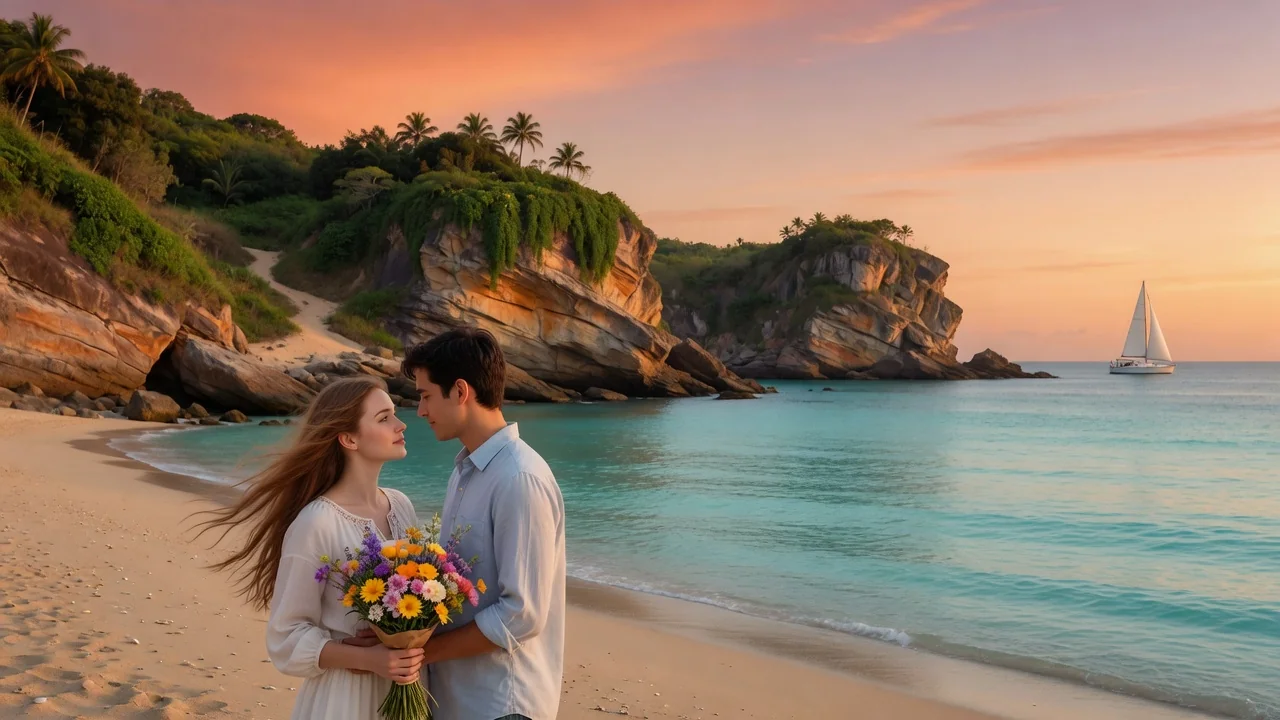
Night street shots and portraits are ideal, but daytime photos work too — the converter rebuilds lighting from scratch. A visible subject ensures the neon drama has a focal point.
Image converters
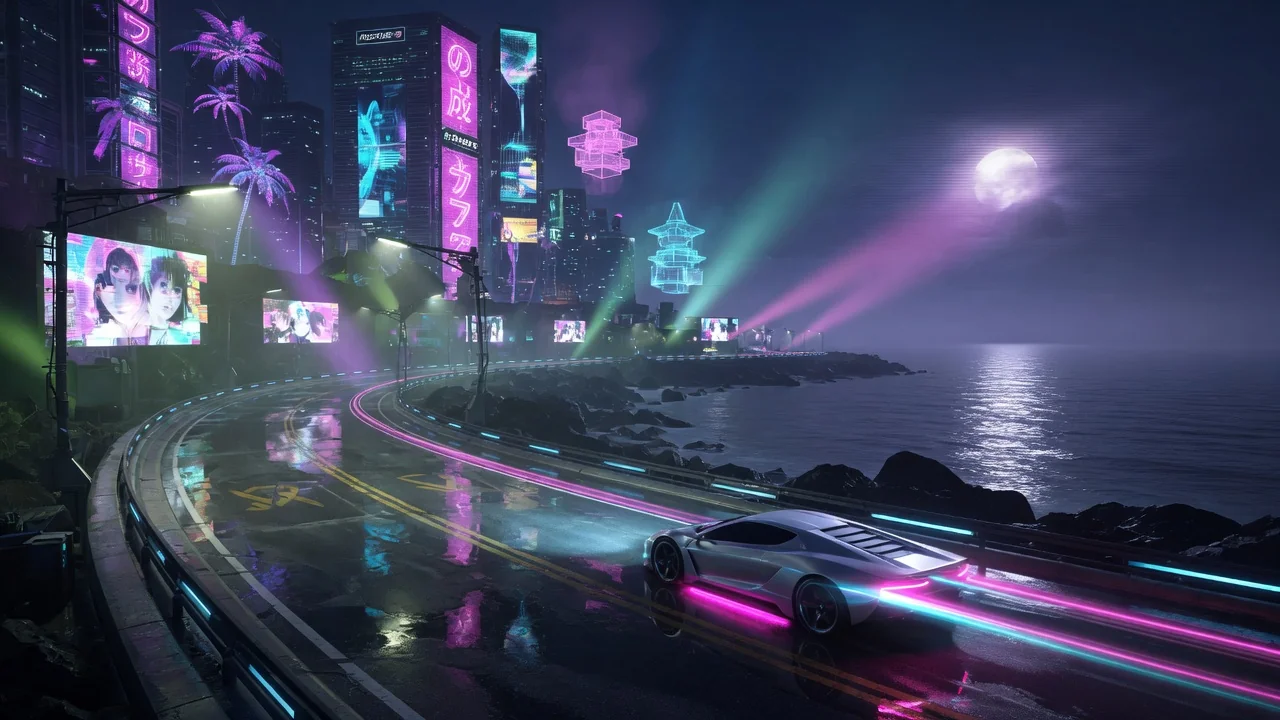
Give photos a cyberpunk makeover with AI. Glowing neon city color, high contrast, and futuristic mood turn portraits into bold sci-fi scene art.
Input
1 image upload
Output
Image
Convert an uploaded image
Default model
Upload photo
PNG, JPG, WebP up to 10MB
Aspect ratio
How it works
Step 1
Night street shots and portraits are ideal, but daytime photos work too — the converter rebuilds lighting from scratch. A visible subject ensures the neon drama has a focal point.
Step 2
Nano Banana 2 applies neon lighting, futuristic atmosphere, and cinematic contrast by default. Prompt for rain-slick streets, holographic signage, magenta-cyan palettes, or chrome details to deepen the sci-fi mood.
Step 3
Render your cyberpunk version quickly, check how neon reflections land on the subject, and download in square or wide ratios. Iterate with different color pairings for new city moods.
Why use it
Each tool uses a known model route instead of asking users to guess IDs.
Best for fast visual remixing and broad prompt coverage when strict identity preservation is not the main risk.
Ready tools connect directly to the AI Pin Maker generation workspace.
Related tools help continue from generation into cleanup, conversion, and publishing assets.
FAQ
It relights the entire scene: neon signs and glow sources are added, shadows deepen for cinematic contrast, and the atmosphere gains haze and futuristic set dressing. Your subject's pose and identity stay anchored.
Yes. Nano Banana 2 rebuilds lighting generatively rather than just tinting pixels, so a sunny street can be re-imagined under midnight neon — one of the more dramatic transformations this converter can pull off.
Cyberpunk styling is a broad visual remix where speed and creative range matter more than strict pixel fidelity. Nano Banana 2 delivers fast, varied results, with GPT Image 2 as a fallback for tighter identity preservation.
Absolutely — flying vehicles, glowing signage, cybernetic details, or rain effects can all be prompted. Concrete nouns work better than vague mood words for getting specific set pieces into the frame.
Related tools
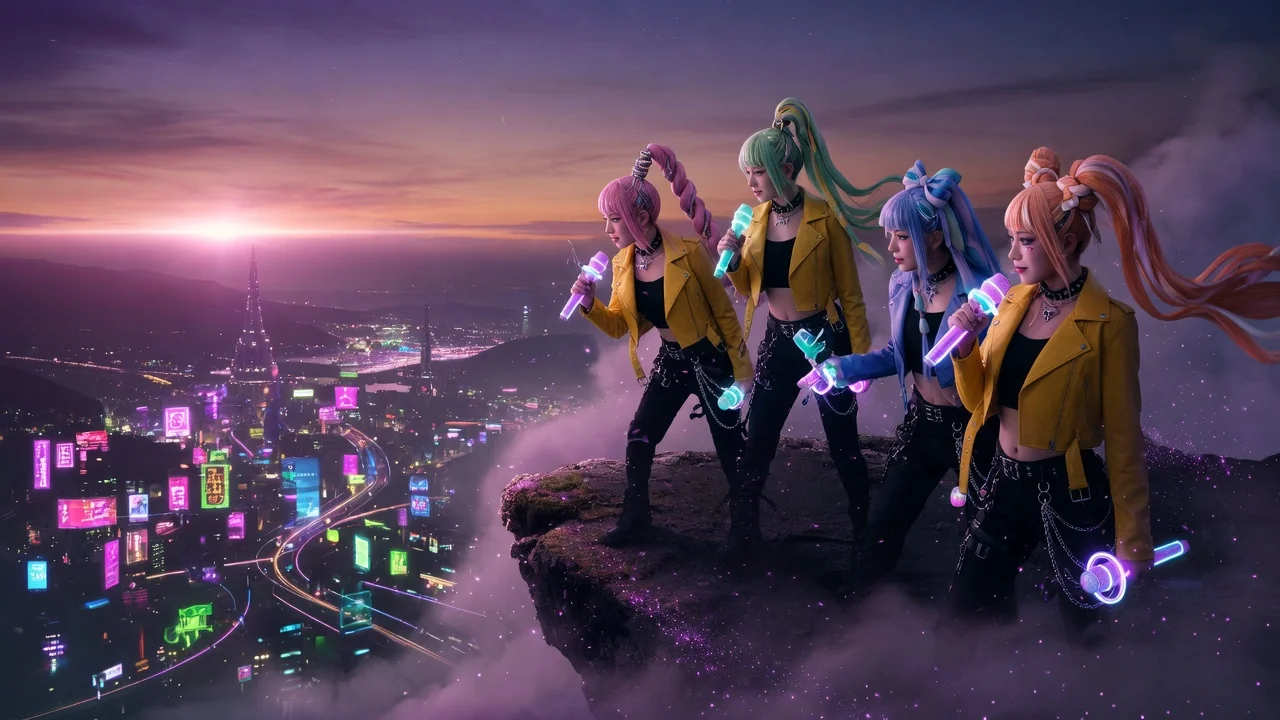
Turn your photo into a K-pop demon hunter character with dramatic lighting, fantasy styling, and bold poster energy inspired by the viral idol-action look.
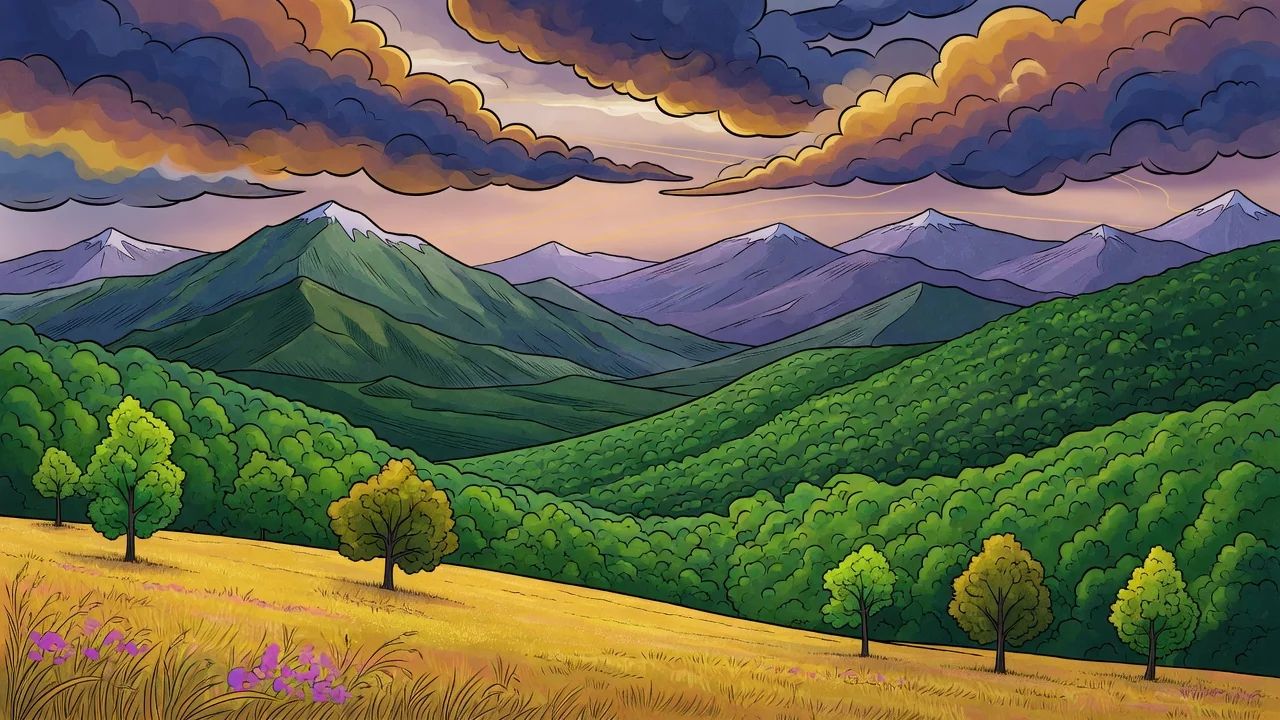
Turn photos into a refined illustration with AI. Editorial linework and stylish color make standout avatars, campaign visuals, and social graphics.
Turn photos into retro pixel art with AI. Crisp 8-bit and 16-bit styling for game-ready avatars, sprites, stickers, and nostalgic creative assets.