AI Pin Maker
Contact us
Image EffectsFormat ConverterAll Image Tools

Upgrade to Pro

Unlock advanced features and faster generation speed.

Upgrade now

© 2026 AI Pin Maker
Bring creativity within reach

Free PromptsGenerate ImageRemix ImageGenerate VideoAnimate ImageAll-purpose ReferenceVideo EditGenerate MusicGeneration historyImage EffectsFormat ConverterAll Image ToolsVideo EffectsSeedance 2.0All Video ToolsNew PinTemplatesMy PinsShowcaseMy MemoriesBaby albumPet albumCouple albumGrowth albumAI StickersCreditsPricingSettings
AI image tools/Background Changer

Utility tools

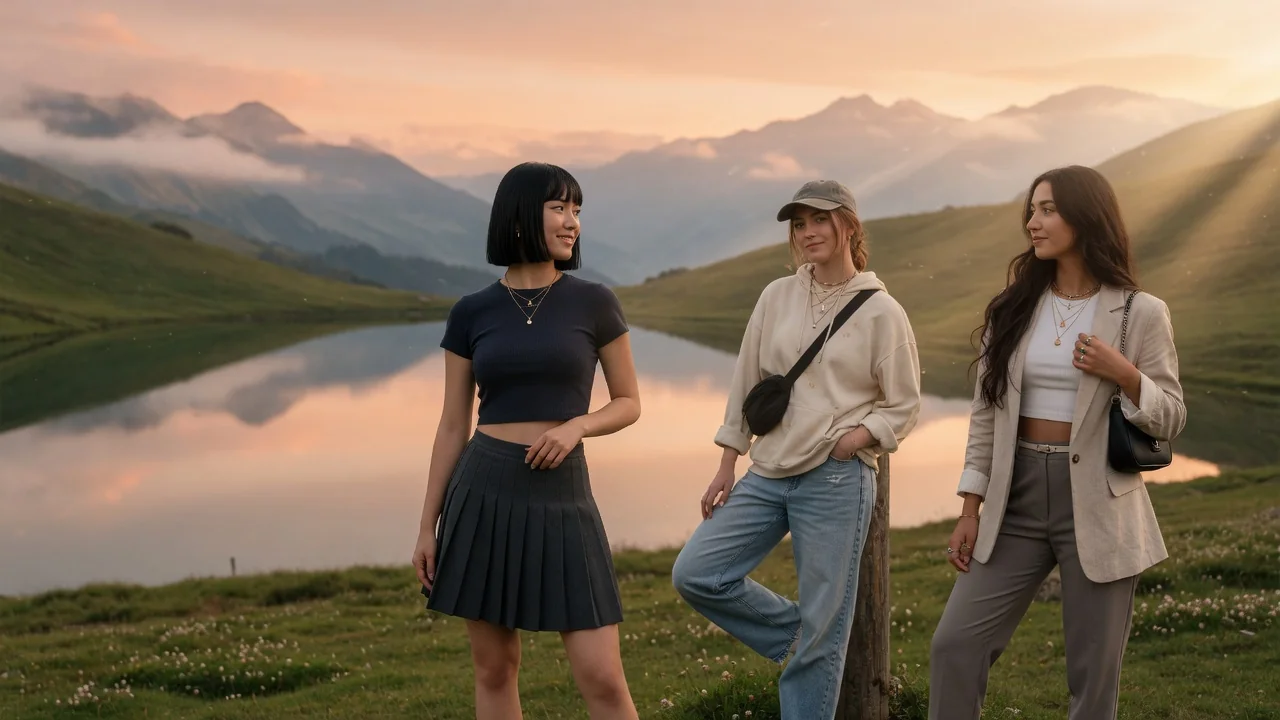
AI Background Changer

Change image backgrounds with generative AI. Swap in studio, scenic, or branded scenes for product shots, portraits, and polished social visuals.

AI ai background changer example
Primary preview
AI ai background changer example
Reference preview

Input

1 image upload

Output

Image

Generate with prompt

Default model

Aspect ratio

How it works

How to use Background Changer

Step 1

Upload the photo needing a new scene

Product shots, portraits, and social images all work. The changer preserves your subject's edges, lighting direction, and scale, so a well-exposed foreground gives the new scene something believable to wrap around.

Step 2

Describe the replacement background

The default swaps in a polished studio scene. Prompt anything else — marble countertop, sunset beach, branded gradient — and GPT Image 2 generates the environment while matching perspective and light.

Step 3

Generate the composite and download

Render the new scene, verify shadows and reflections sit naturally under your subject, then export. Try several environment prompts to A/B test which backdrop converts best.

Why use it

Why choose AI Background Changer

Fixed model routing

Each tool uses a known model route instead of asking users to guess IDs.

Model fit

Best default for photorealistic edits, instruction following, and structure preservation.

Generation-ready

Ready tools connect directly to the AI Pin Maker generation workspace.

Connected tool graph

Related tools help continue from generation into cleanup, conversion, and publishing assets.

FAQ

Background Changer FAQ

How does the changer keep the subject looking natural?

GPT Image 2 performs generative editing that preserves the subject's edges, scale, and lighting direction, then builds the new environment around those constraints — so shadows fall correctly instead of the subject looking pasted on.

What backgrounds work best for product photography?

Clean studio sweeps, textured surfaces like marble or linen, and lifestyle scenes matching the product's context all perform well. Describe the surface the product sits on for the most grounded, realistic result.

Do I need to remove the background first?

No — upload the original photo directly. The changer replaces the backdrop in one generative pass. Use the separate Background Remover only when you need a reusable transparent cutout instead of a finished scene.

Can I match the new scene to my brand?

Yes. Specify brand colors, mood, and props in the prompt — for instance, warm beige studio with soft morning light and eucalyptus. Consistent prompts across products yield a cohesive catalog look.

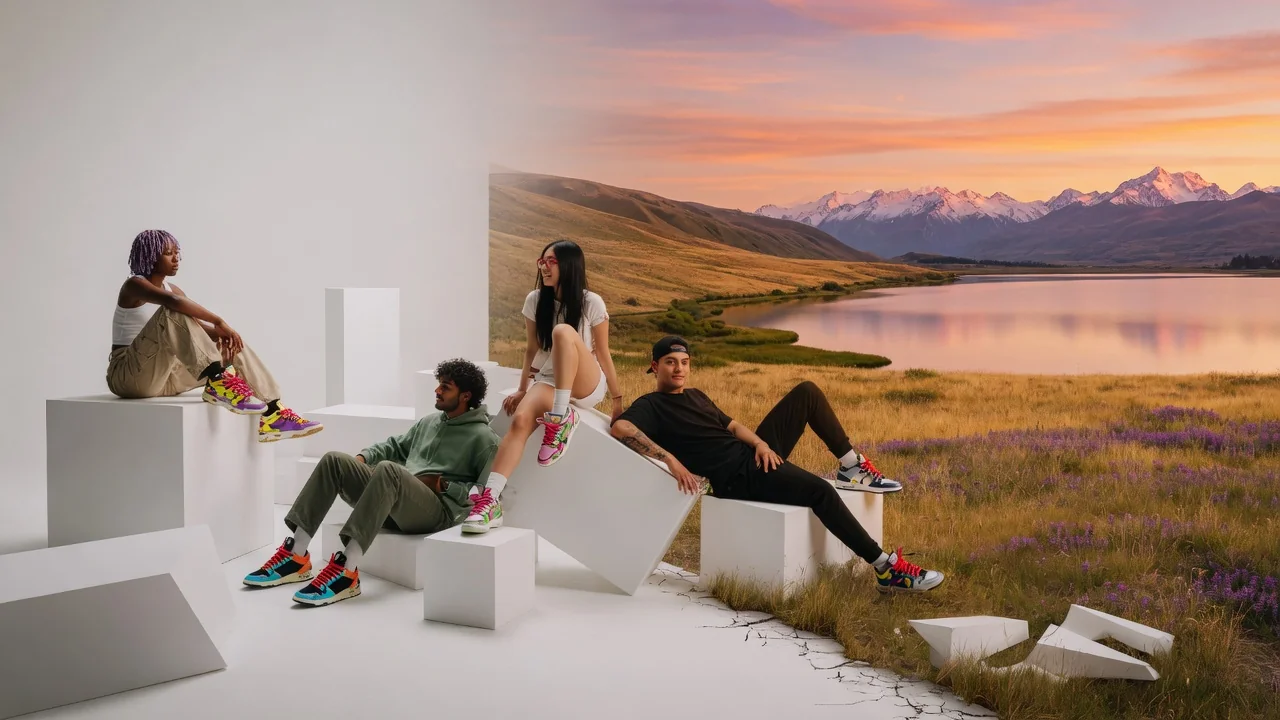
Related tools

Explore more image tools

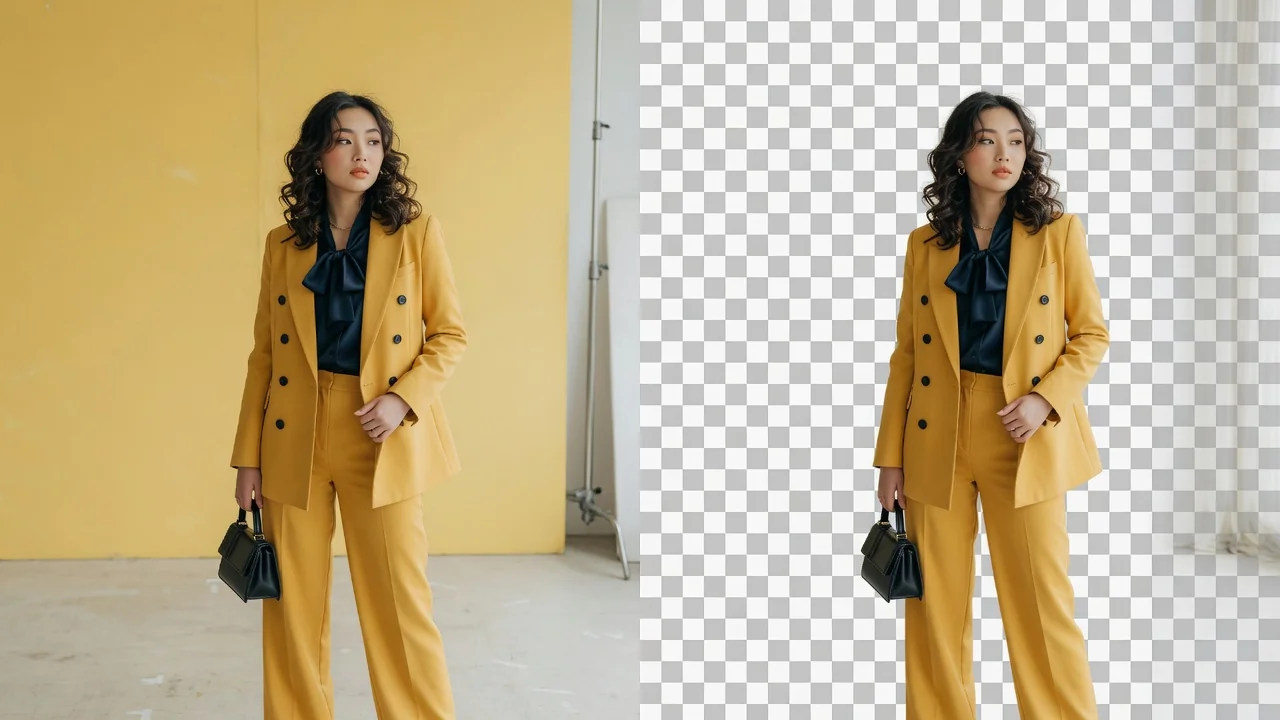
AI ai background remover example
Editing utilitiesPreview

AI Background Remover

Remove image backgrounds automatically with AI. Precise edge detection cuts out the subject and leaves a clean transparent layer ready to export.

background-removertransparentmatting
1 image uploadOpen tool
AI transparent background maker example
Editing utilitiesPreview

Transparent Background Maker

Make a transparent PNG from any image with AI. Cleanly cut out subjects for logos, product photos, stickers, and design cutouts in one click.

transparentbackgroundalpha
1 image uploadOpen tool
AI ai poster generator example
Editing utilitiesReady

AI Poster Generator

Design eye-catching posters with AI. Generate campaign, event, and release layouts with strong composition and space for your headline and details.

postercampaigngraphic-design
Prompt onlyOpen tool