
Step 1
Start with a front-facing portrait
Upload a clear photo of a face — solo portraits, couples, and kids all work. Eyes and expression drive the fairy-tale look, so avoid heavy shadows across the face.
Image converters
Transform photos into a bright Disney-style animation look with AI. Expressive fairy-tale characters perfect for avatars, story posts, and magical portraits.
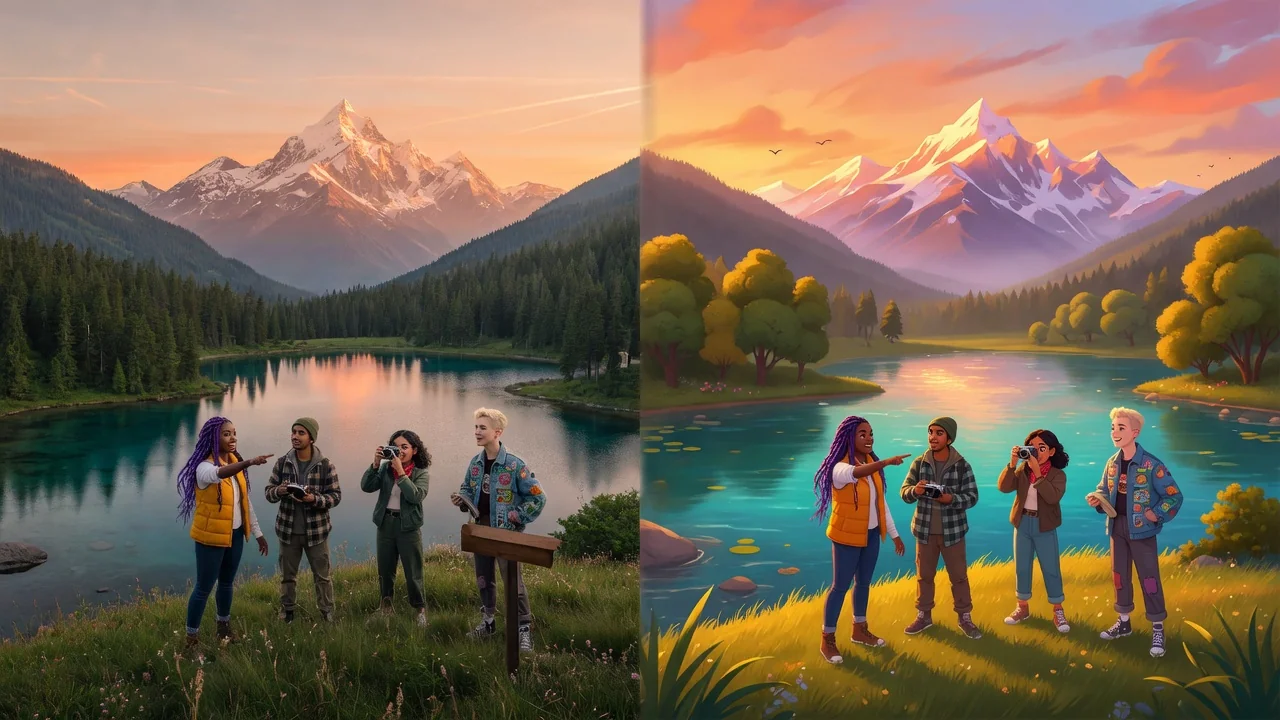
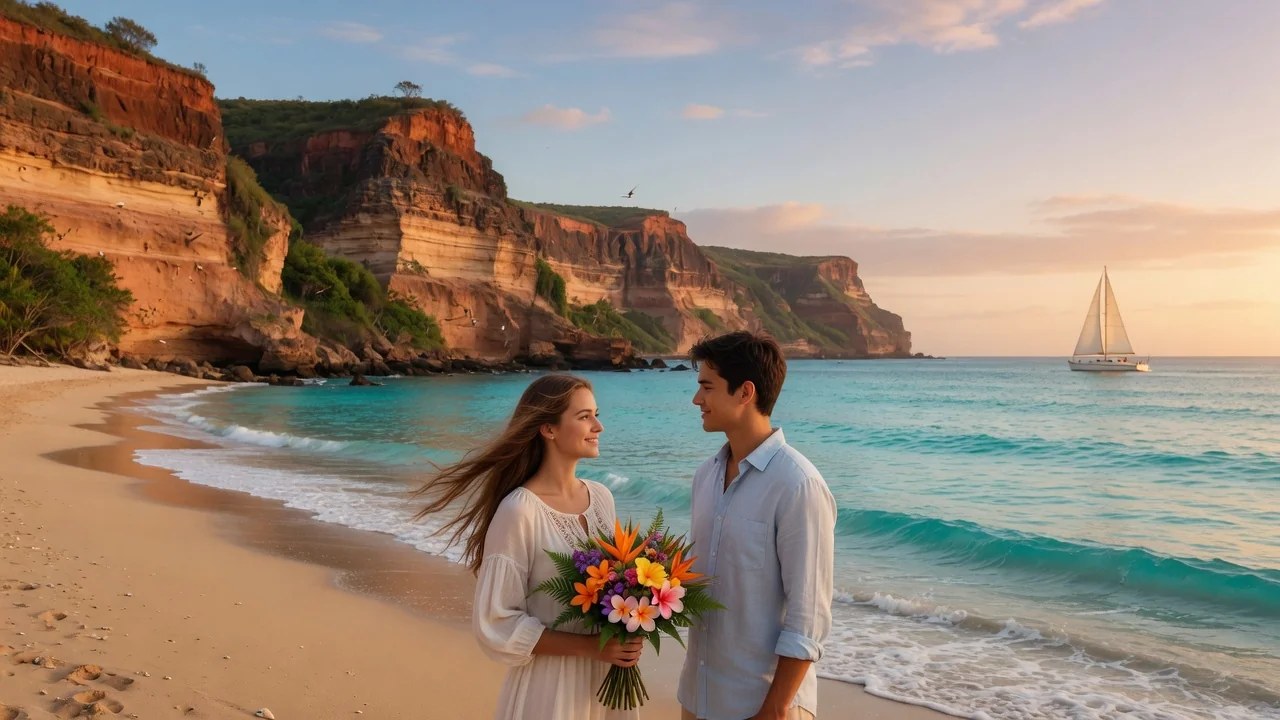
Input
1 image upload
Output
Image
Convert an uploaded image
Default model
Upload photo
PNG, JPG, WebP up to 10MB
Aspect ratio
How it works
Step 1
Upload a clear photo of a face — solo portraits, couples, and kids all work. Eyes and expression drive the fairy-tale look, so avoid heavy shadows across the face.
Step 2
Seedream 4.5 applies bright color, clean linework, and expressive features by default. Add wishes like princess lighting, storybook castle backdrop, or softer pastels to steer the transformation.
Step 3
Render the fairy-tale version, download it in square or portrait ratios, and use it for avatars or story posts. Rerun to explore different expressions and background magic.
Why use it
Each tool uses a known model route instead of asking users to guess IDs.
Default for anime, character, and seasonal stylization where style intensity matters most.
Ready tools connect directly to the AI Pin Maker generation workspace.
Related tools help continue from generation into cleanup, conversion, and publishing assets.
FAQ
This tool targets a bright 2D fairy-tale animation aesthetic — big expressive eyes, clean outlines, and storybook color. The Pixar-style converter instead produces glossy 3D character renders with cinematic lighting and rounded volumes.
Yes. Seedream 4.5 was chosen for character stylization that respects identifying details, so hair color, glasses, freckles, and signature accessories are redrawn in animated form rather than dropped.
It is a popular use — children's portraits translate naturally into the fairy-tale style for birthday cards and family keepsakes. As always, only upload photos you have the right to use.
Renders export at 1:1 for profile pictures, 4:5 and 3:4 for feed and story posts, and 16:9 for banners. All come as standard shareable image files.
Related tools
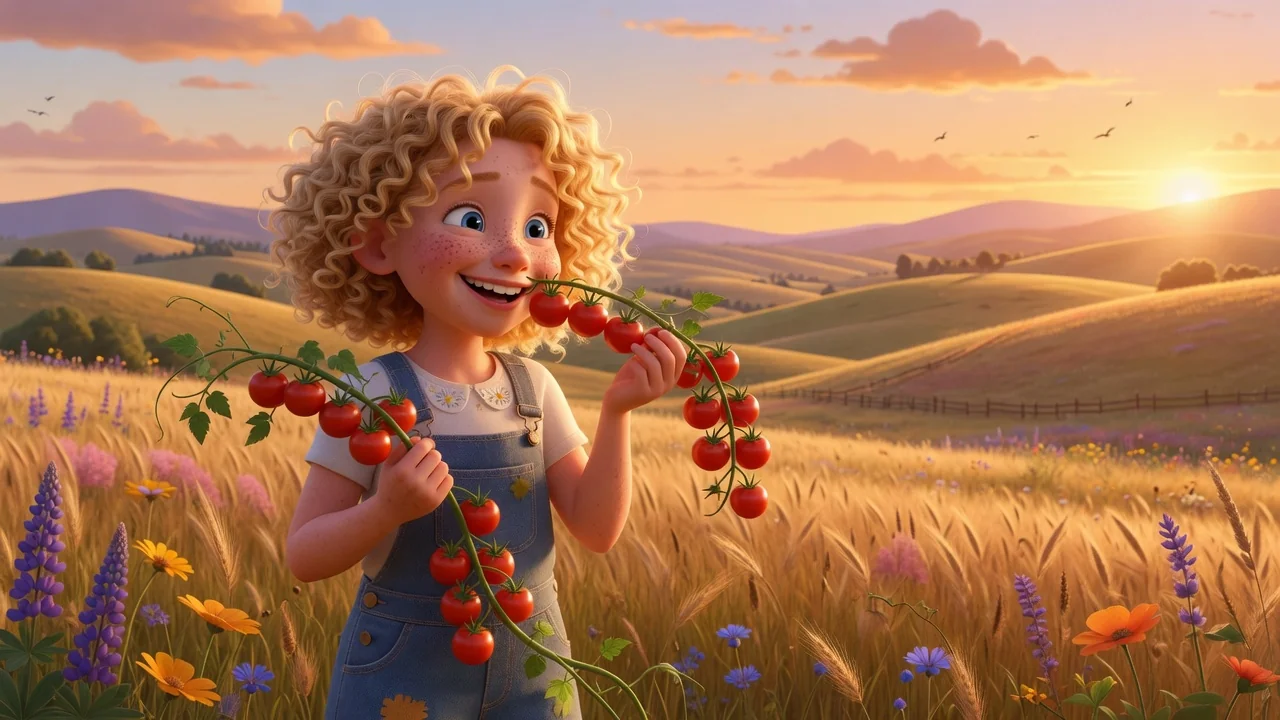
Create a polished Pixar-style 3D animation look from any photo with AI. Expressive character features and soft cinematic lighting for avatars and posters.
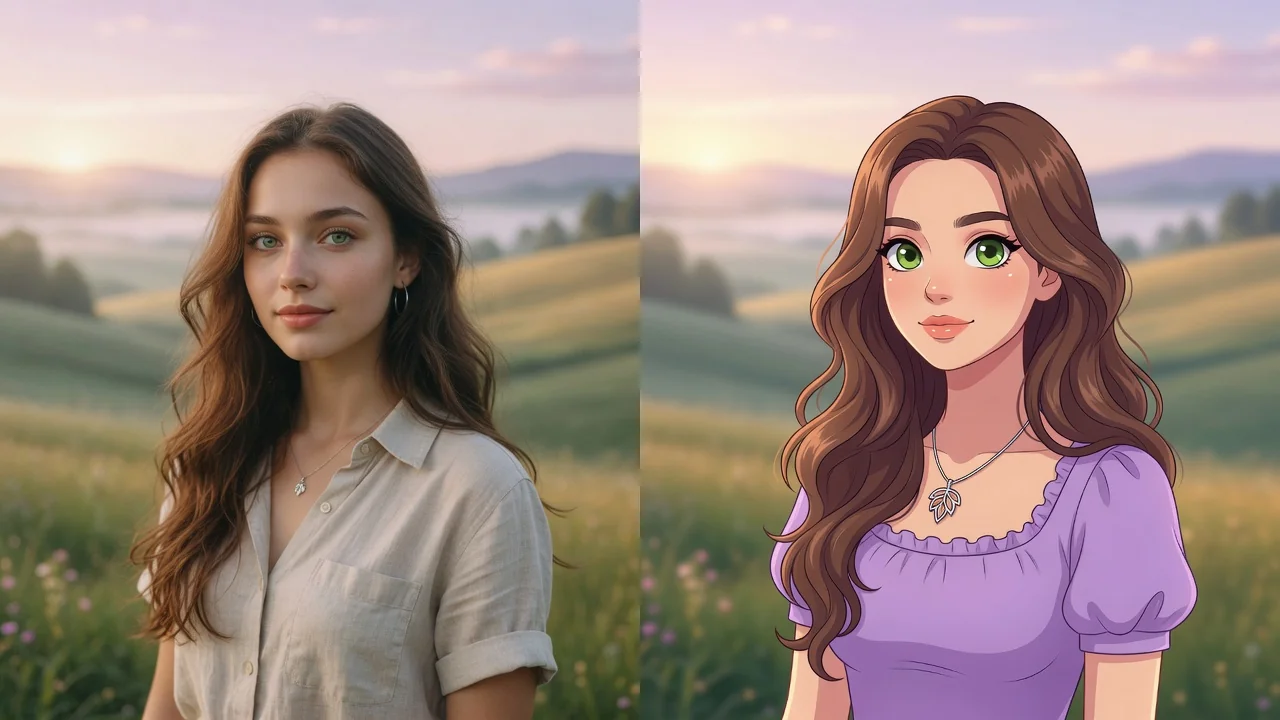
Turn any photo into a polished cartoon with AI. Clean linework and vivid color keep your subject recognizable for avatars, stickers, and fun profile pics.
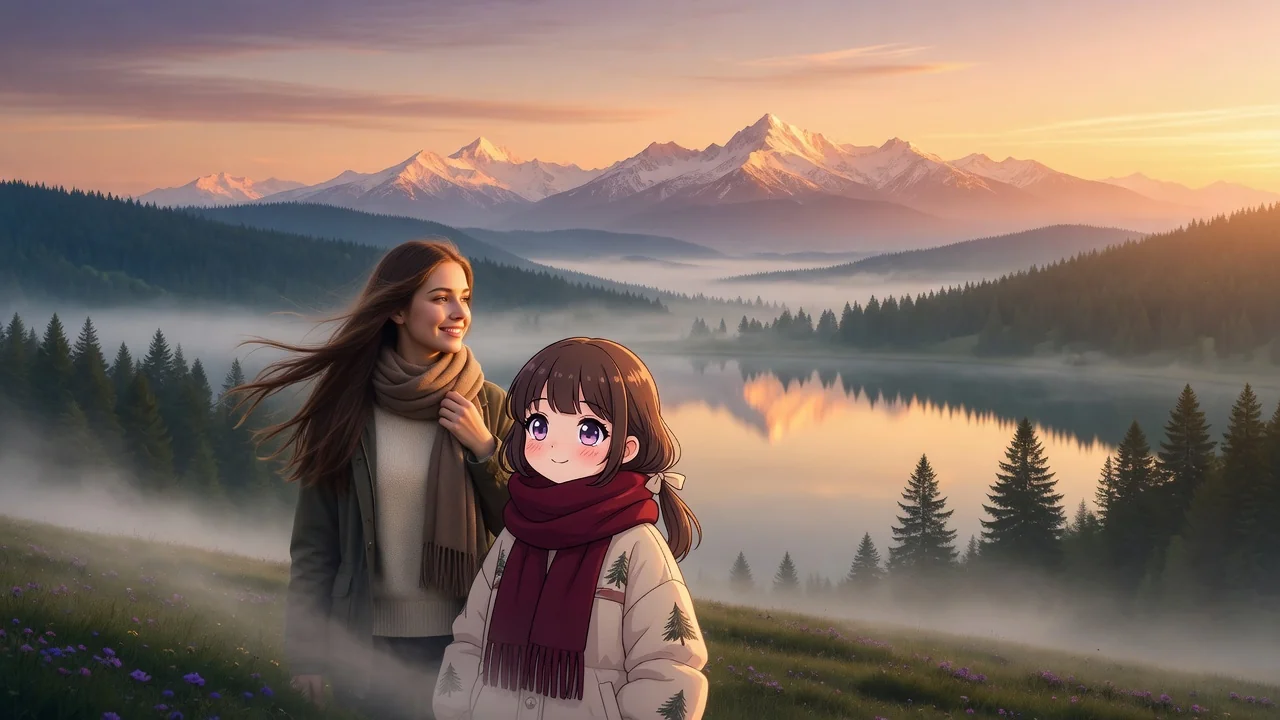
Create cozy Ghibli-style scenes from a prompt. Warm hand-painted backgrounds, soft light, and storybook fantasy art for wallpapers, avatars, and posts.