
Cinematic Date
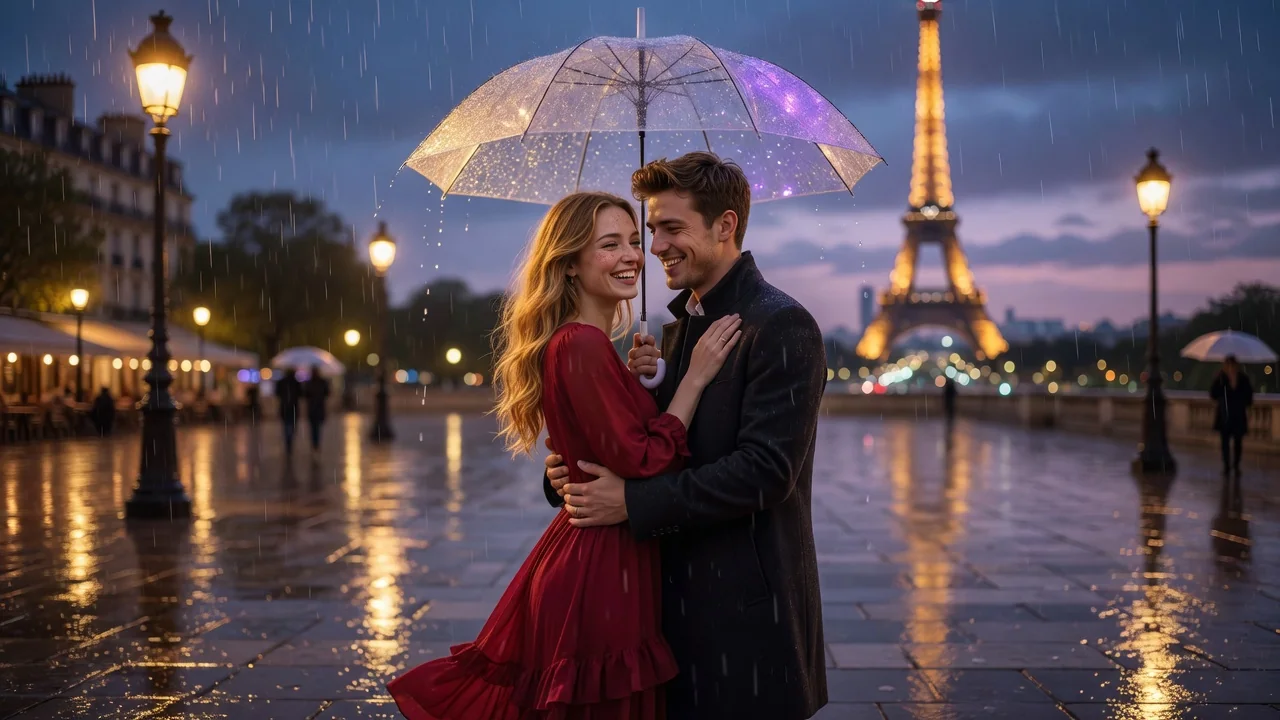
cinematic evening date portrait, warm city lights, realistic skin tones
AI effects
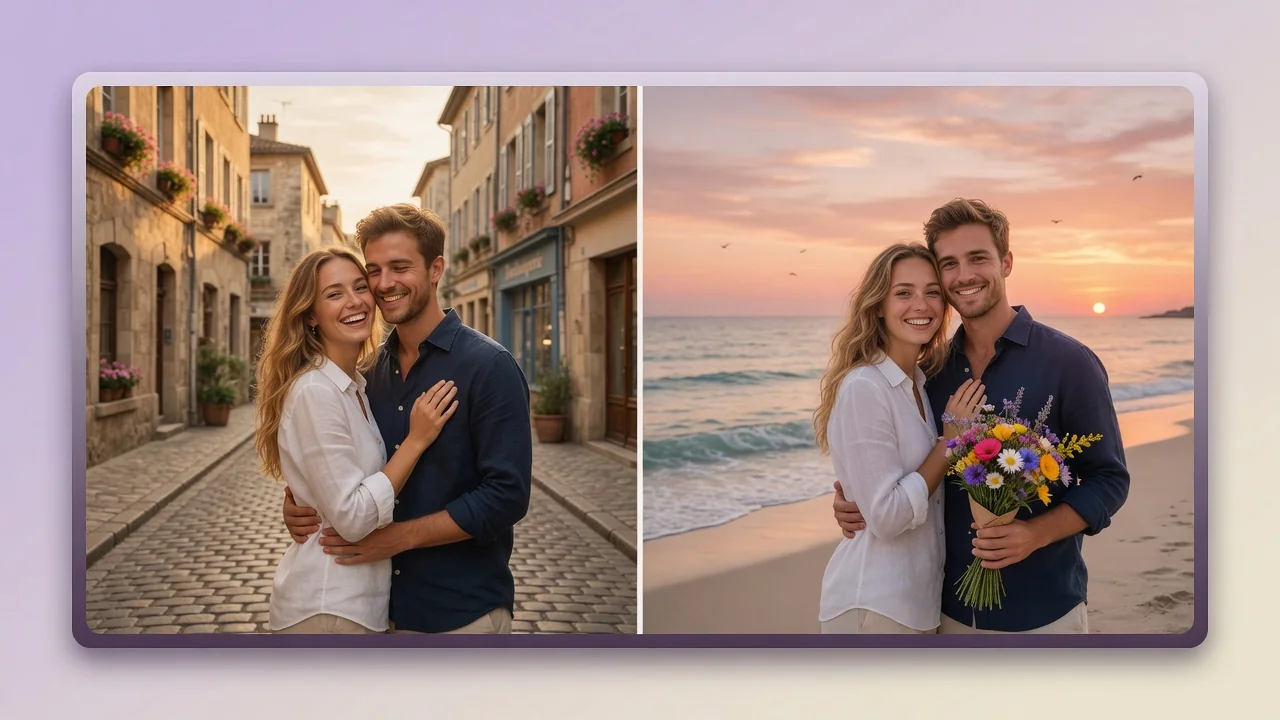
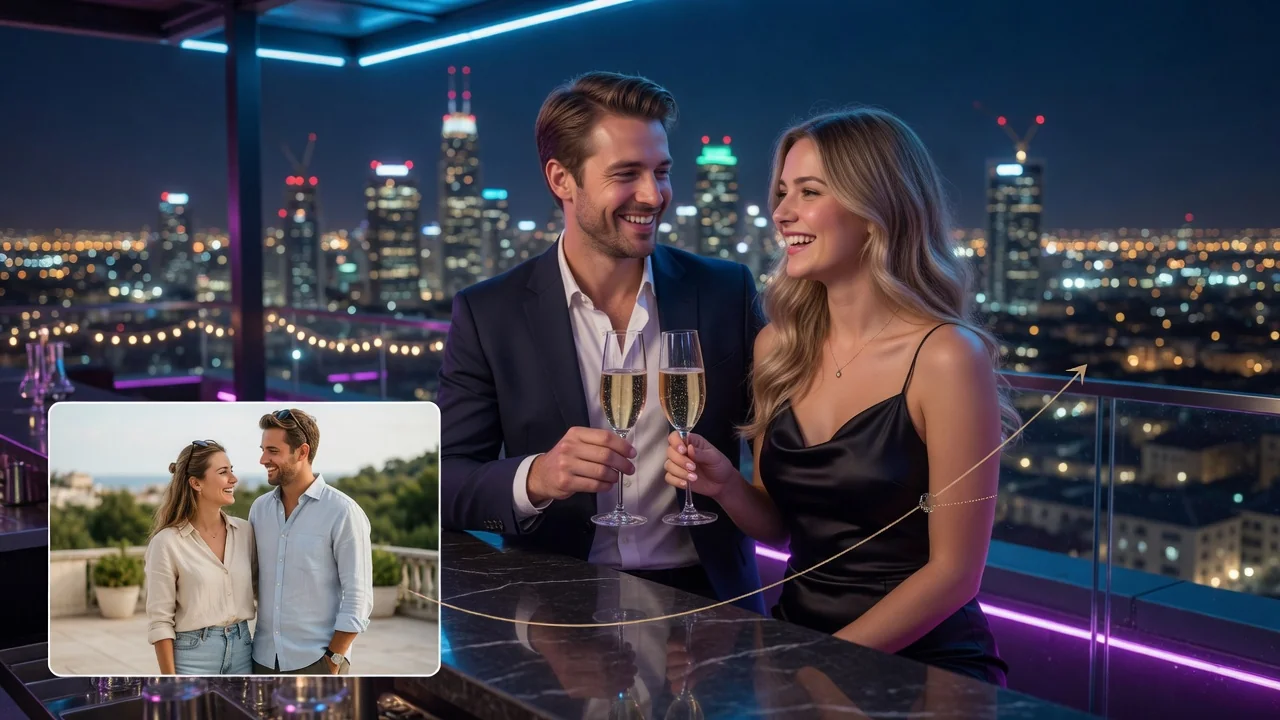
Merge two people into one natural couple photo with AI. Multi-reference matching keeps both faces recognizable for romantic portraits, anniversaries, and posts.
Input
2 image uploads
Output
Image
Generate with prompt
Default model
Aspect ratio
Style presets
cinematic evening date portrait, warm city lights, realistic skin tones
clean studio couple portrait, soft key light, premium editorial styling
How it works
Step 1
Add one clear photo of each person in the two upload slots. They don't need to be taken together — different backgrounds, lighting, and cameras are completely fine.
Step 2
Choose Cinematic Date for warm evening city light or Studio Couple for a clean editorial look, or write your own scene describing the setting and mood you want.
Step 3
The model composes both people into one shot with matched lighting and natural spacing. Check that both faces stay recognizable, then download in 3:4, 4:5, or 1:1.
Why use it
Each tool uses a known model route instead of asking users to guess IDs.
Supports multi-image references, making it safer for face, outfit, couple, and try-on workflows.
Ready tools connect directly to the AI Pin Maker generation workspace.
Related tools help continue from generation into cleanup, conversion, and publishing assets.
FAQ
Yes. Upload one photo per person and GPT Image 2's multi-reference mode composes them into a single portrait, harmonizing lighting, scale, and color so it reads as one real photograph.
Identity preservation is why this model was selected for the tool. Both reference faces anchor the generation, so features, skin tone, and hair stay recognizable rather than averaging into generic faces.
Two built-in scene prompts: Cinematic Date renders a warm evening portrait with city lights, while Studio Couple gives soft key lighting and premium editorial styling. Both are editable starting points.
Anniversary posts, long-distance couple portraits, engagement announcement drafts, or shared profile pictures. The portrait ratios — 3:4, 4:5, and 1:1 — fit Instagram feeds and messaging avatars directly.
Related tools
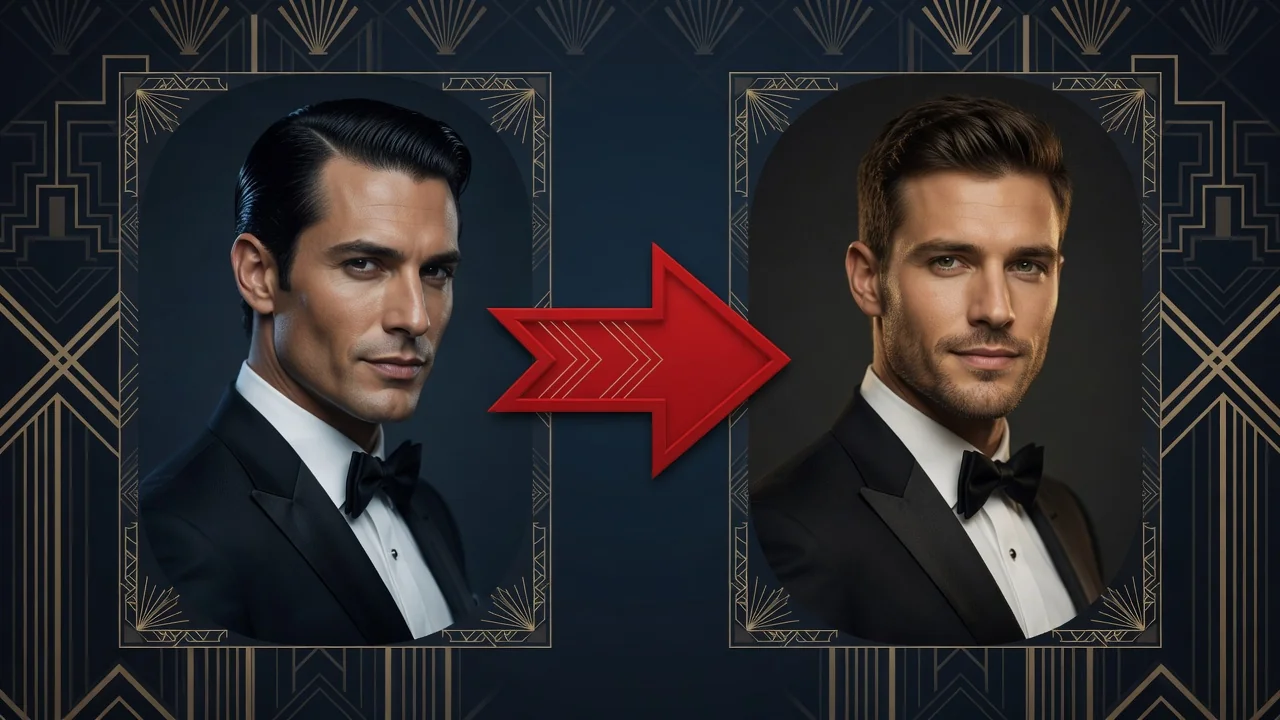
Swap faces between two photos with AI. Skin tone, lighting, and angle match automatically so every identity stays sharp and natural for portraits or memes.
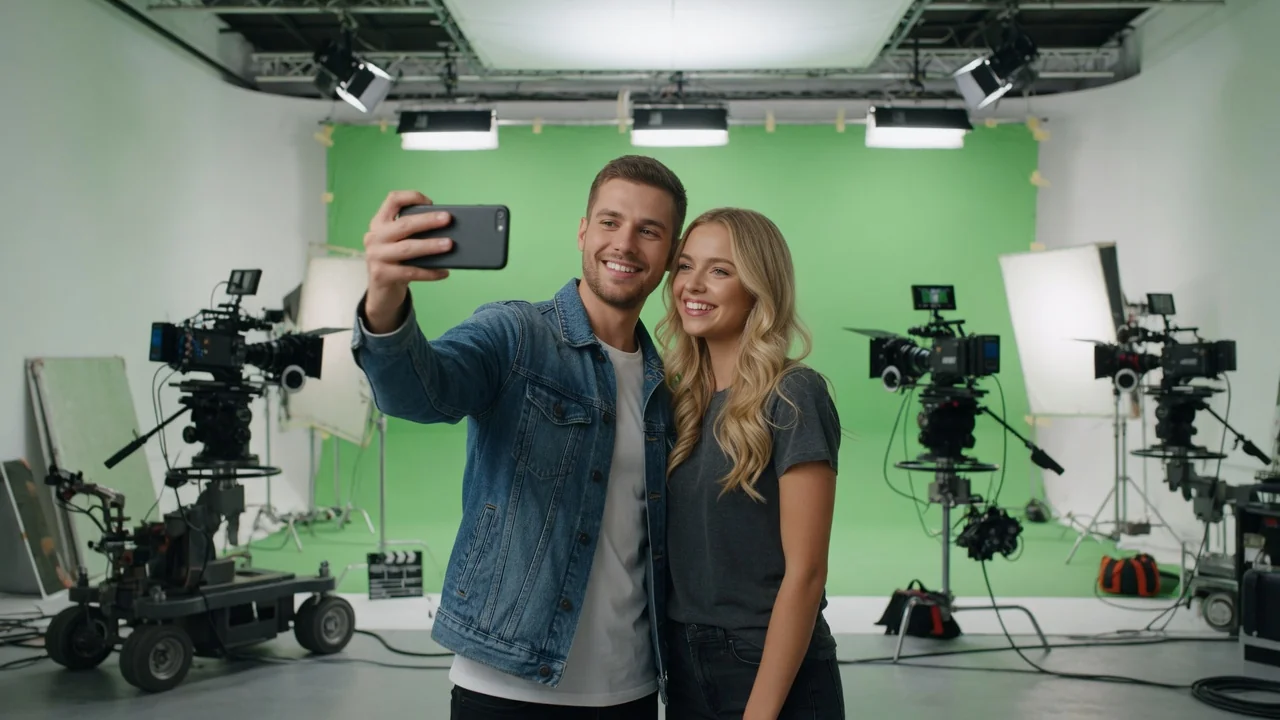
Create a fun AI selfie next to a celebrity-style figure. Natural lighting and pose matching keep you recognizable for shareable, photo-real fan moments.
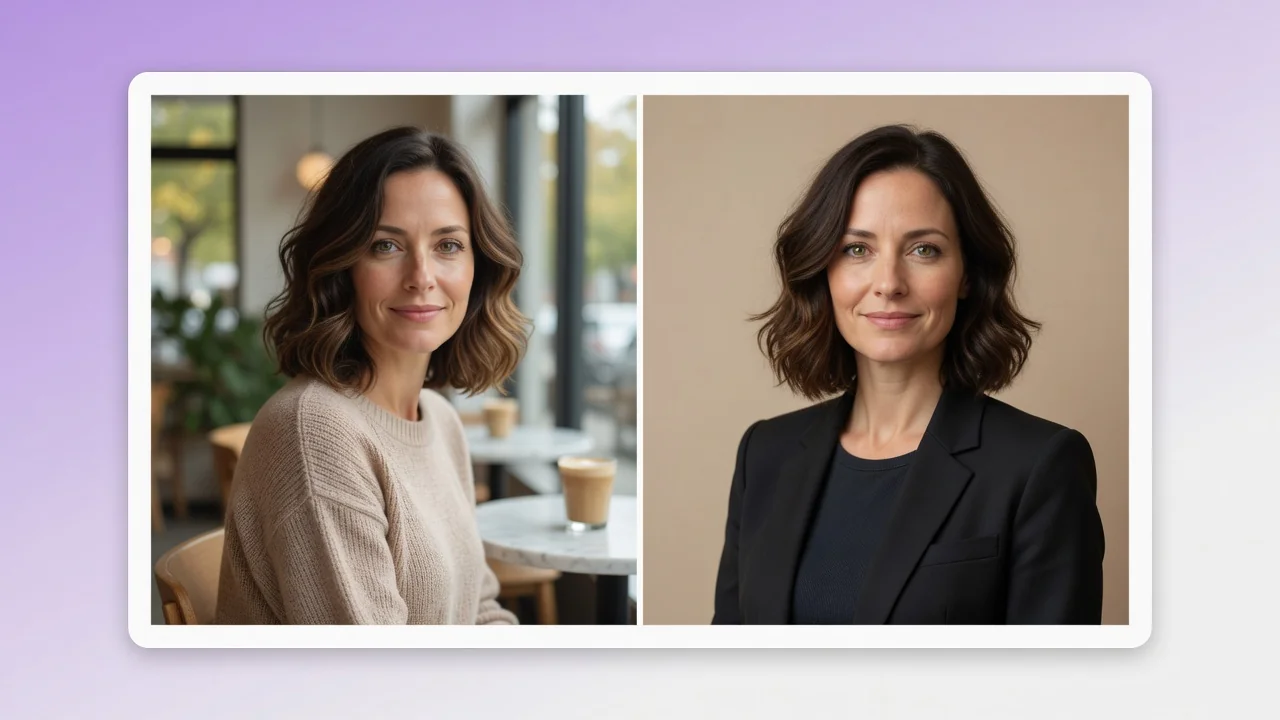
Turn a casual selfie into a professional AI headshot for LinkedIn, resumes, and team pages. Studio lighting and clean backgrounds, no photographer needed.